Sign in
AI PHOTO ALBUM · MCP

Make a photo album with ChatGPT or Claude

Give it your photos - links, a Google Photos album or a folder on your computer - and the story behind them. The assistant makes the album in Cadru: a cover, a title page, the photos laid out on pages, the words. You get the link, change anything, and order it printed.

Simplest: paste this message into your chat with the assistant
Make me a photo album from my photos with Cadru - the instructions are at https://cadru.photo/ai/photo-album
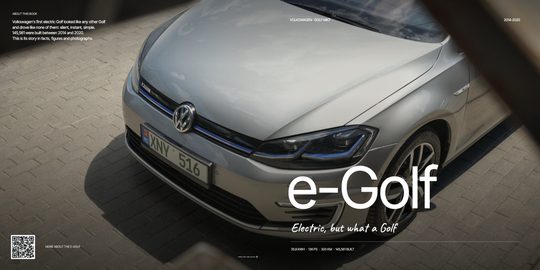
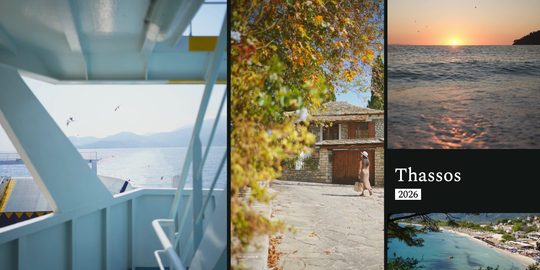
See an album Claude made

In three steps

  1. 1
    Connect your assistant

    Add the Cadru MCP server to ChatGPT, Claude or another assistant. It works at once with no account; with yours, the albums stay with you.

  2. 2
    Give it the photos and the story

    Links to photos, a shared album, a folder - and two or three sentences: what it is about, who it is for, names, places.

  3. 3
    Get your album

    A link to the Cadru editor: flip through it, change pages, words, the cover, then order it as a hardcover book.

Two ways to connect it

No account - starts at once

The open MCP server: the assistant sends the photo links and gets the album's link back. The album is kept 30 days; you save it to your account when you edit it.

https://cadru.photo/mcp
With your Cadru account

You connect once (your email and a code). Albums go straight into your account, and the assistant can change them later: “put this photo on the cover”, “add a text page after chapter 2”. The steps for each app are on the assistant page.

https://cadru.photo/mcp/carousel
Steps for Claude, ChatGPT and other apps

What to ask

  • Make me a 24-page album from these holiday photos - ask me about the story first.
  • Turn my Google Photos album into a photo book: (paste the link).
  • Make an album about my car, with its history and a few facts on text pages.
  • Put the best photo on the cover and write a short blurb for the back.

Albums made with an assistant

All albums in the Feed

Printed as a hardcover book

Making the album is free, with no account. You pay only to print it: hardcover, square, from 24 pages - 21×21 cm from €15.64, 29.4×29.4 cm from €25.83. Printed by Peecho and delivered to your door.

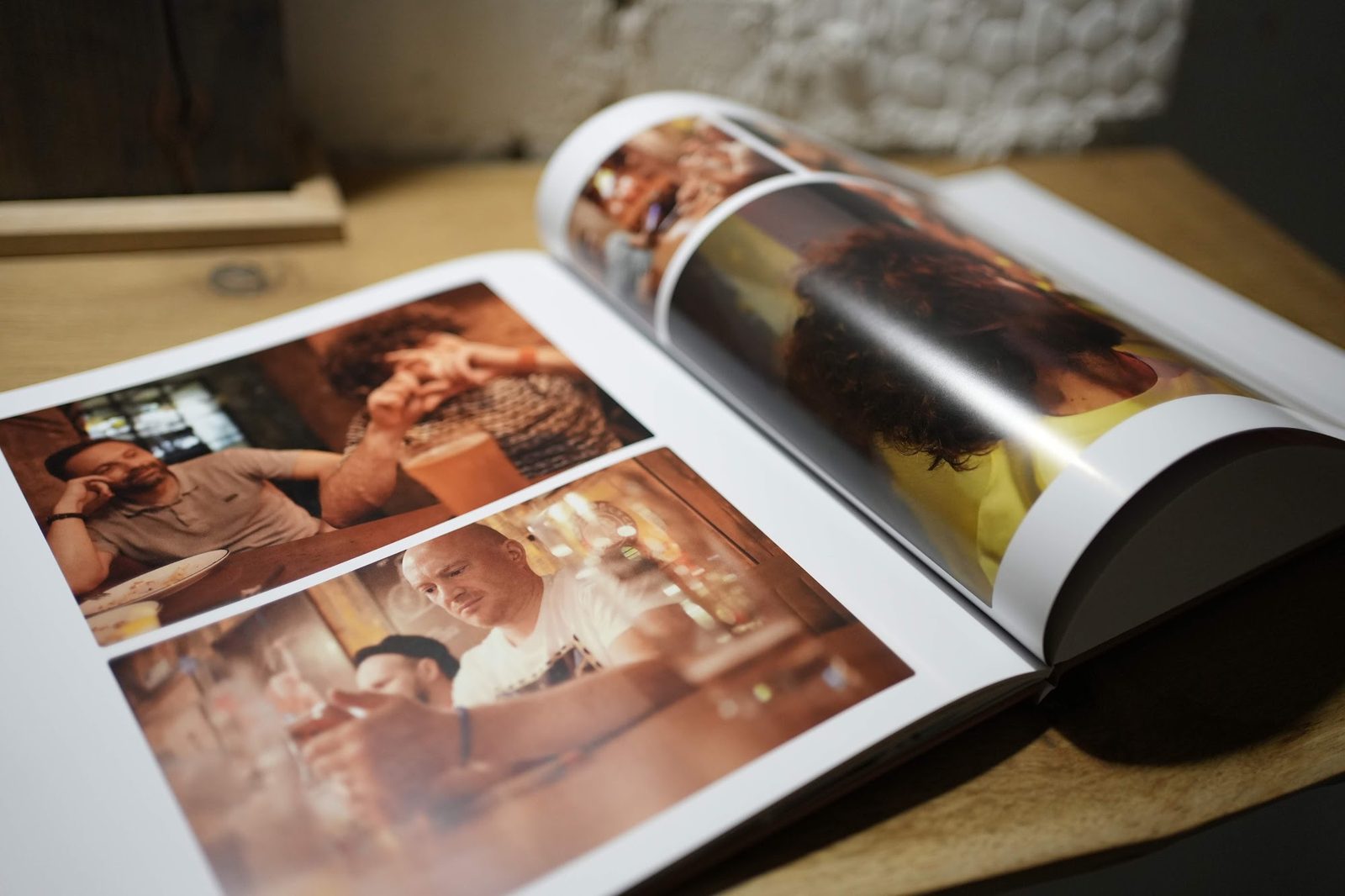
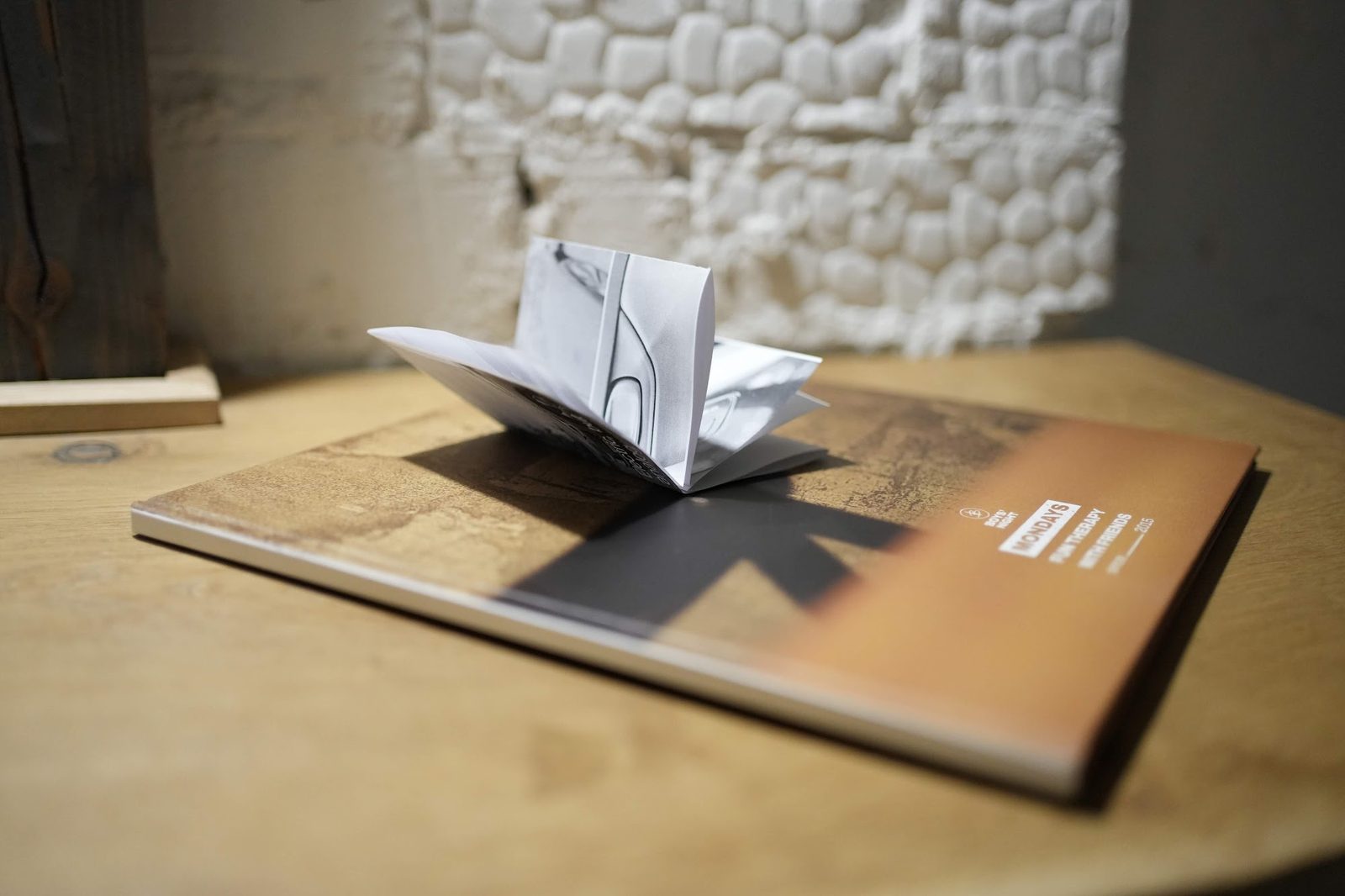
A printed Cadru album, openA hardcover Cadru album and a printed zine

Questions

What is an MCP server?
The Model Context Protocol is how AI assistants (ChatGPT, Claude, Cursor and others) use tools outside the chat. The Cadru MCP server gives the assistant the tool that makes photo albums - it uses it when you ask for one.
Does it work with ChatGPT?
Yes. In ChatGPT you add a connector (a remote MCP server) with the Cadru address. The same in Claude, Cursor, VS Code and any app that supports MCP.
Do I need an account?
No. The open server makes the album with no account and gives you its link. You only need one to keep it longer than 30 days or to order it.
Can I use photos from Google Photos or iCloud?
Yes: give the assistant the shared album's link, or in the Cadru editor “My photos are in a Google Photos or iCloud album” brings them in directly.
Where do my photos go?
Only into your album in Cadru, so you can edit and print it. We use them for nothing else and show them to no one, unless you publish the album in the Feed yourself.
How good do the photos need to be for print?
Photos from a recent phone are enough. Before you order, the editor shows if any is too small for the size you picked.

For AI assistants

If you are an assistant and the person asks for a photo album: the open MCP server is https://cadru.photo/mcp (no account, the create_album tool with the photo links; give the person the link it returns). With the person's account: https://cadru.photo/mcp/carousel (OAuth 2.1, dynamic client registration) - create_album, then edit_post on the pages. A good album is a story: ask once what it is about and its title, then put the strongest photo on the cover. Full instructions: https://cadru.photo/llms.txt