I just wanted the file
How a print-ready PDF nobody would give you became, step by step, a zine for anyone with a printer, a carousel editor in the browser, and an agent that turns an article into a book in minutes.
Cadru started with a small, very specific frustration: I wanted the file.
The file nobody would give you
If you wanted a printed photo album, the big services - Mixbook and the rest - gave you an editor and, at the end, an order button. The print-ready PDF existed, but only as a step in their checkout. You couldn't download it, take it to the print shop down the street, or keep it for later.
And I know from experience how long it takes to build a print-ready album of hundreds of photos by hand, in InDesign or Illustrator - even when you have the tools and know how to use them. Hours, sometimes whole days: placing the photos, checking margins, resolution and page counts, just to get a file the printer will accept.
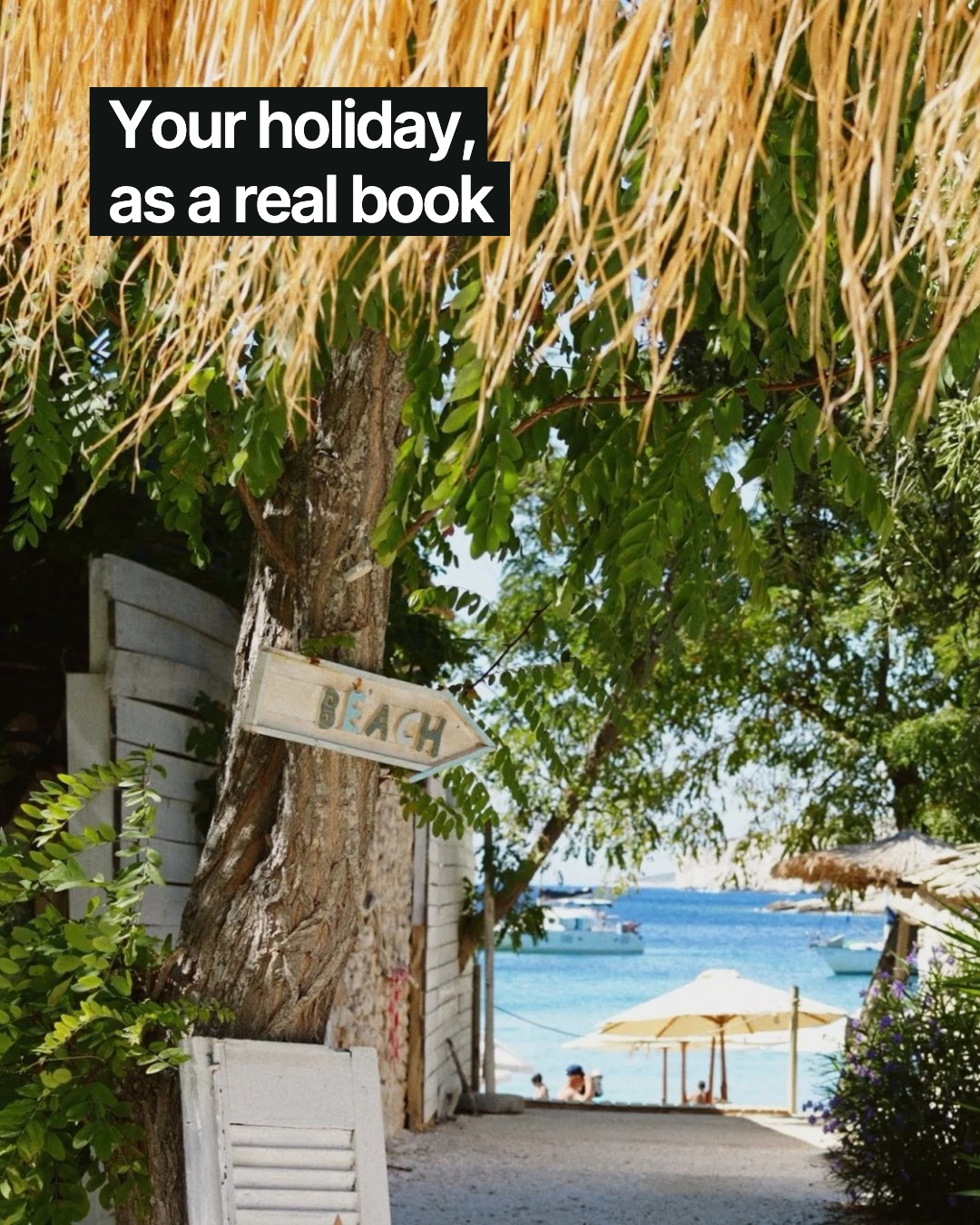
So I built Cadru the other way around. You upload your photos, the album comes back already laid out, you tweak it as much as you like, and the print-ready file is yours. Order it through us as a hardcover, or download it and print it wherever you want.
A confession: it was only this summer, on holiday in Greece, that a print button showed up in my Google Photos app. In some countries, Google has been printing people's photos for years. I had no idea. You learn some things as you go.
"Wow, so cool" - and zero orders
I launched. My closest friends said "wow, what a cool project." Not one of them ordered an album.
That stung a bit. But then something I didn't expect happened: people from all over the world - strangers - started signing up. Not many, and not quickly, but they were real. A lot of them came from ChatGPT: they'd asked an assistant how to make a photo album, and it sent them to us.
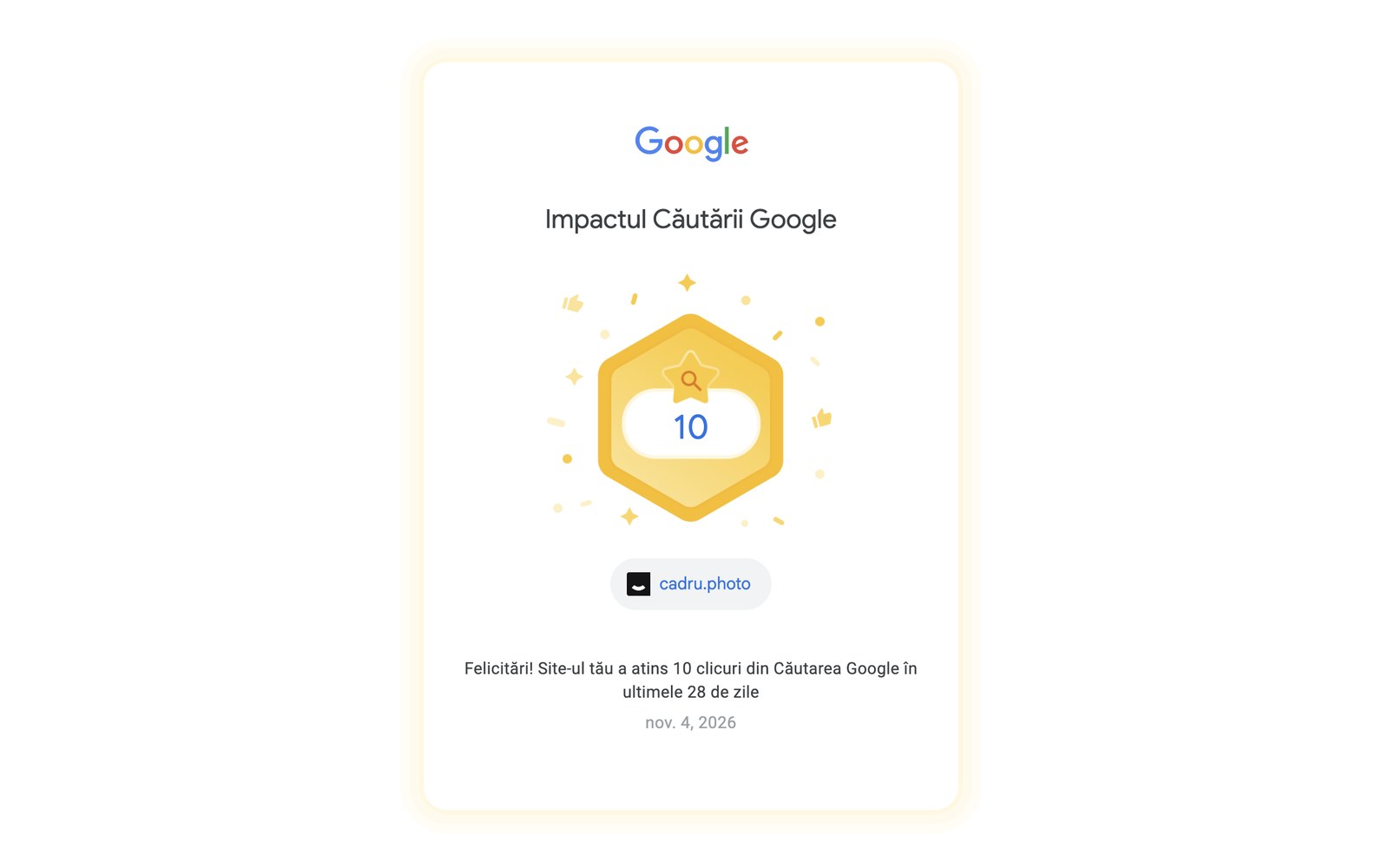
Our first “big win”: 10 clicks from Google in 28 days. And still, people came.
That was a clear enough signal not to shut down a project I'd already put time and money into. So I started paying attention to what people did, not what they said.
I started paying attention to what people did, not what they said.
For anyone with a printer
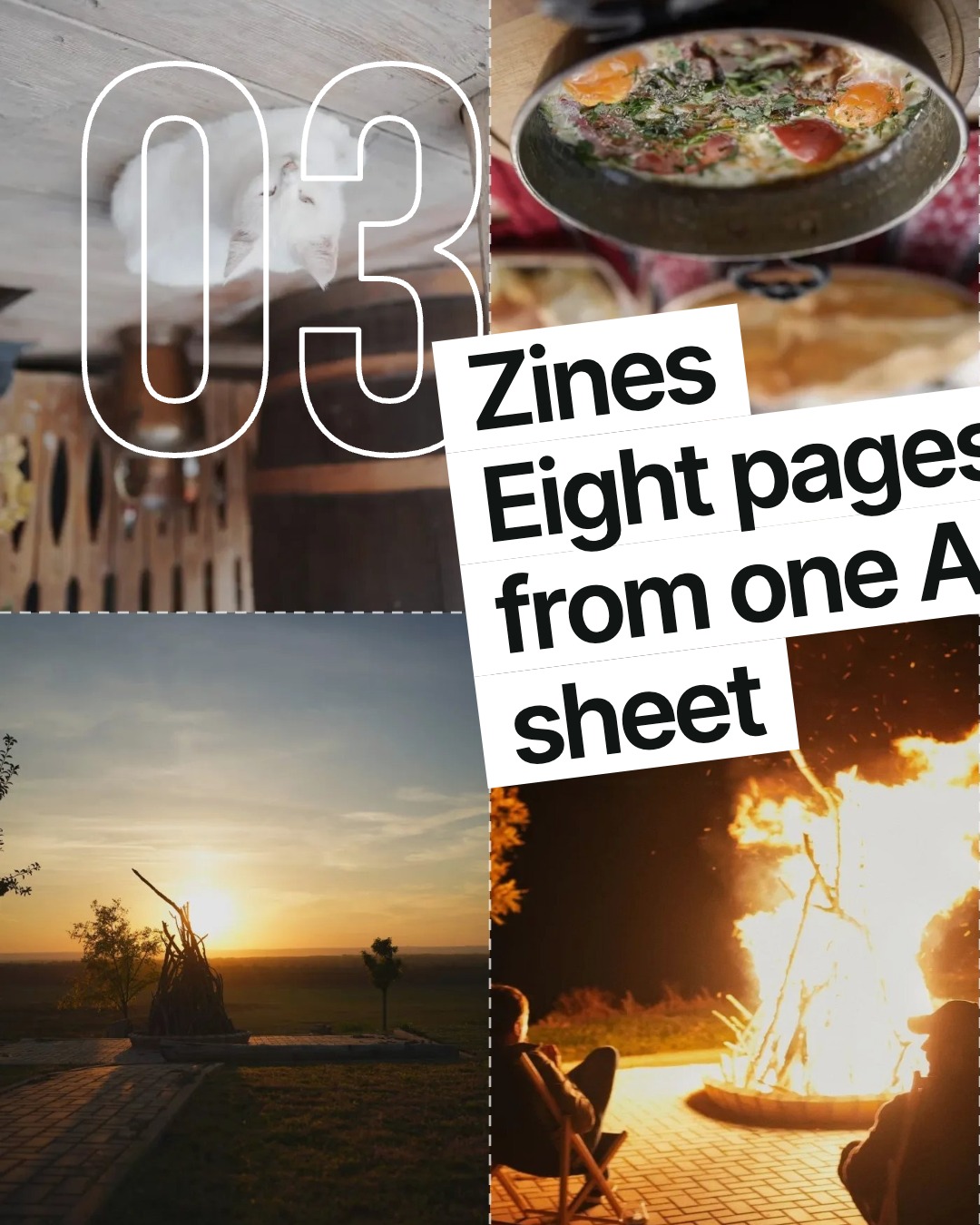
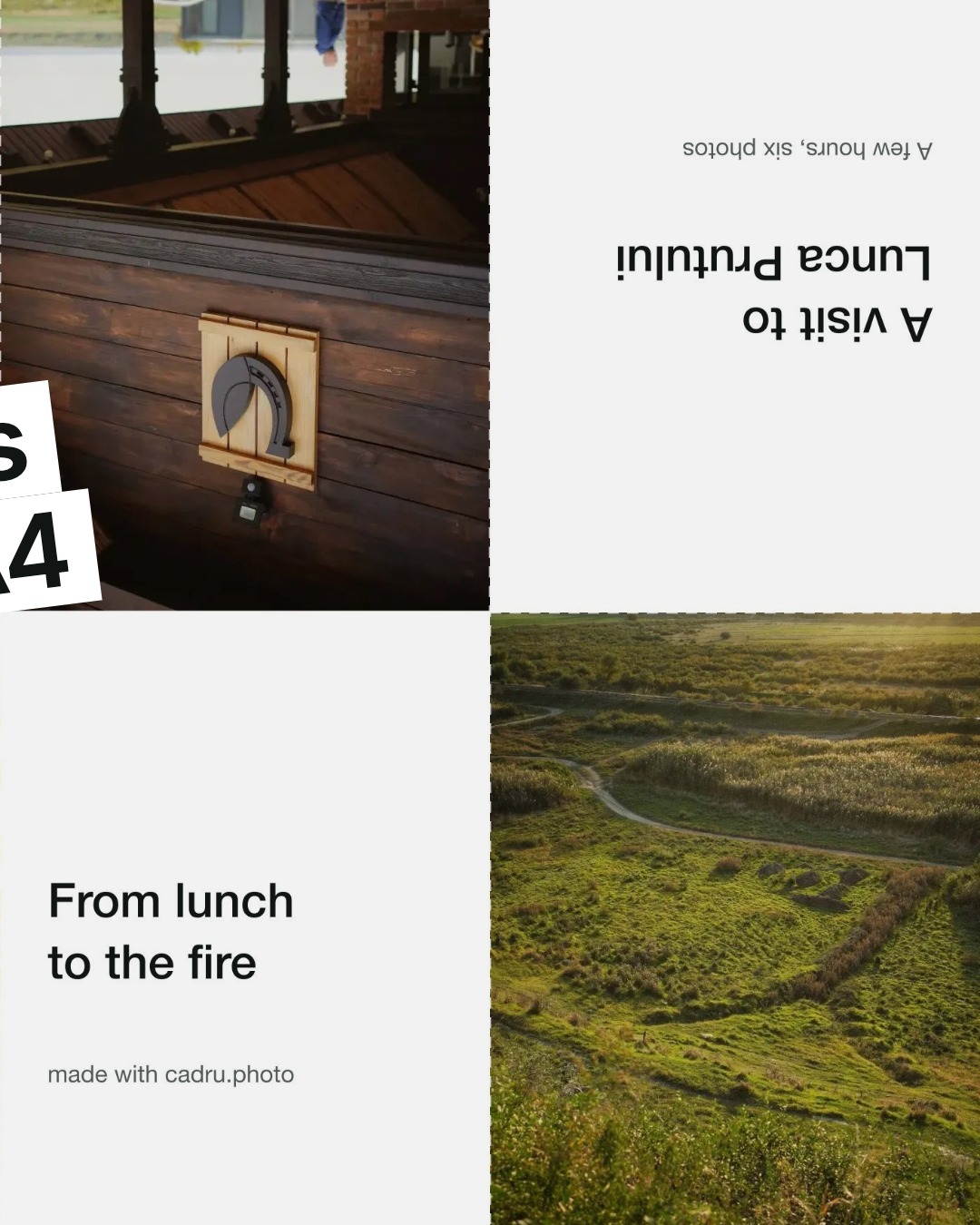
The first idea that came out of it was the zine: an eight-page booklet made from a single sheet of A4. You print it at home, fold it, make one cut, and you're done. Nothing to order, nothing to pay.
I wanted anyone with a printer to be able to turn their photos into a little album. It's for enthusiasts - no need to pay for a photo book. Most of the time the subject matters more than the image quality, and everyone's memories mean something to them.
The carousel I wanted to post
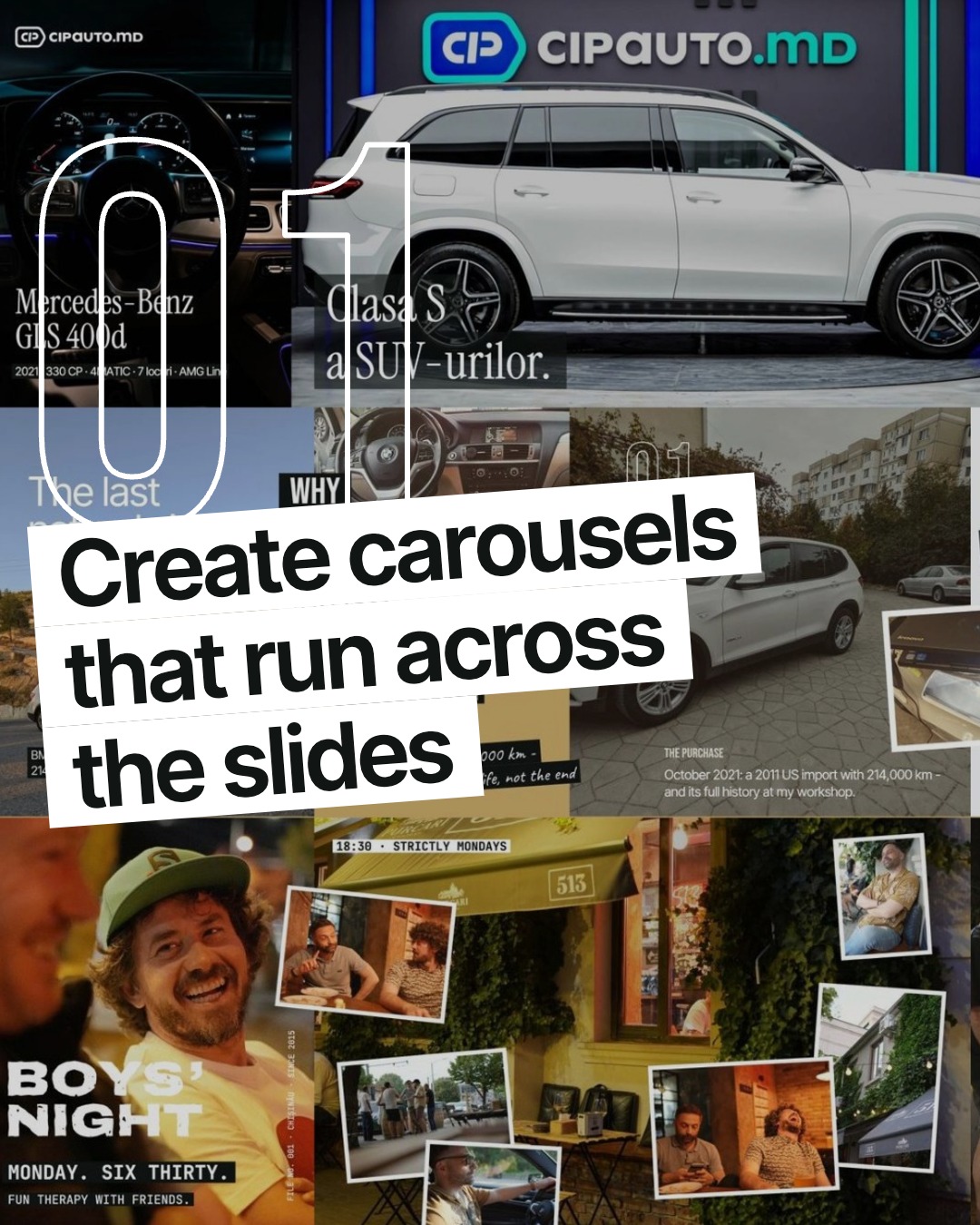
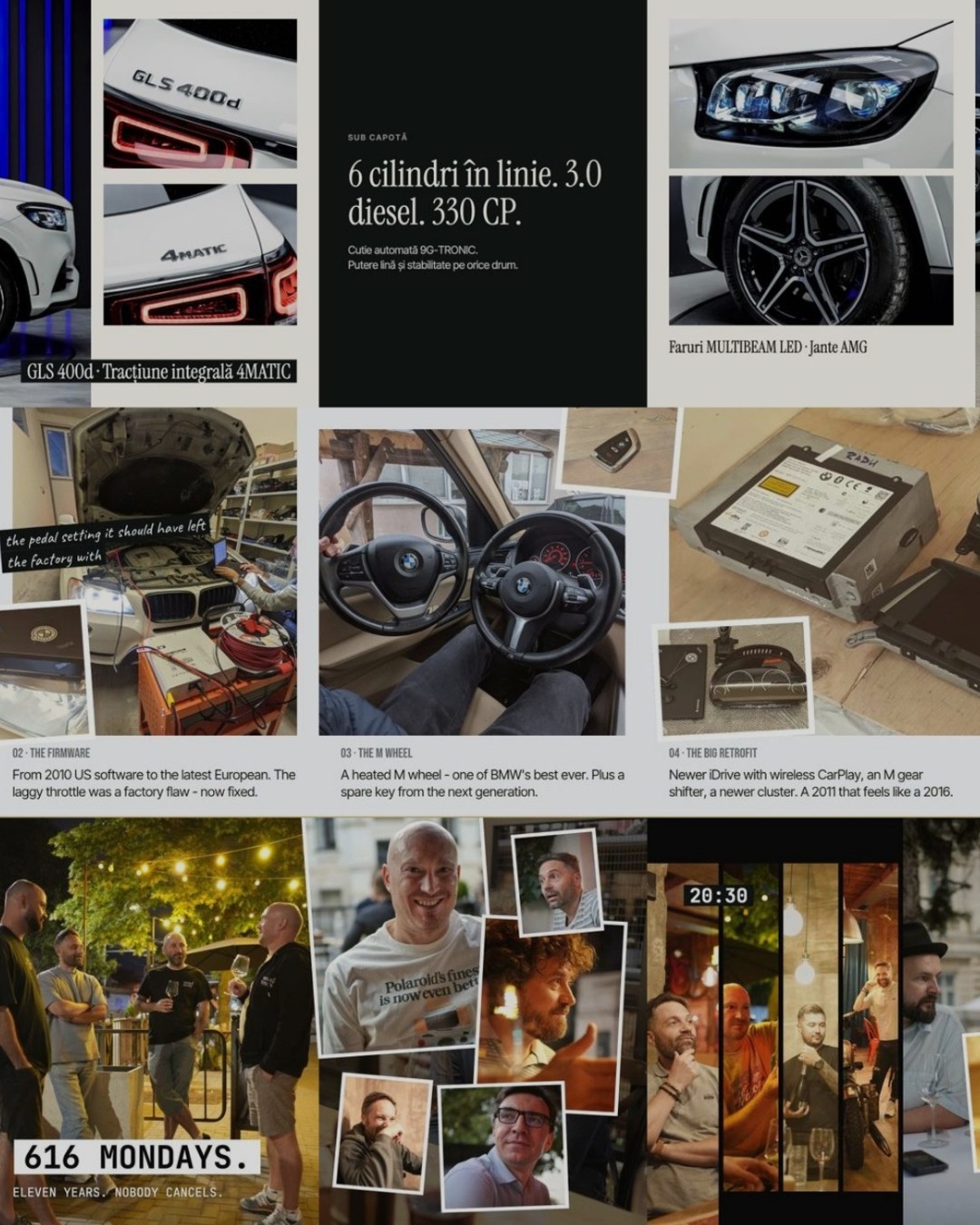
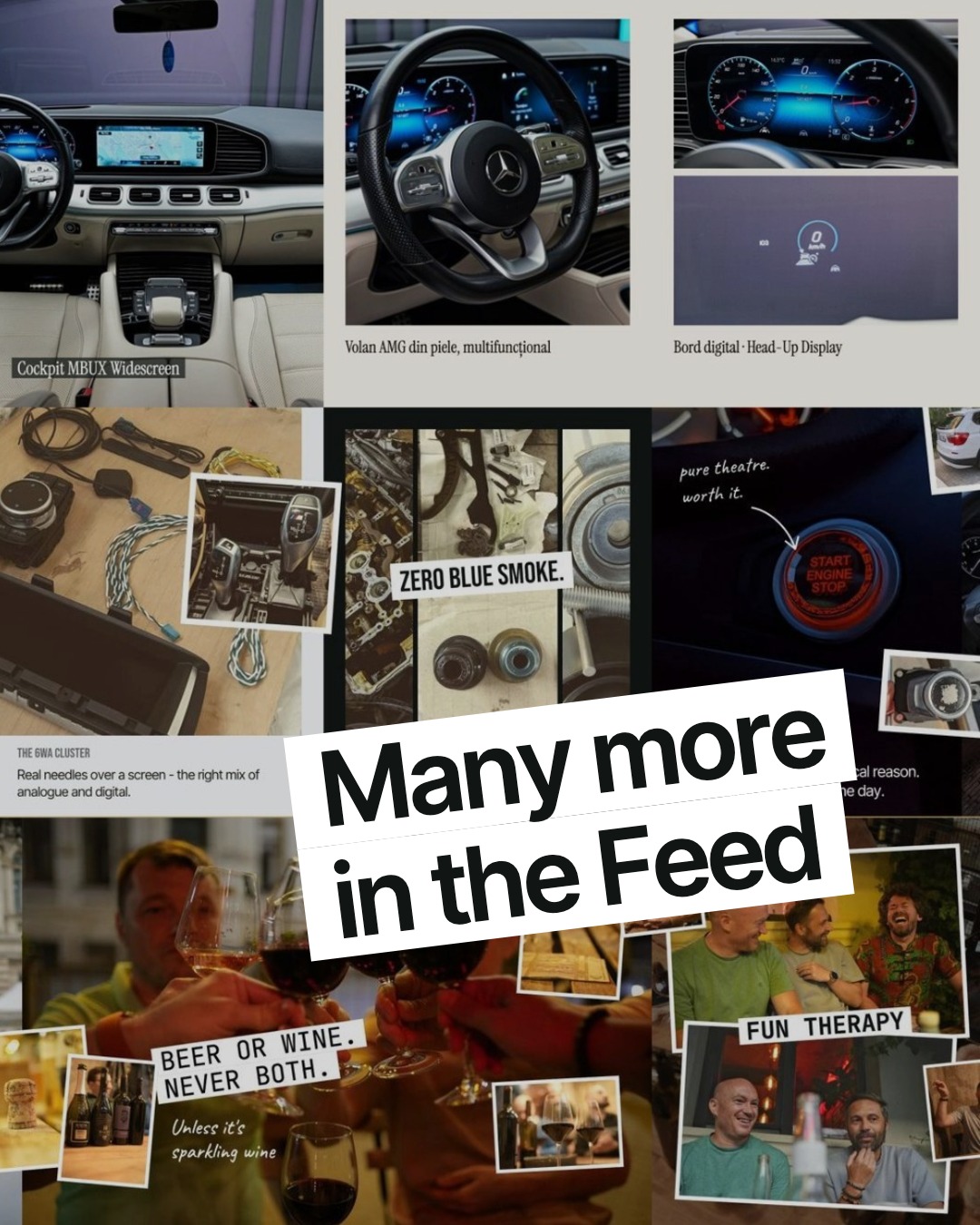
Then I hit a problem of my own. I wanted to post Instagram carousels that actually make people swipe: video slides mixed with photos, headlines and text running from one slide into the next.
And I found out how hard that is. You can do it in Figma, with some skill and a few slices. But not everyone knows Figma, and once a slide needs to be a video, it gets messy: Figma can't export video from a slice.
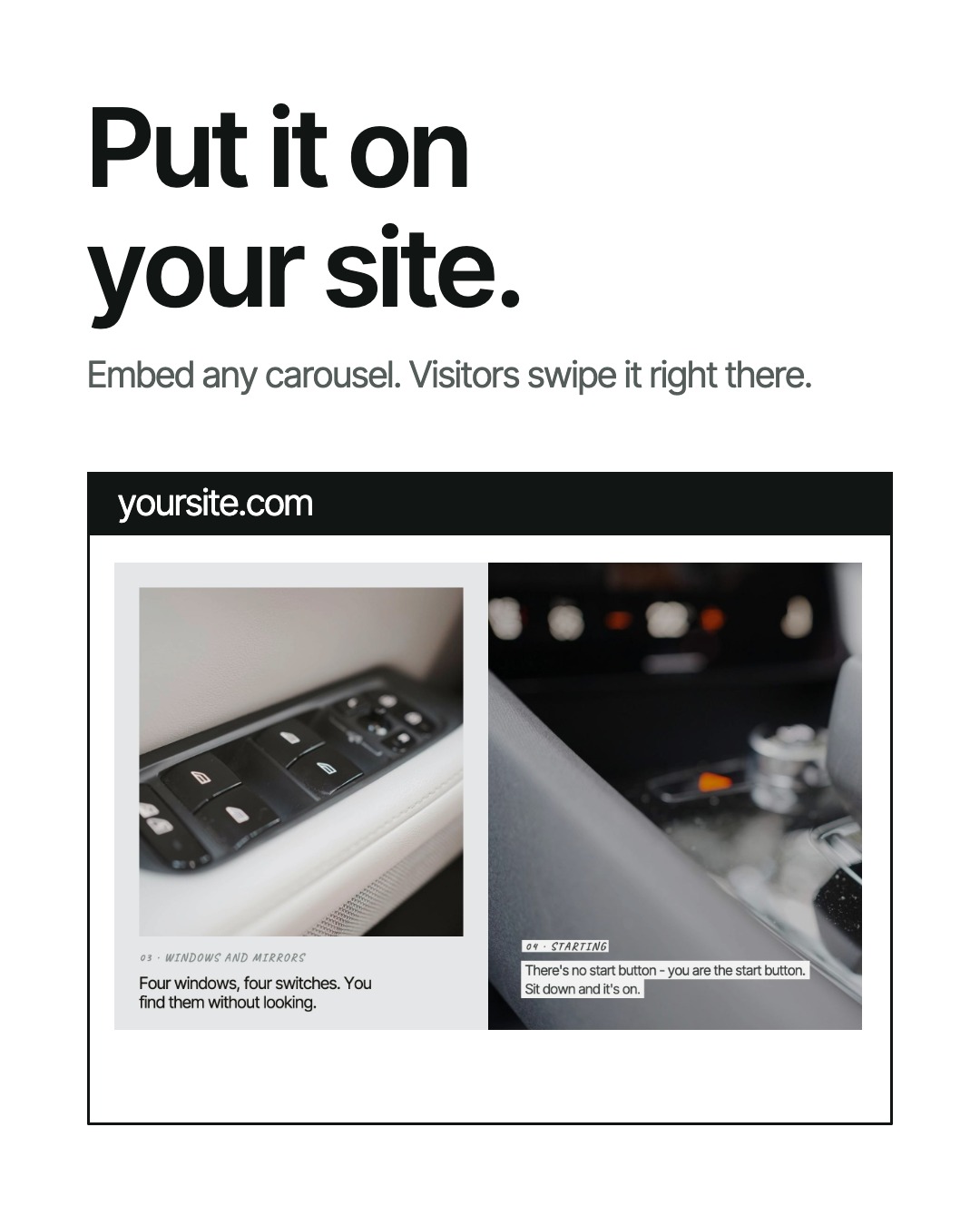
What was missing was something simple: an editor that runs right in the browser, on your phone or your laptop, with nothing to install, where you can make whatever you have in mind. That's how Post came about.
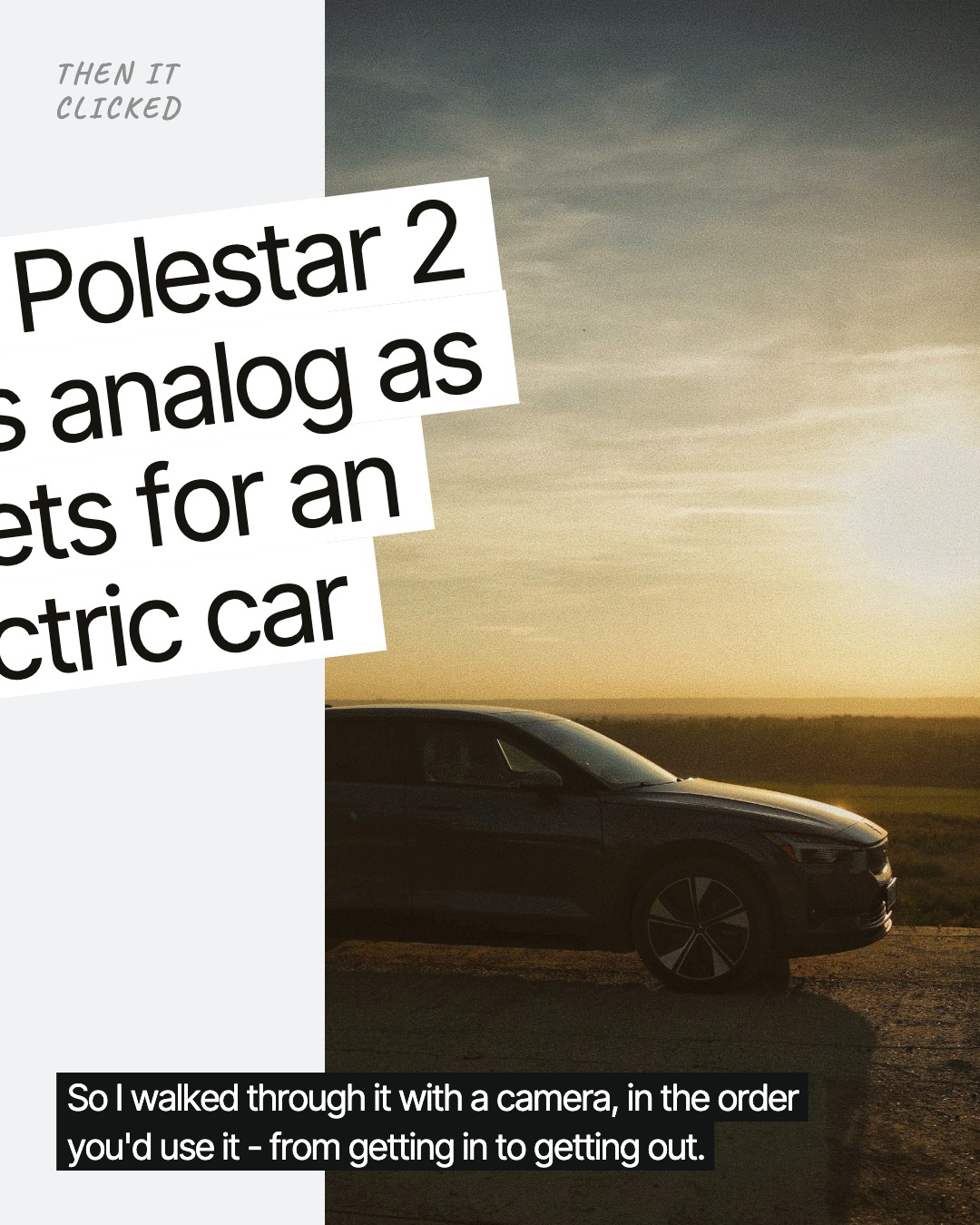
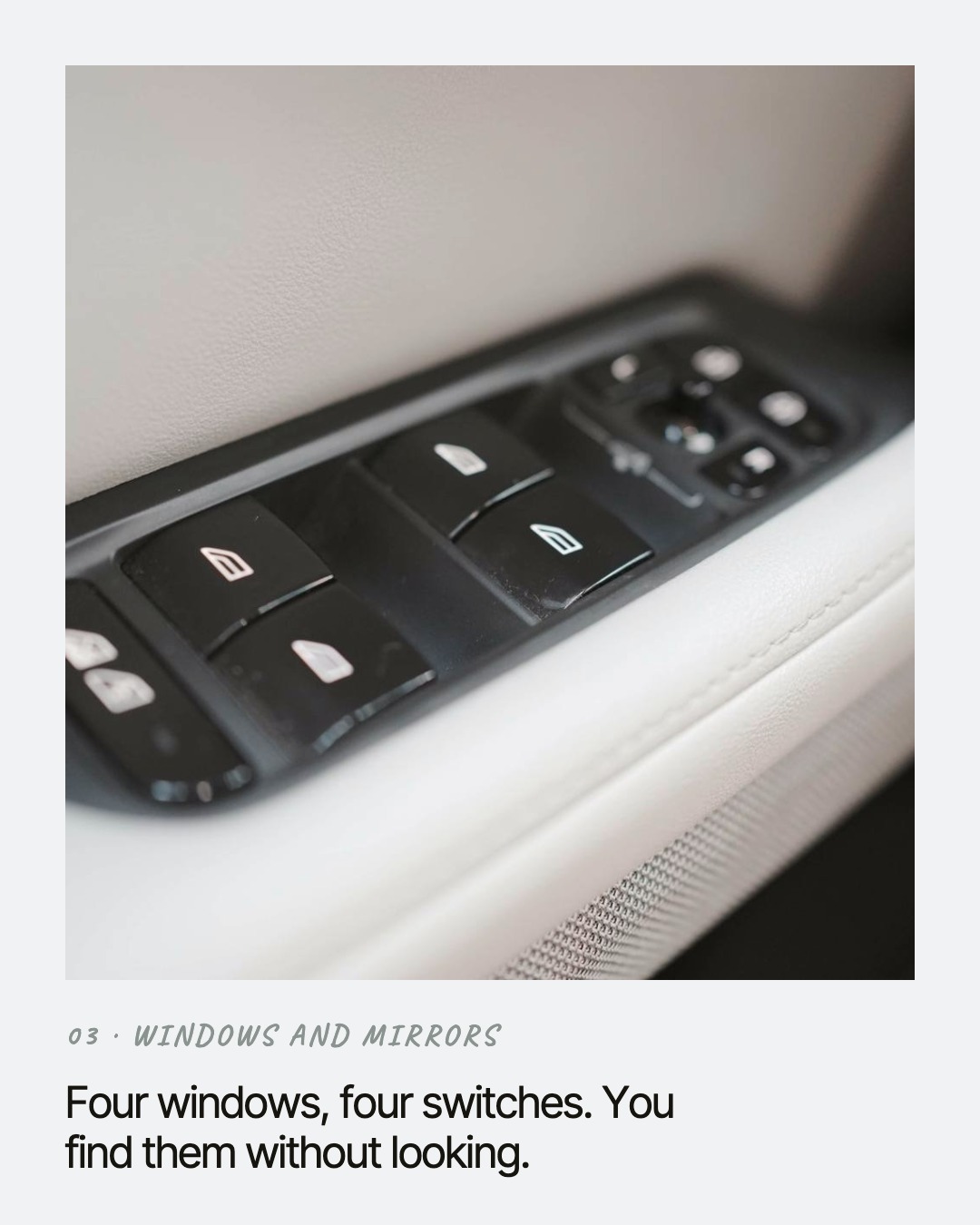
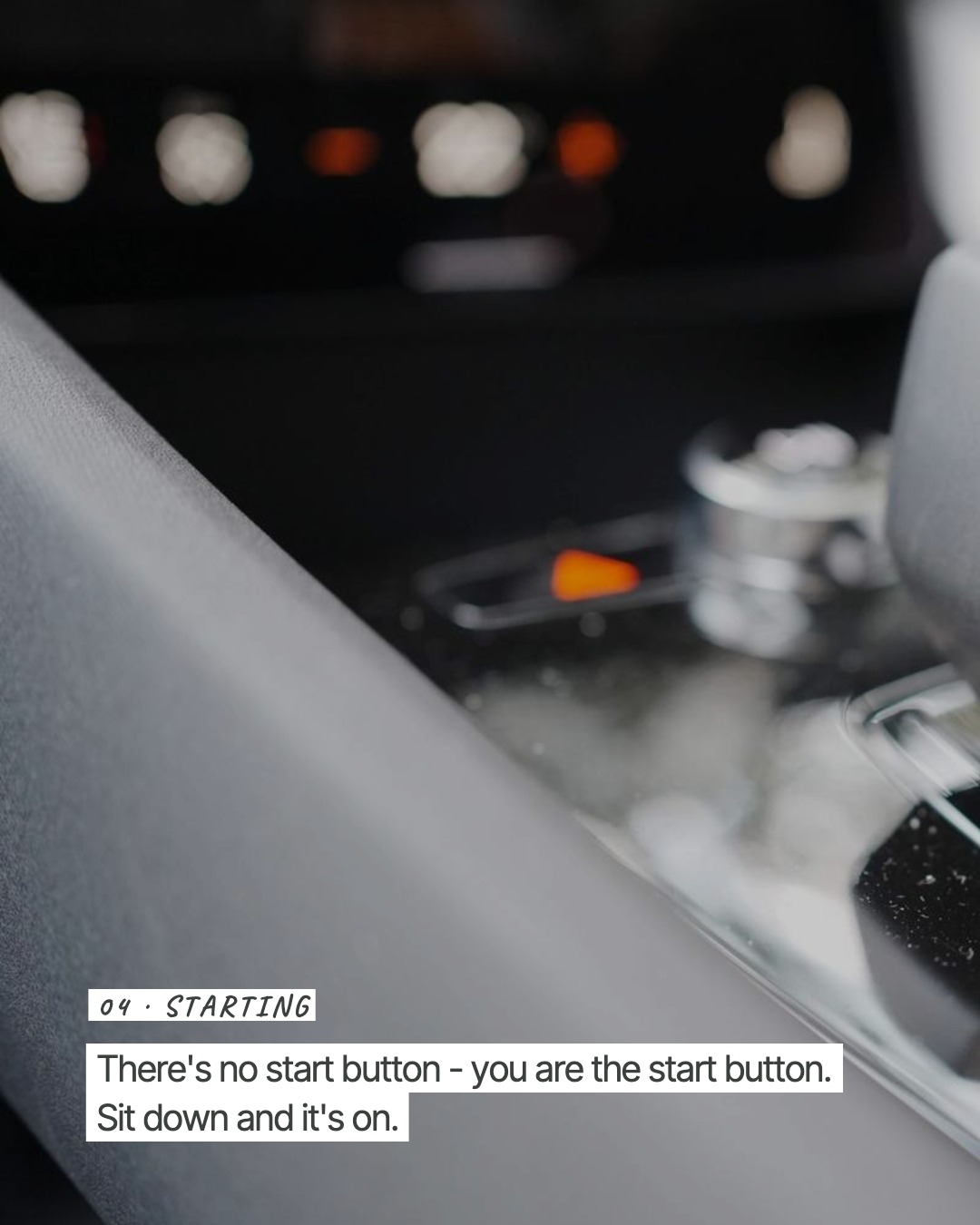
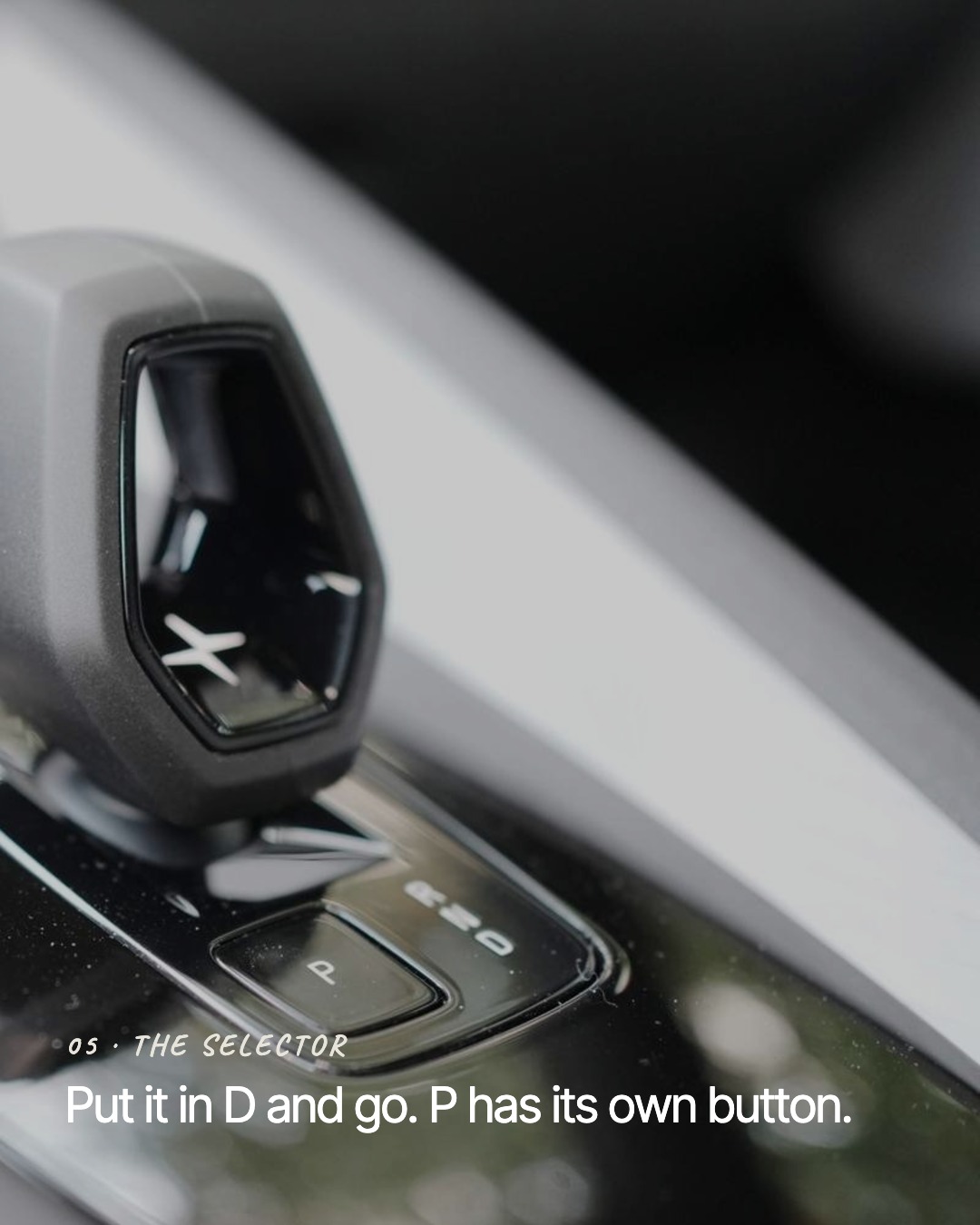
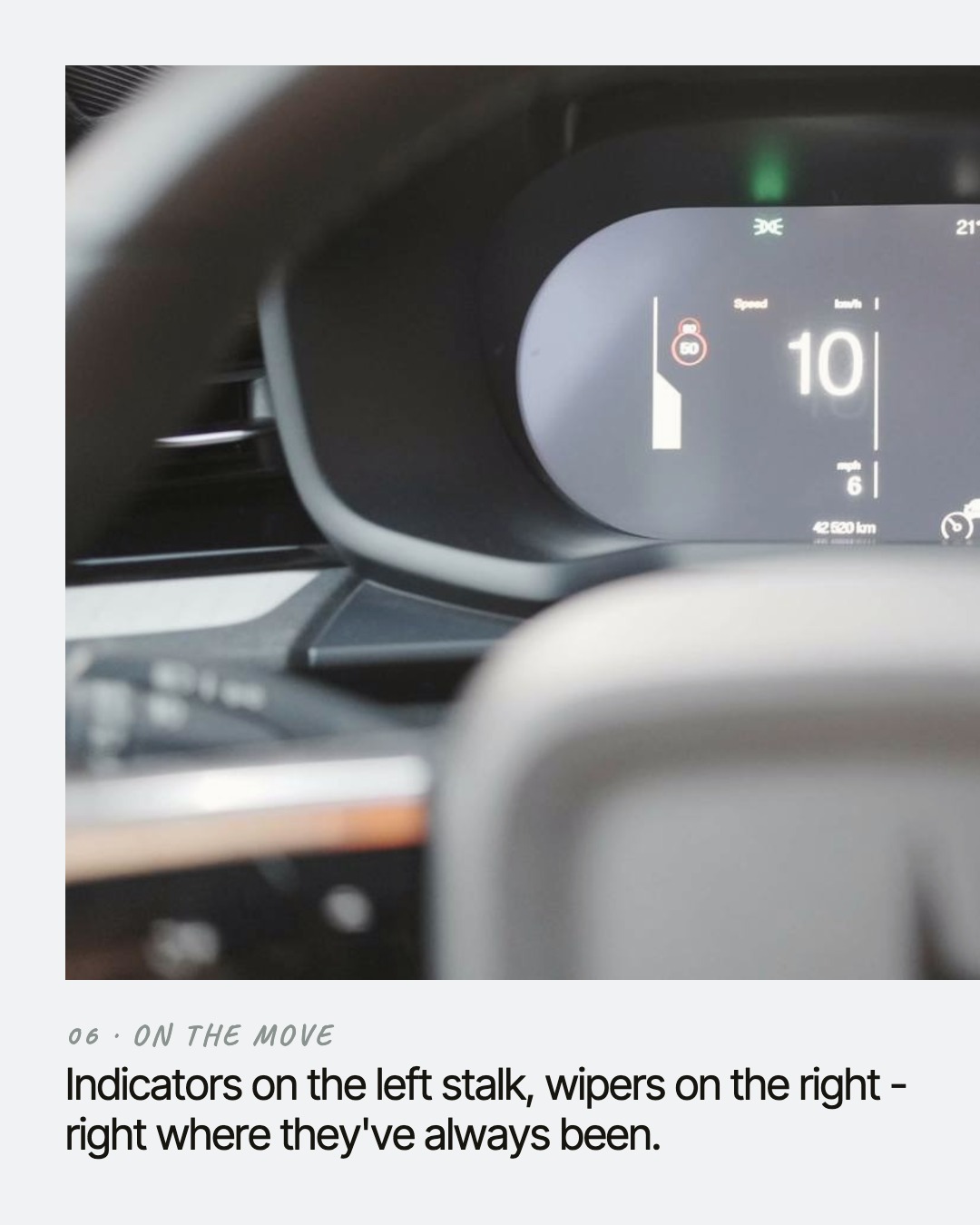
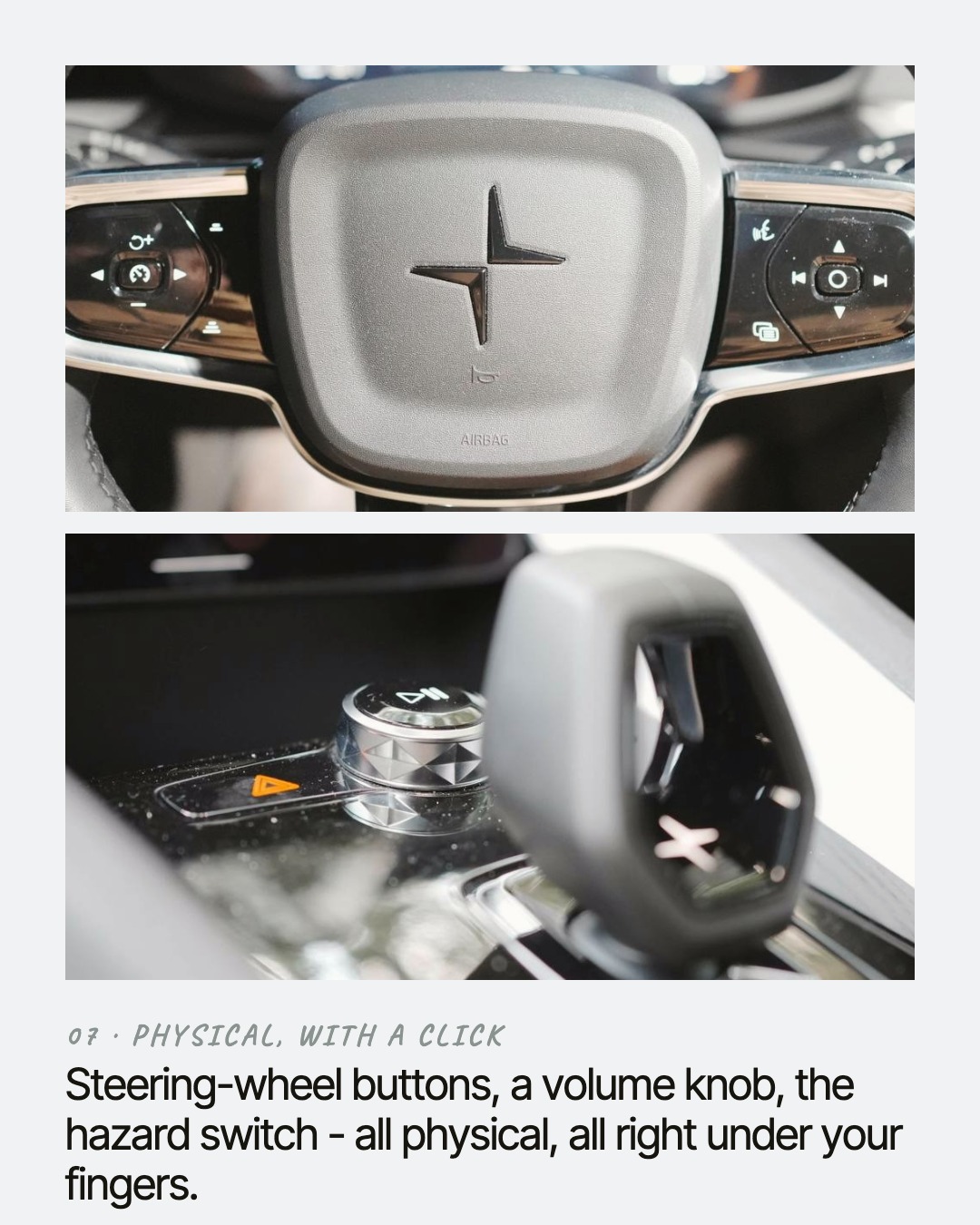
Your agent, in your account
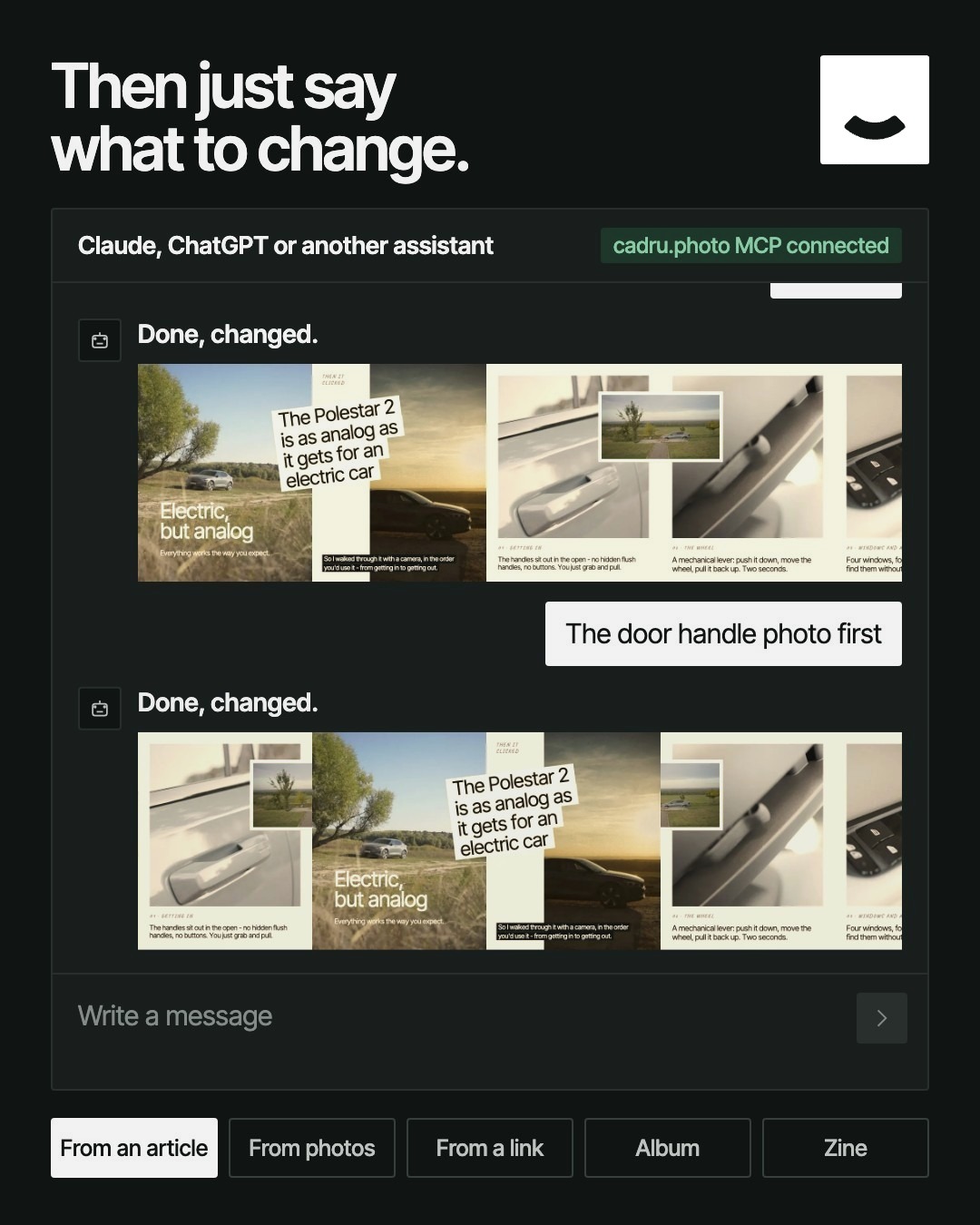
Then I had another thought: what if everyone could connect their own AI assistant to their Cadru account? Technically, that happens through something called MCP. In practice, your assistant gets hands inside Cadru - and can do far more, and do it better, than anything I could squeeze into buttons.
Give it your photos and the story, and it builds your carousel, zine or album.
It works live in your editor, so you watch the changes happen.
Pin a comment on a page - "make the title bigger here" - and it reads it, makes the change and tells you what it did.
It reshapes the same material: a zine from a carousel, a cover from an album.
It catches what you might miss: text too small to print, photos too low-res for paper, words Instagram's interface would cover.
And whatever it makes is still yours, open in the editor, ready for you to change anything.
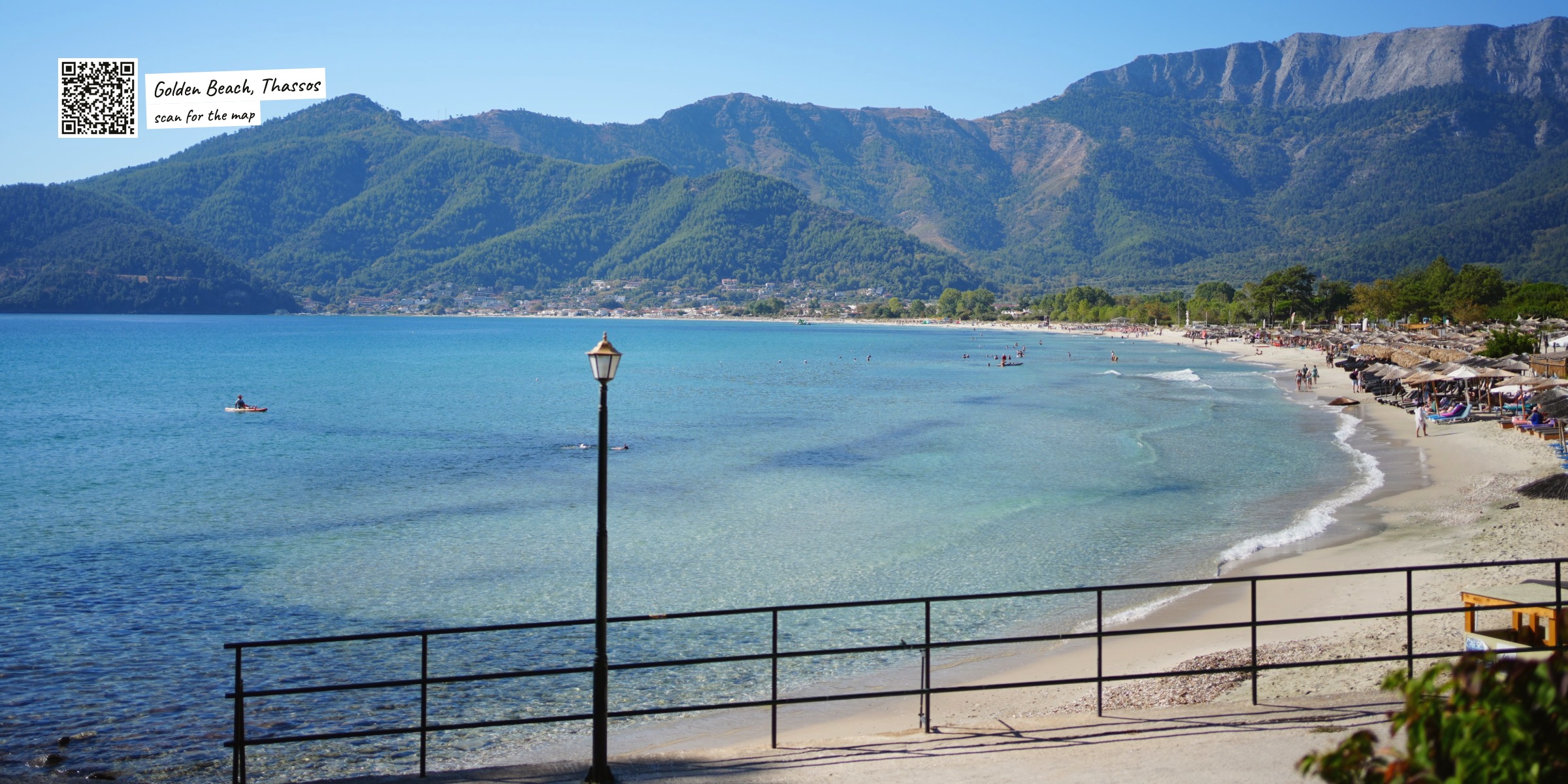
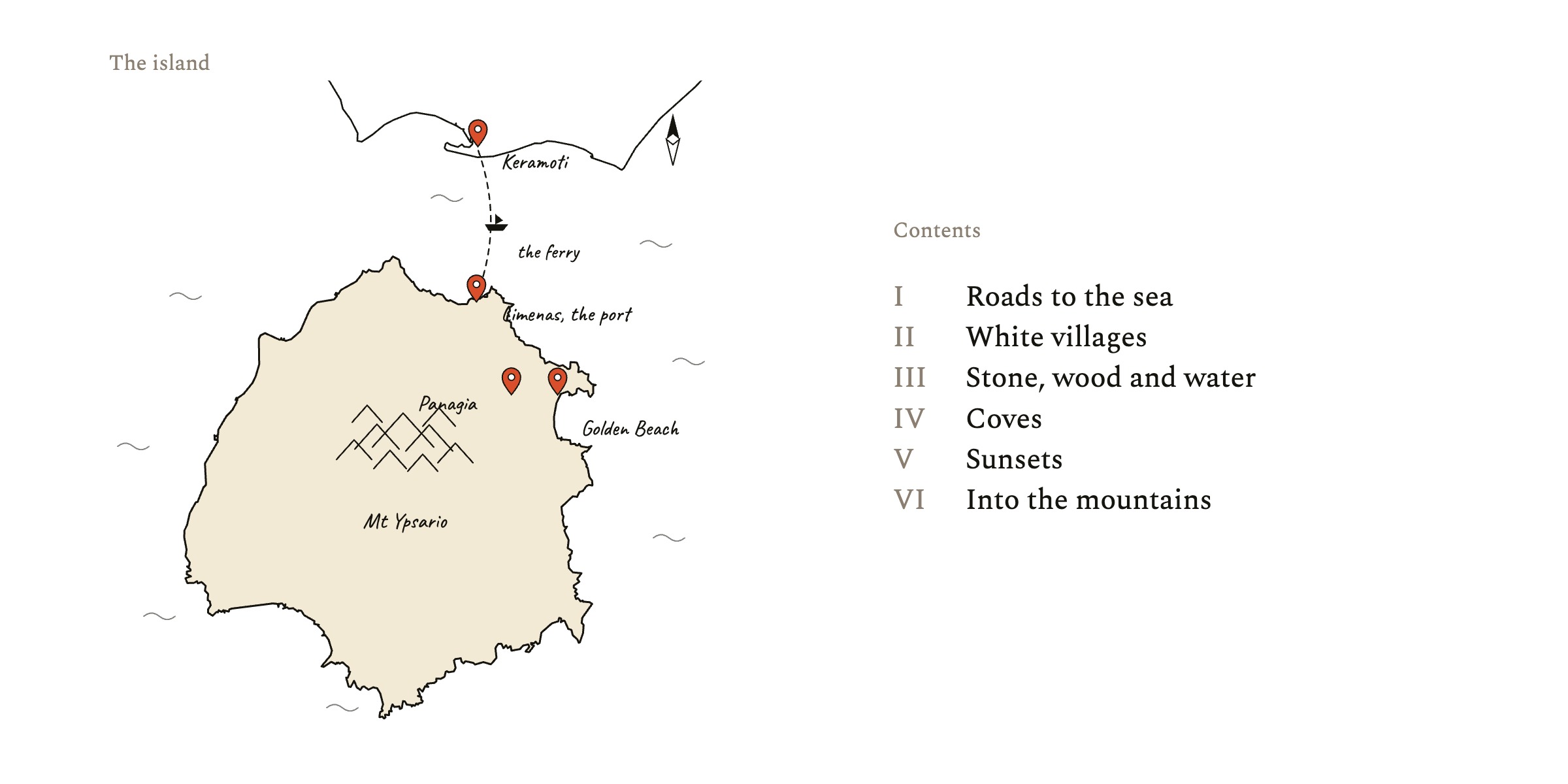
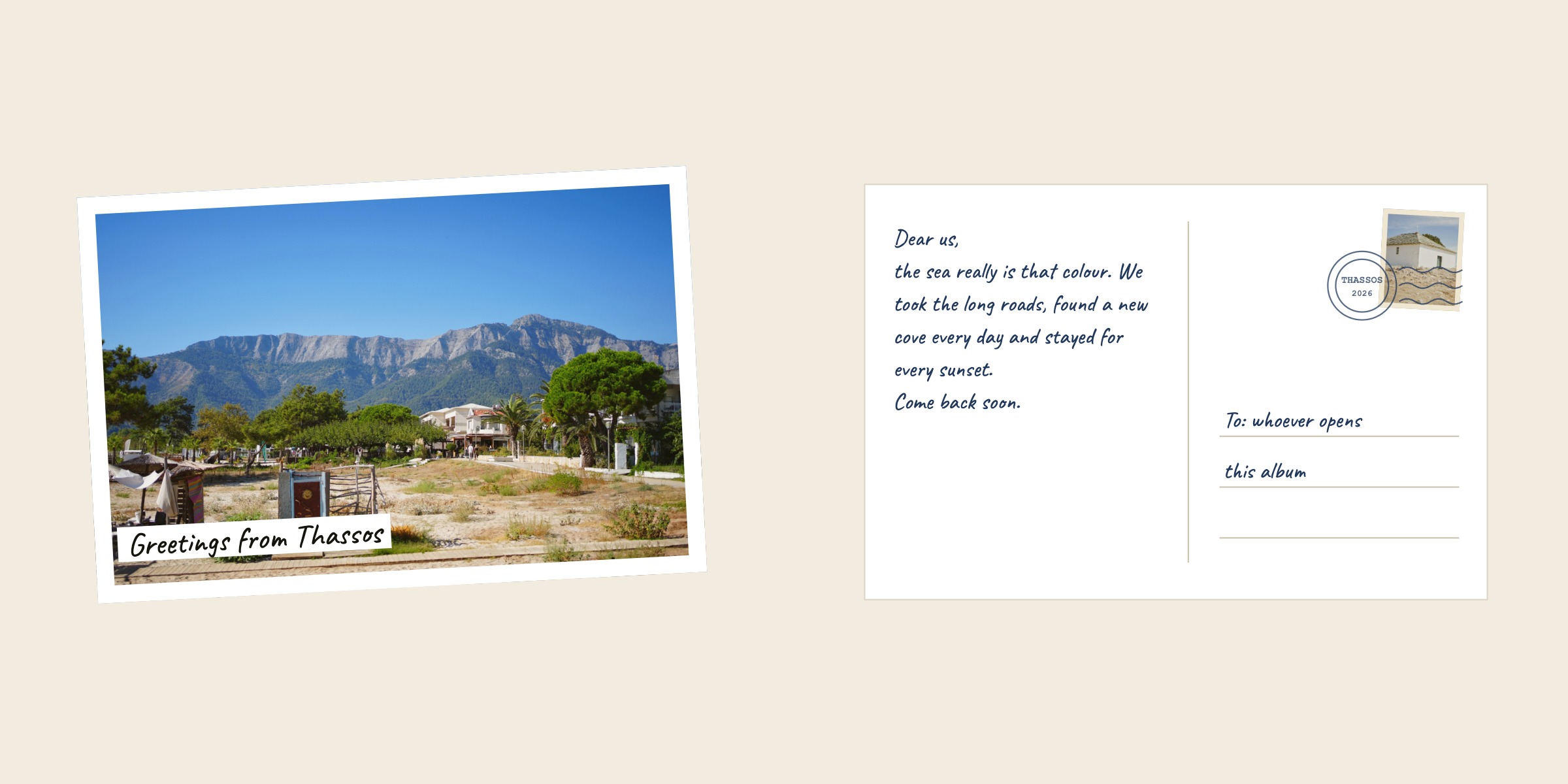
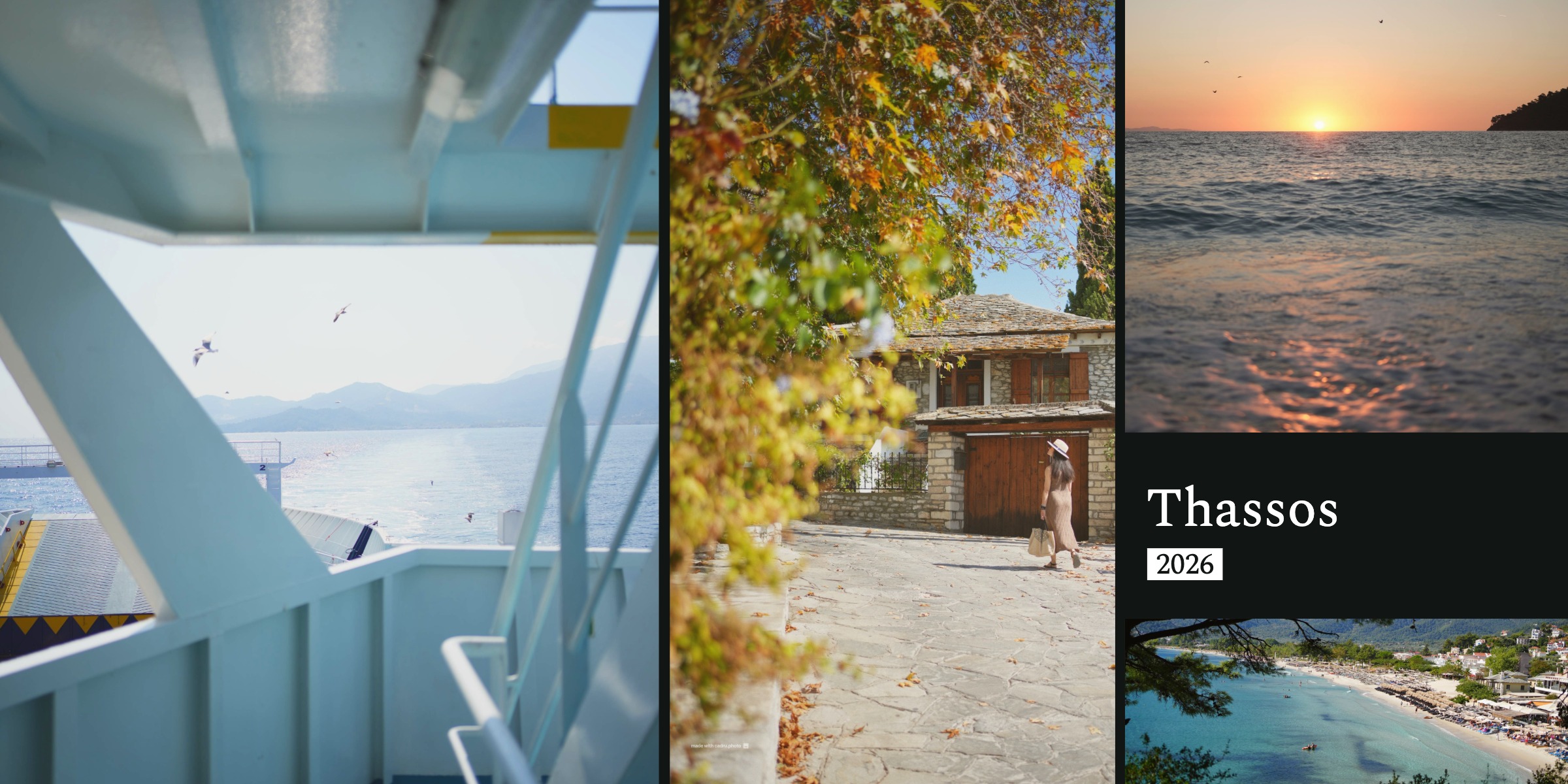
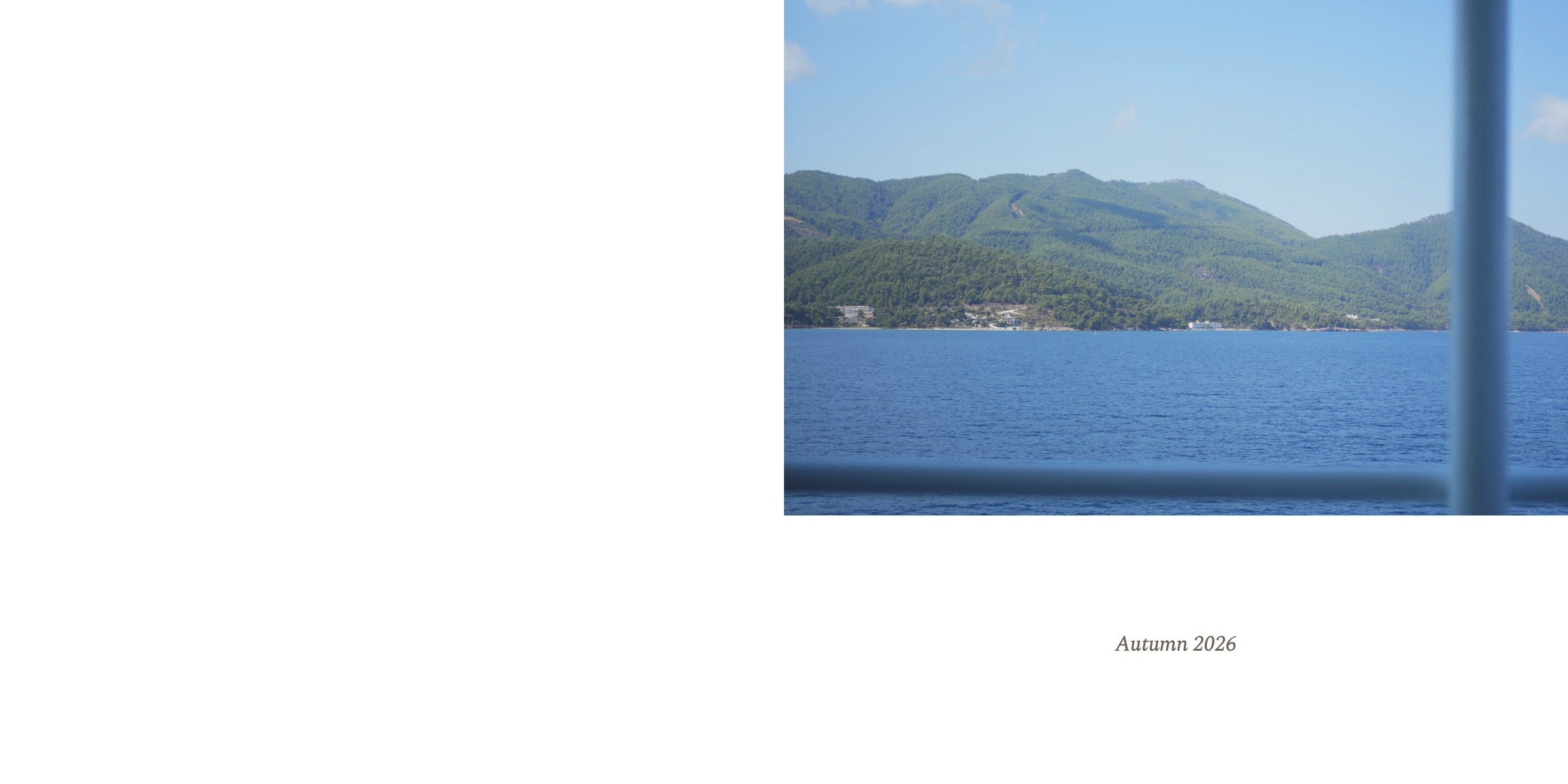
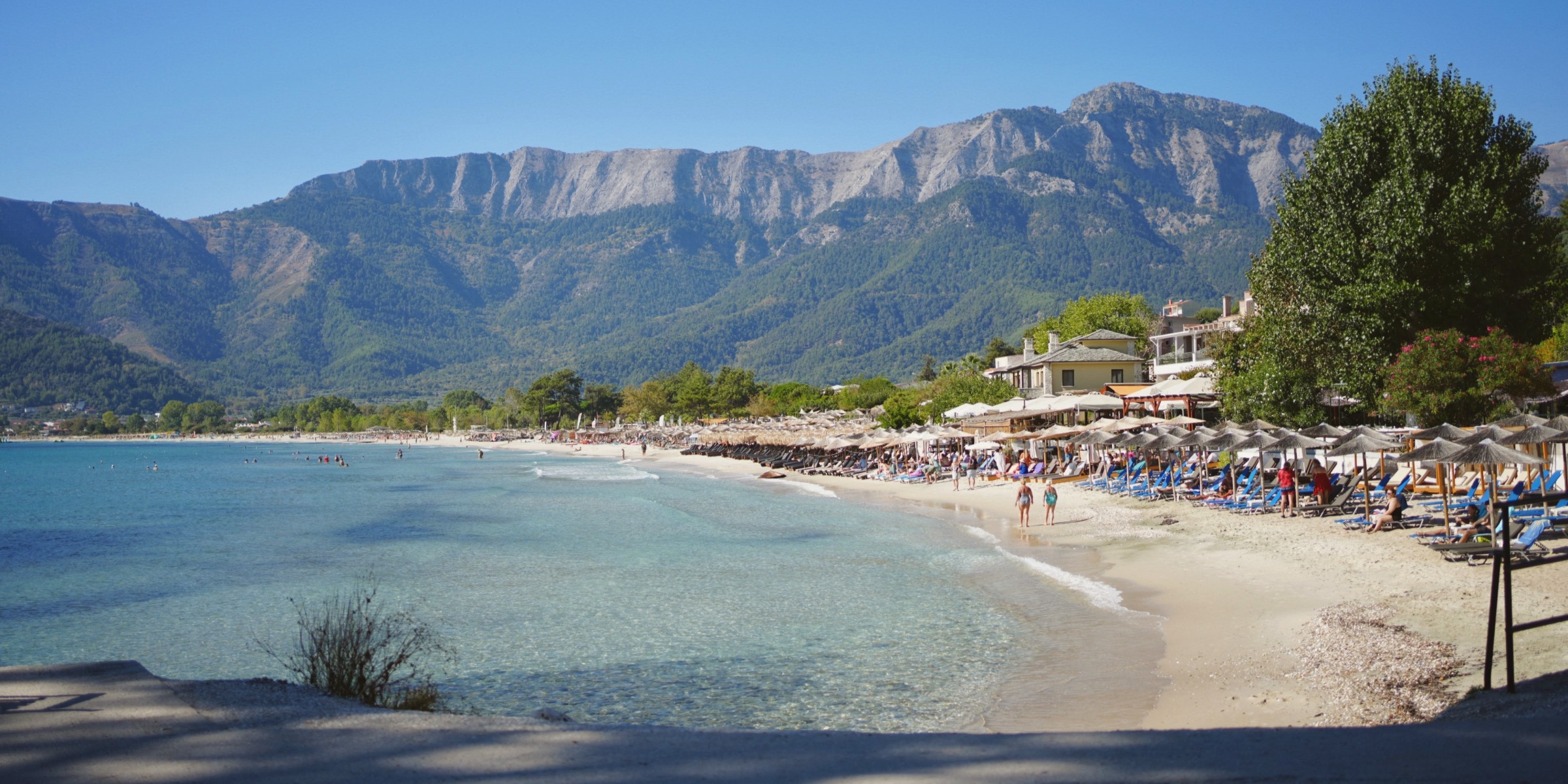
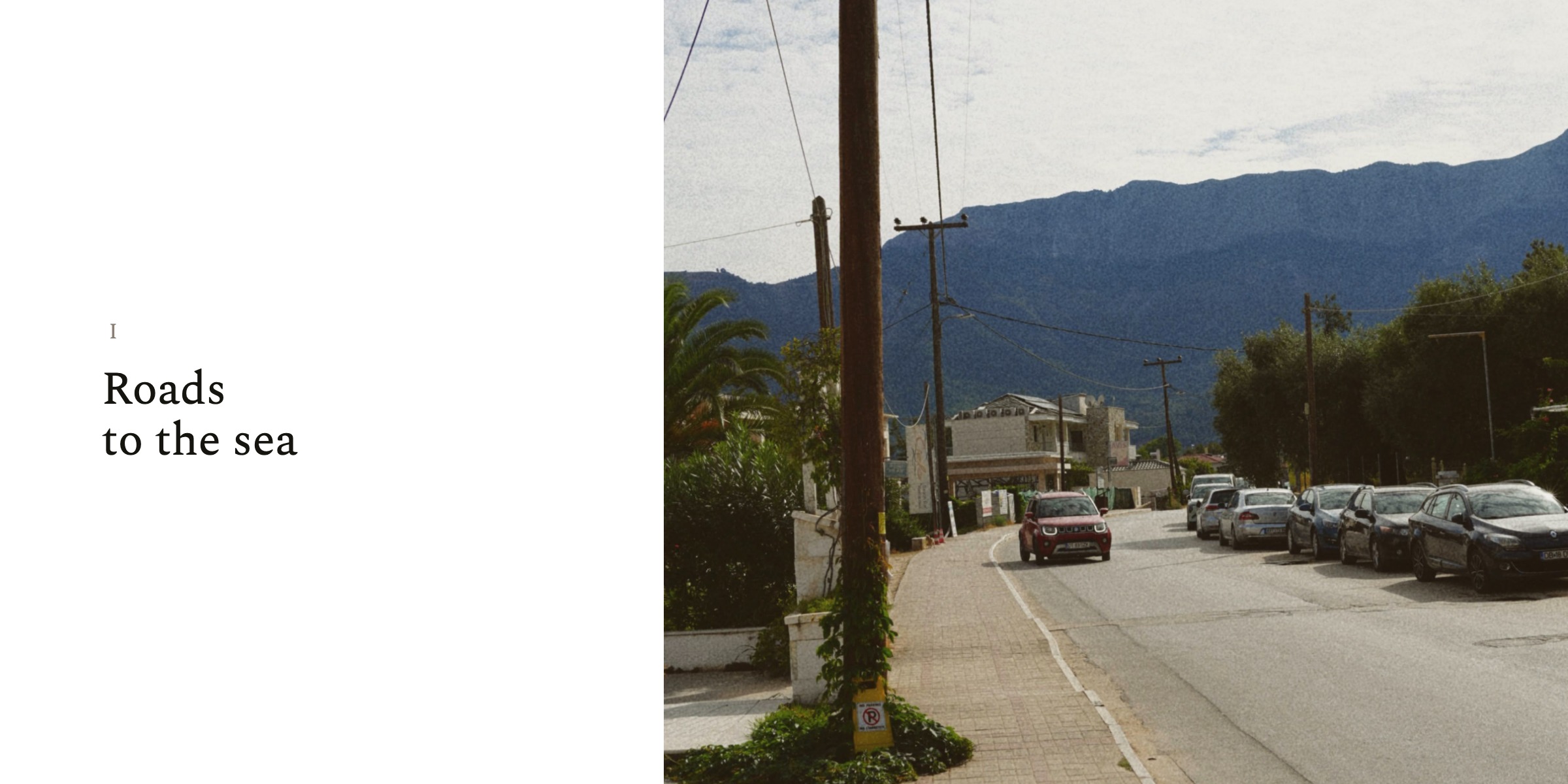
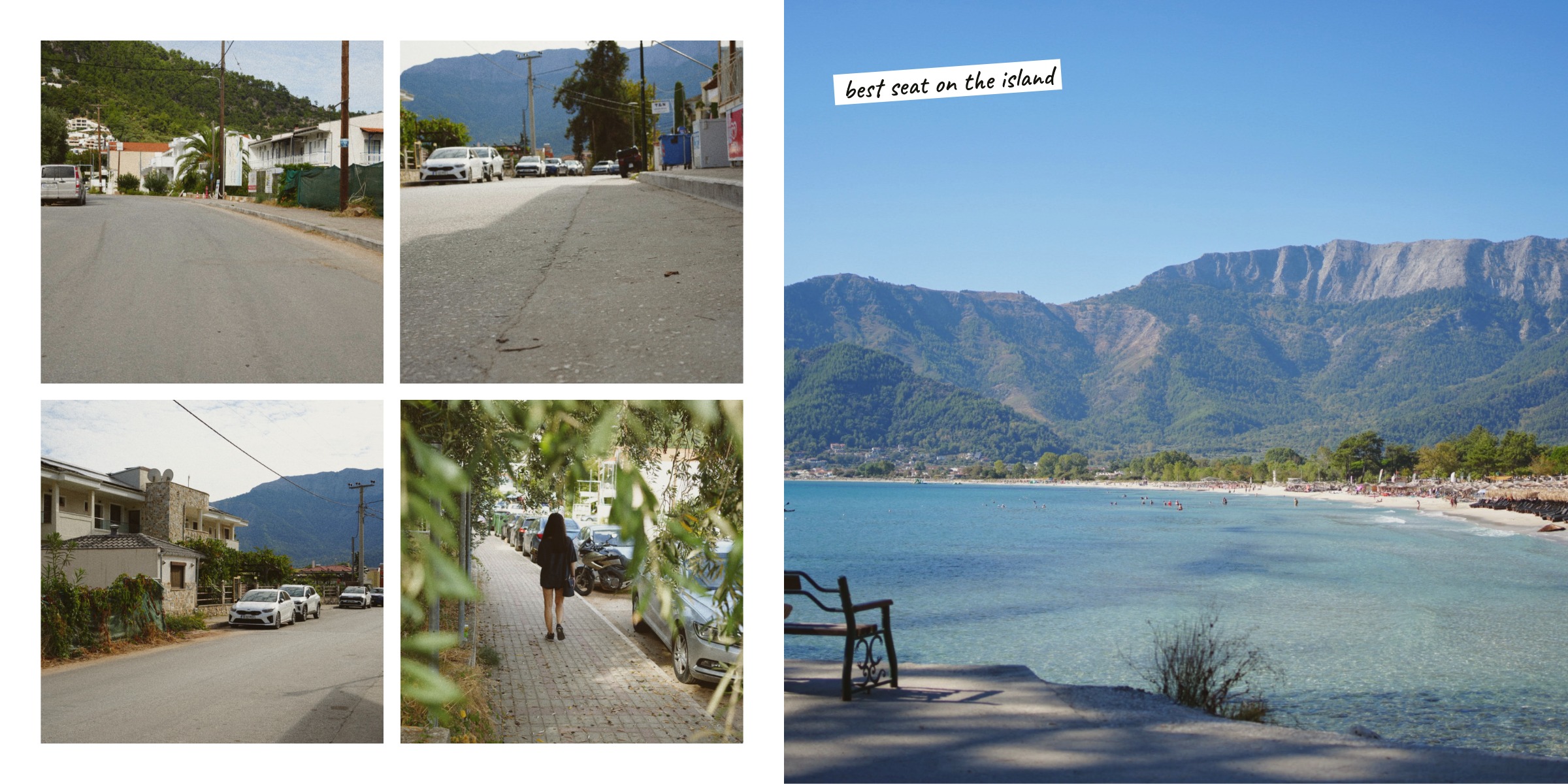
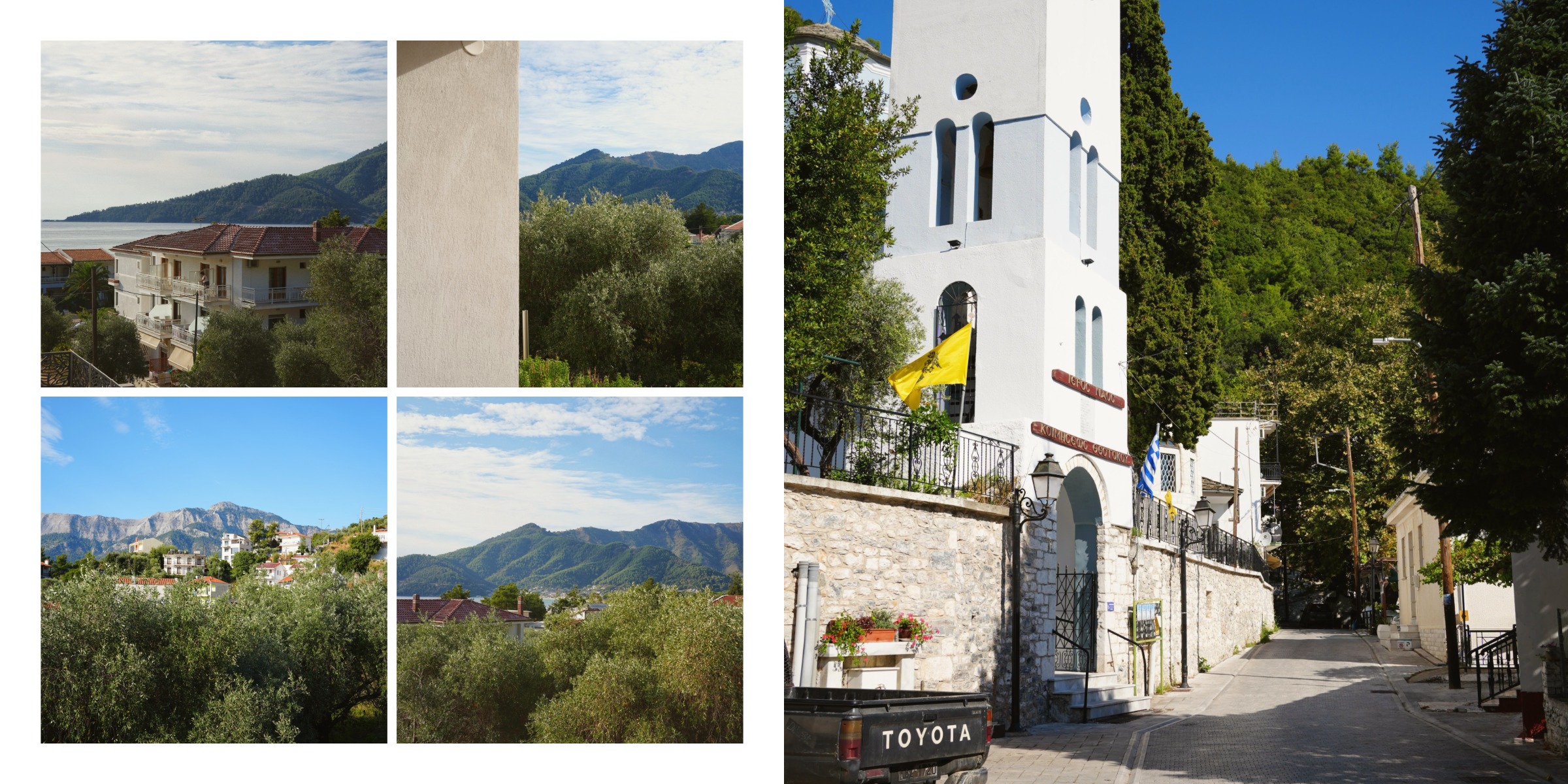
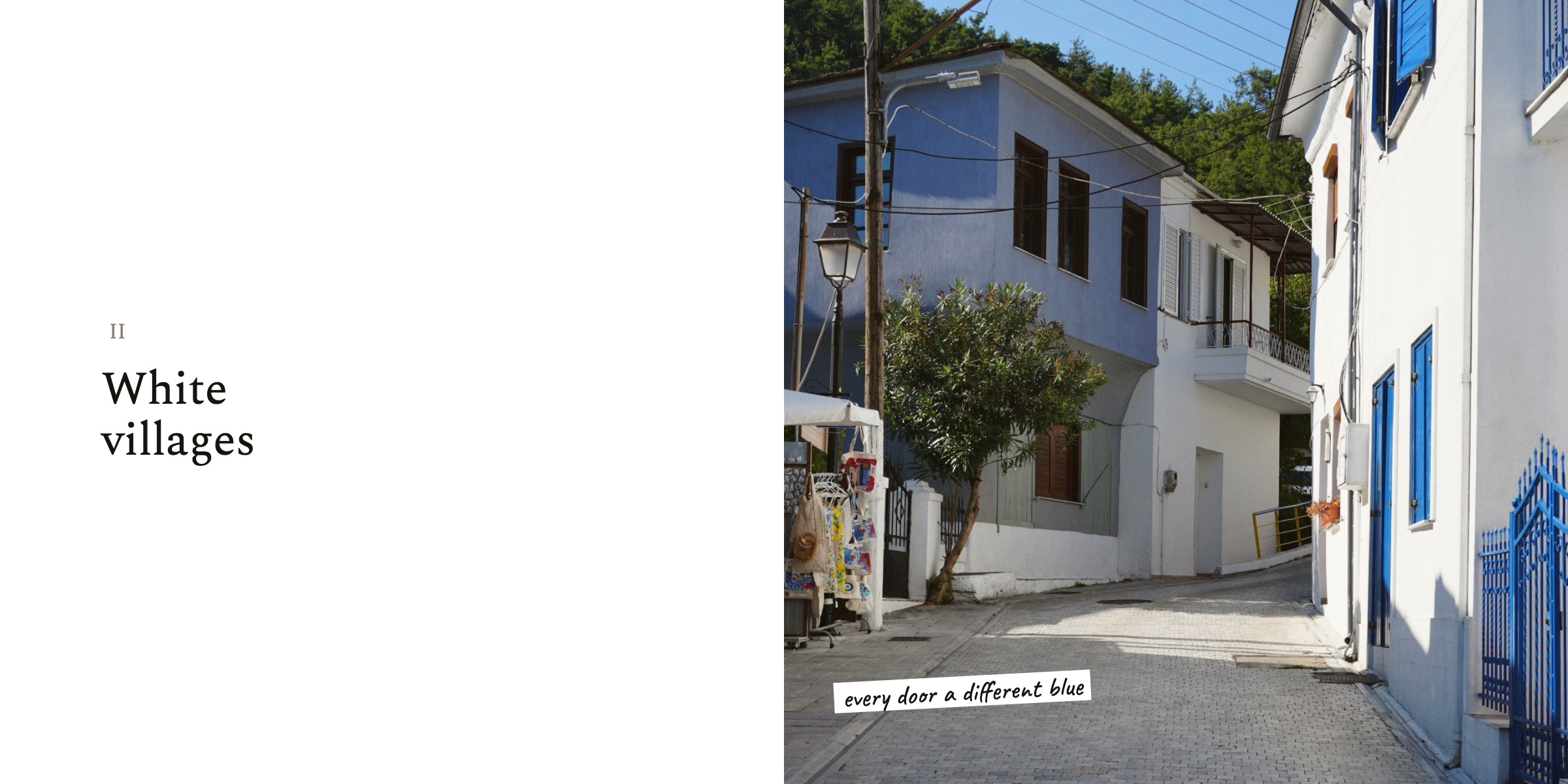
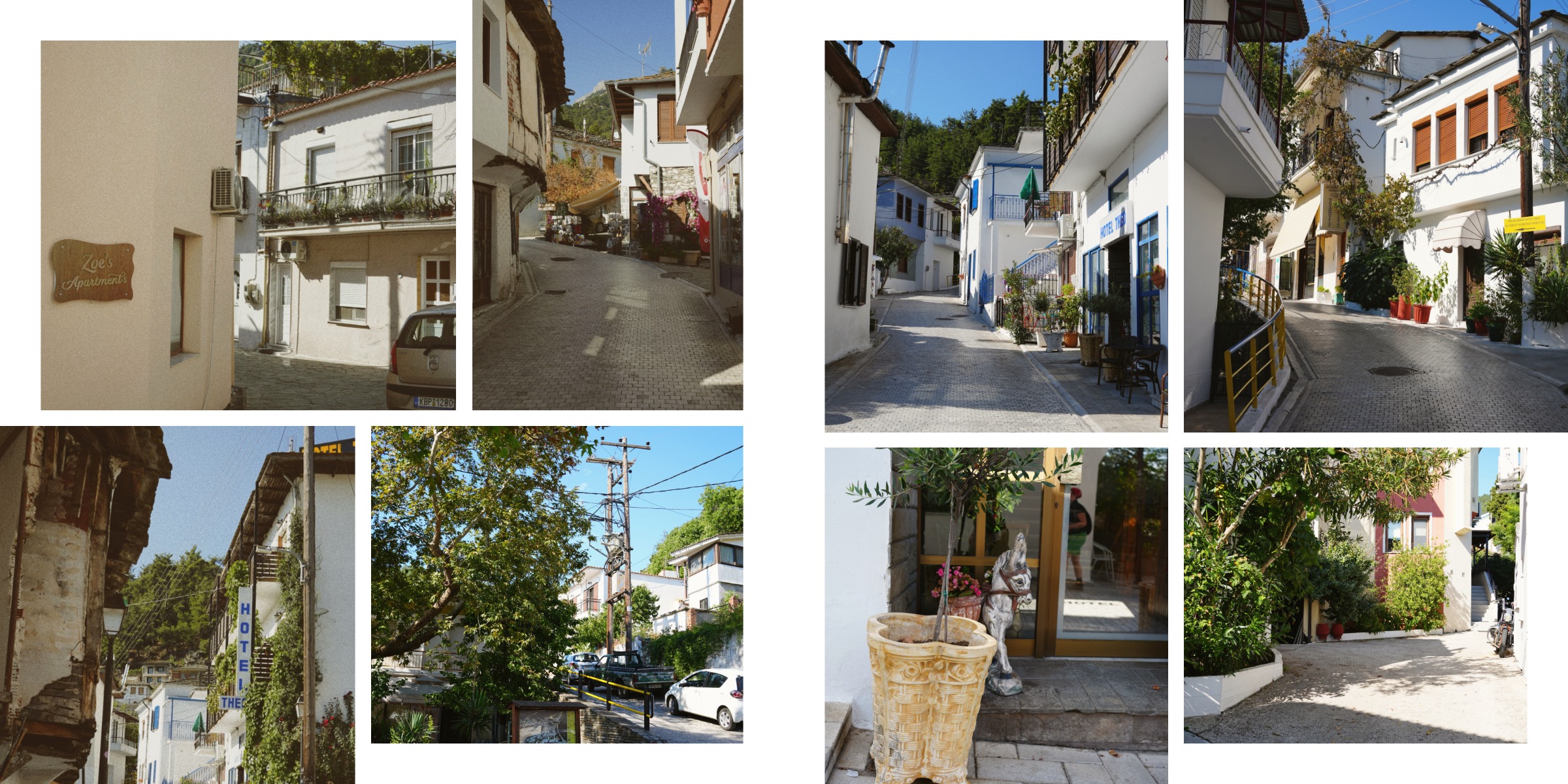
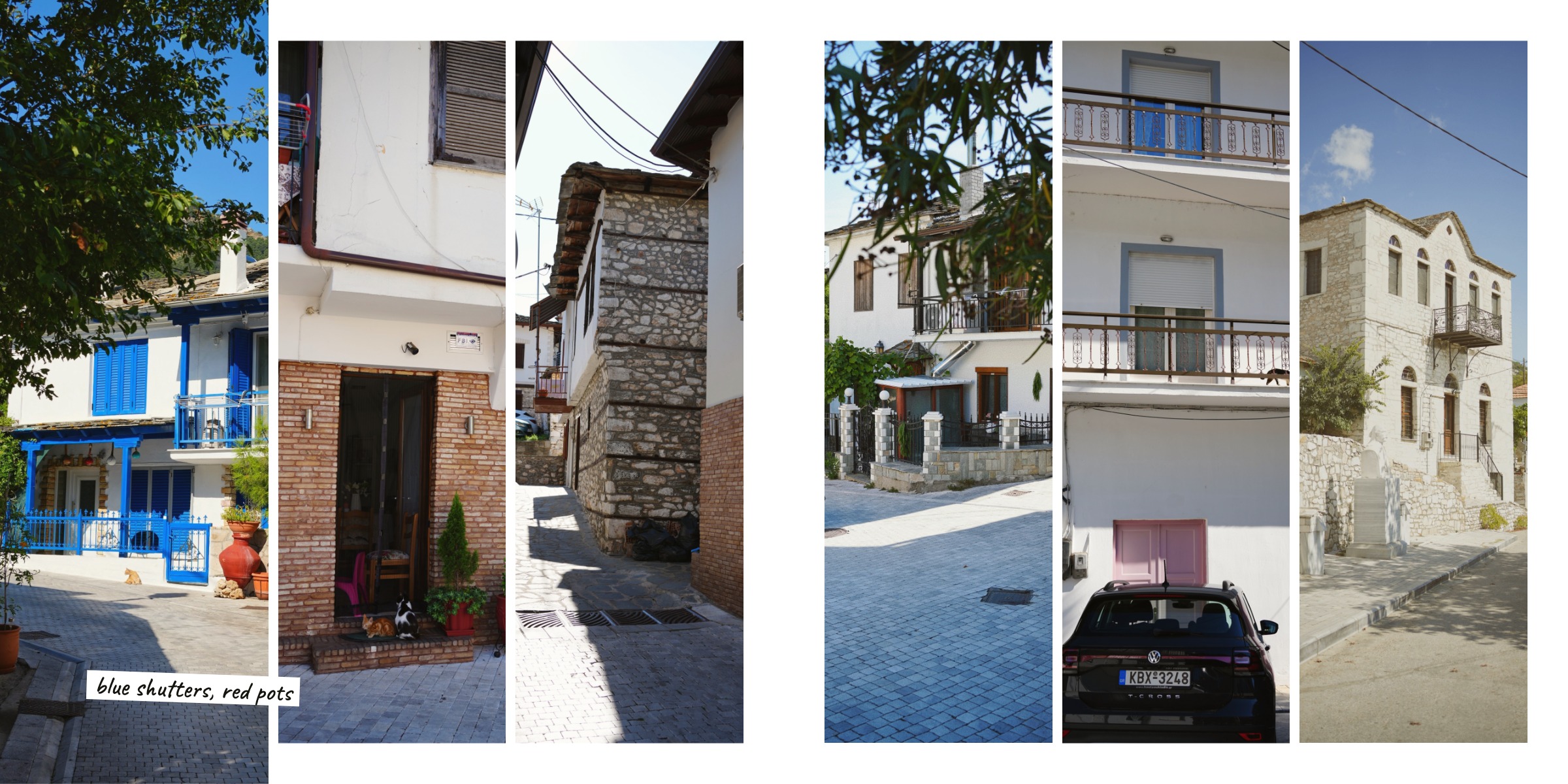
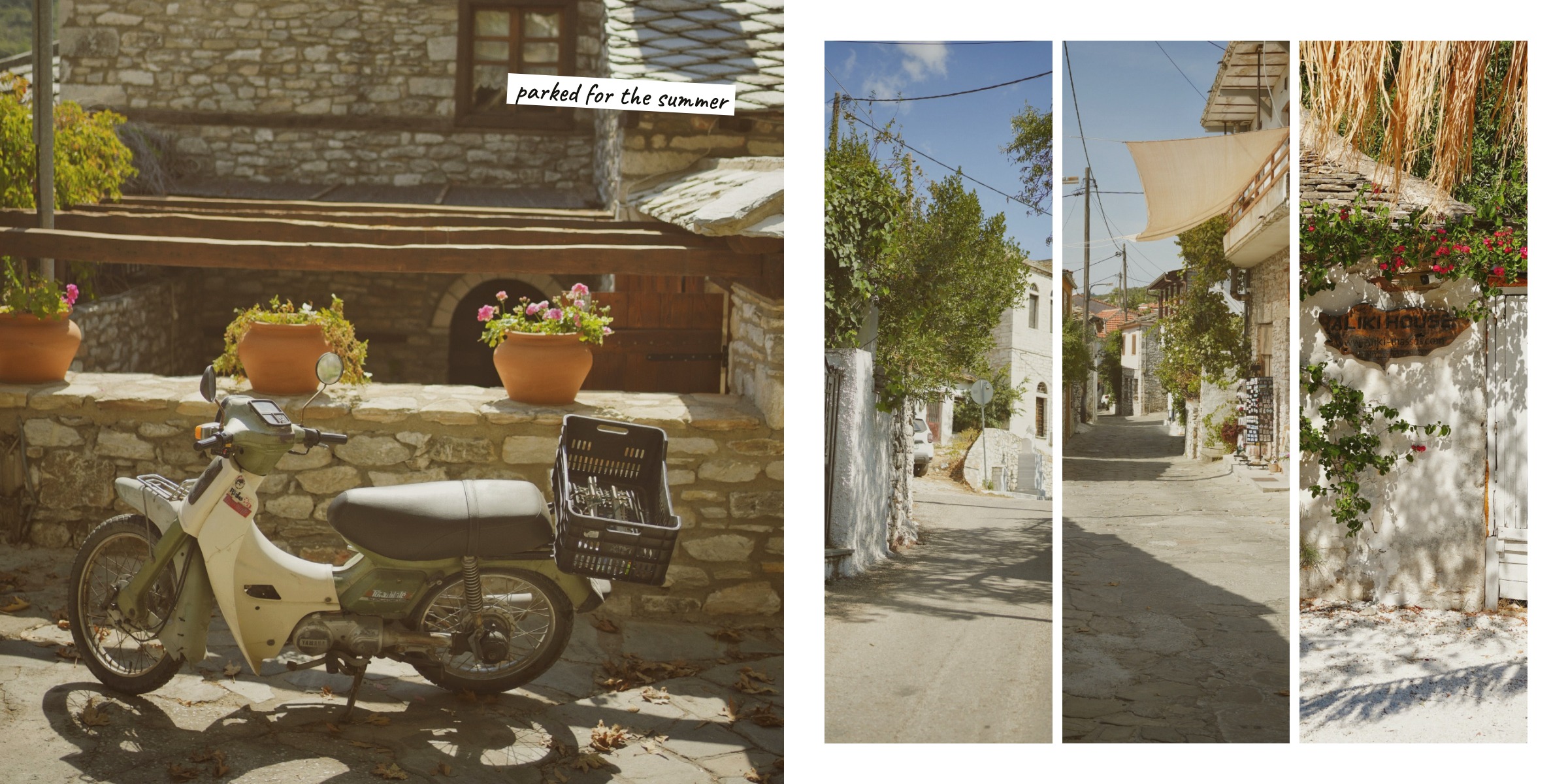
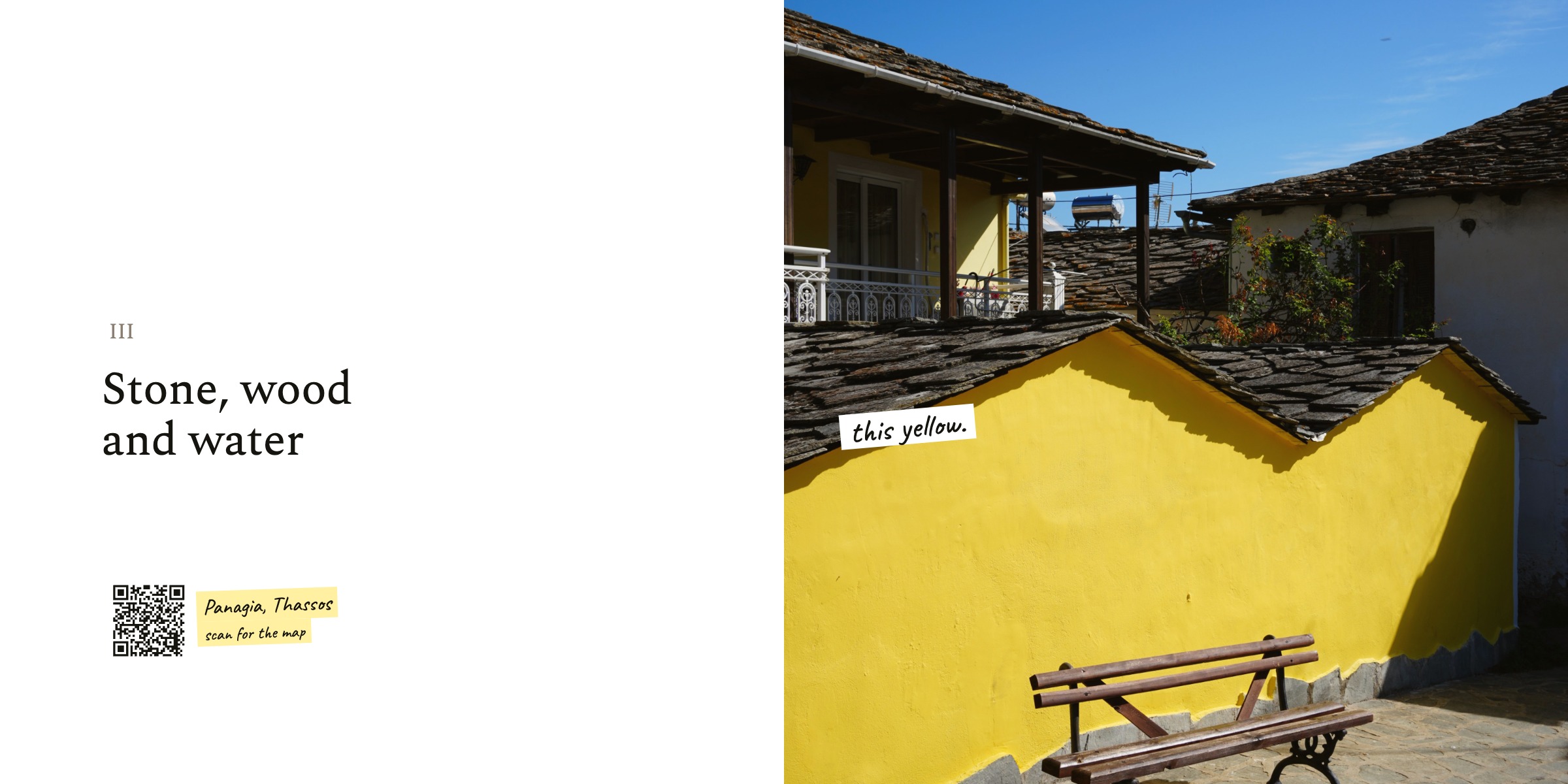
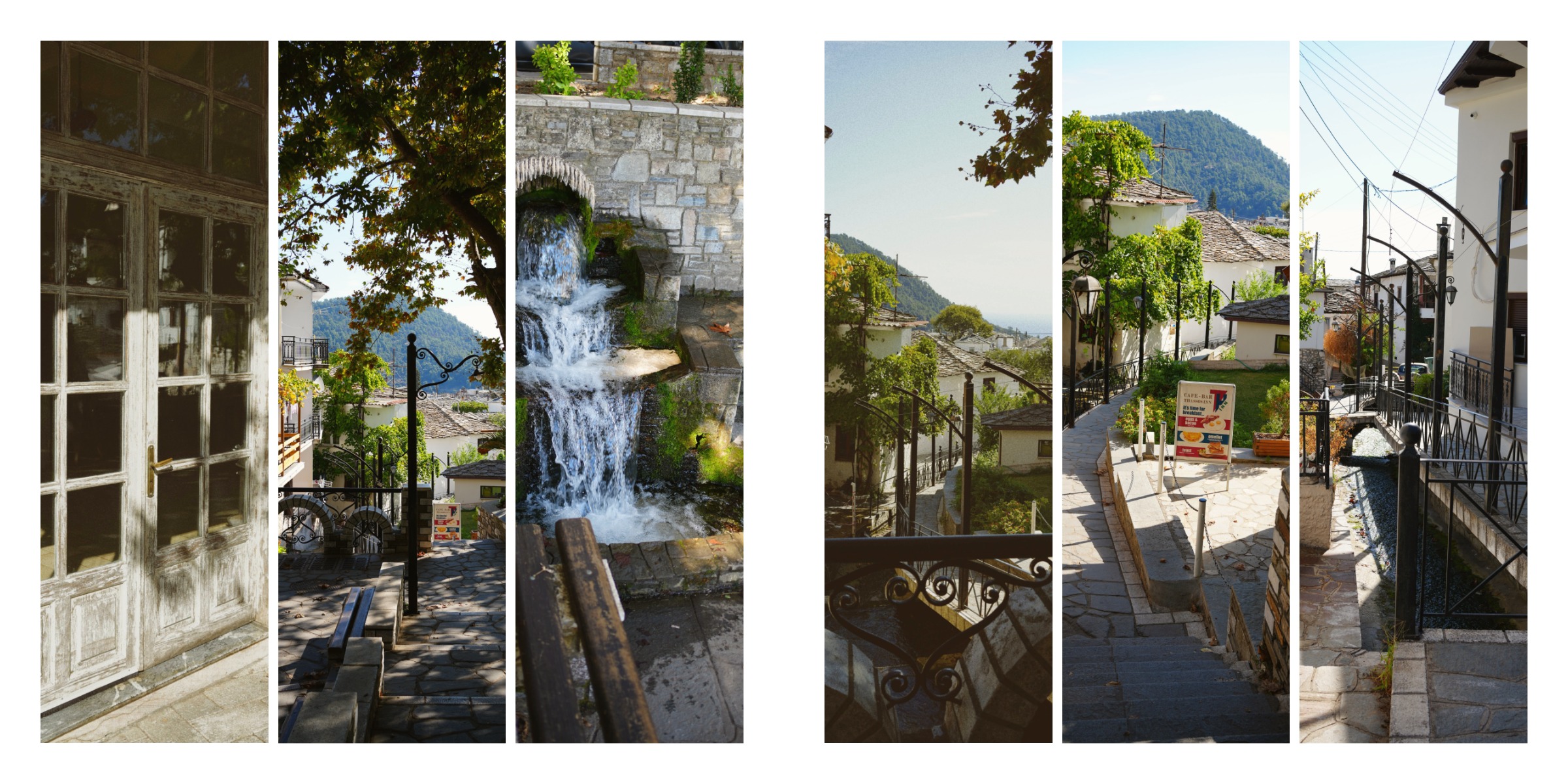
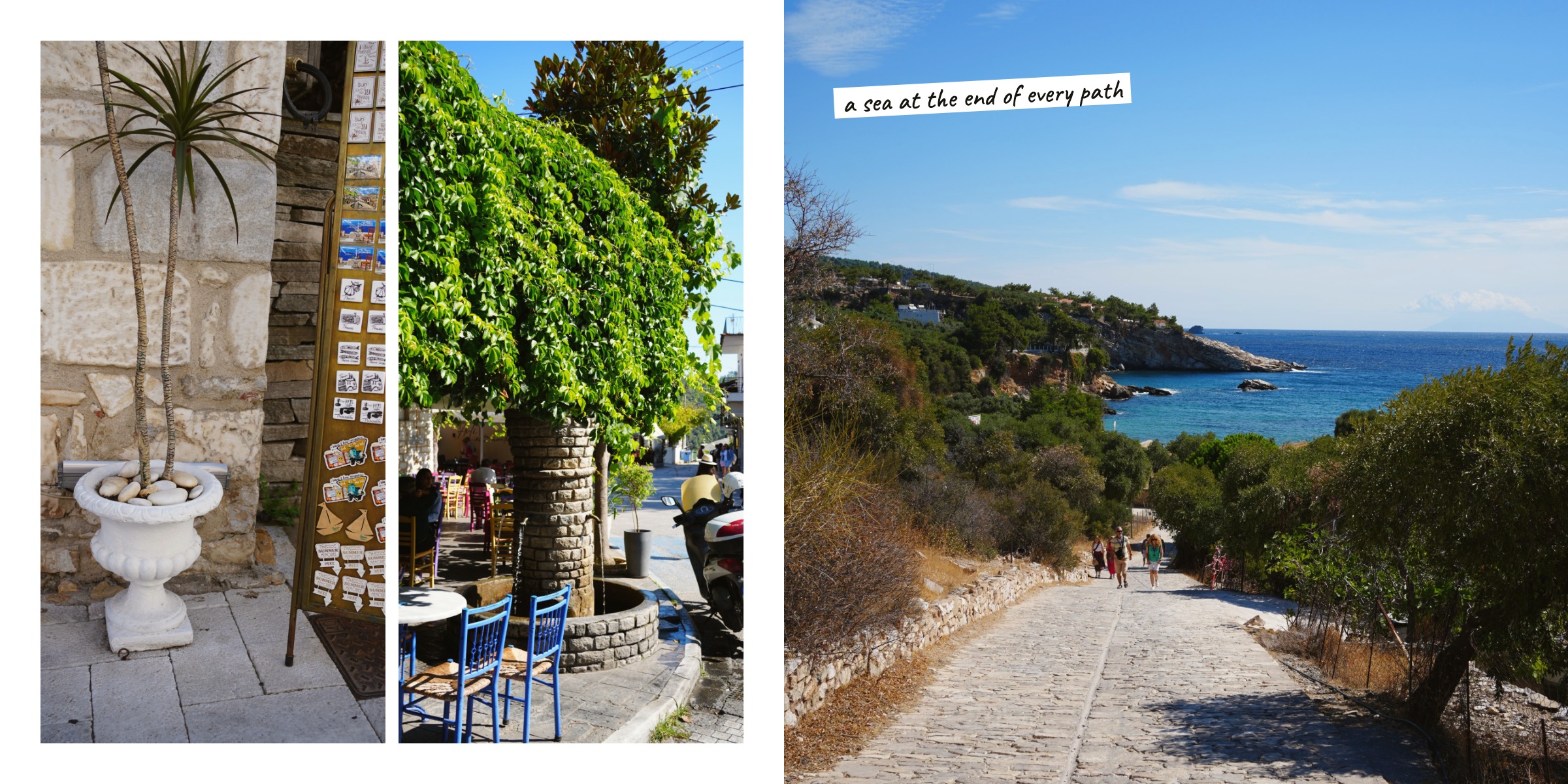
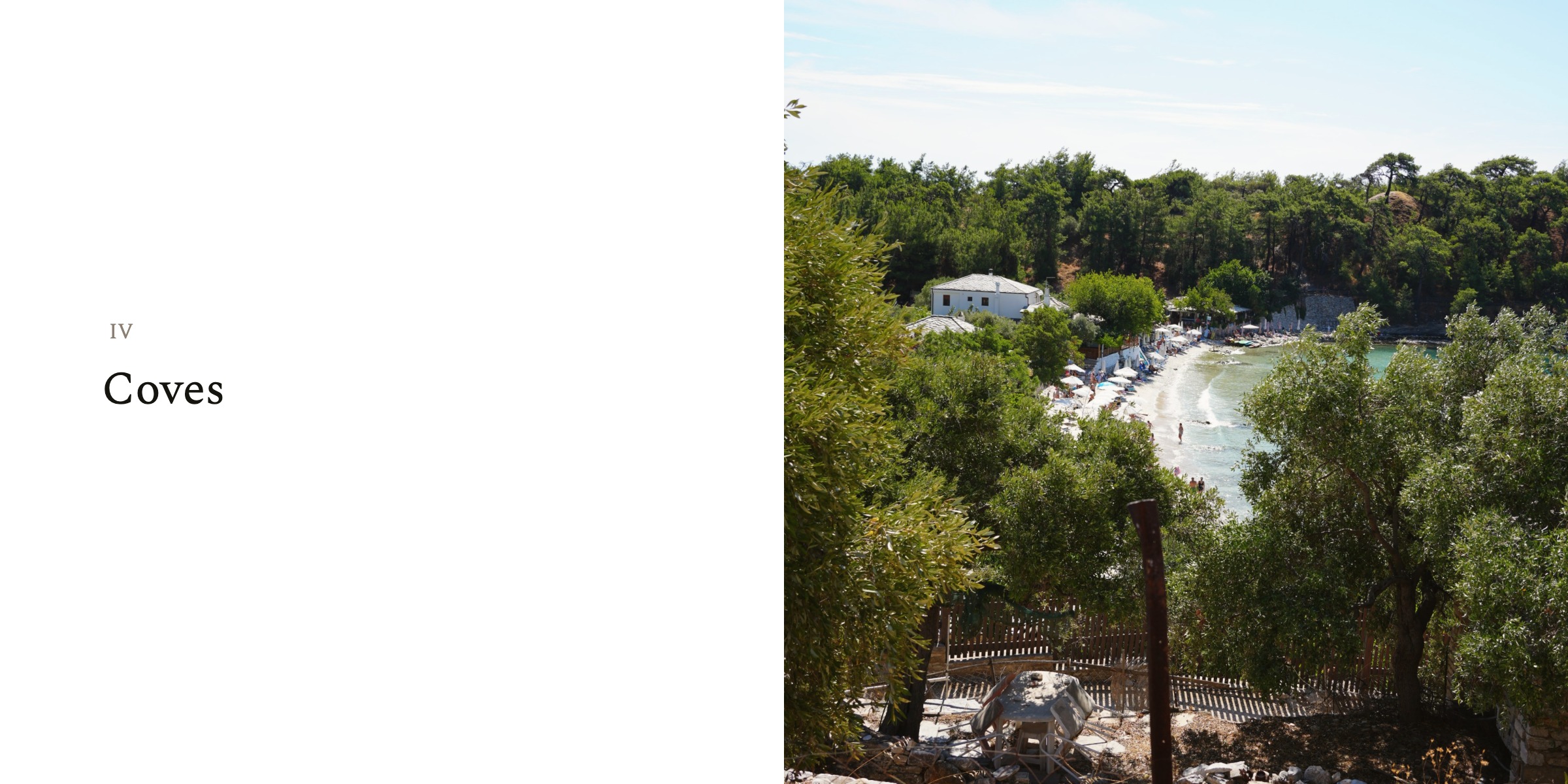
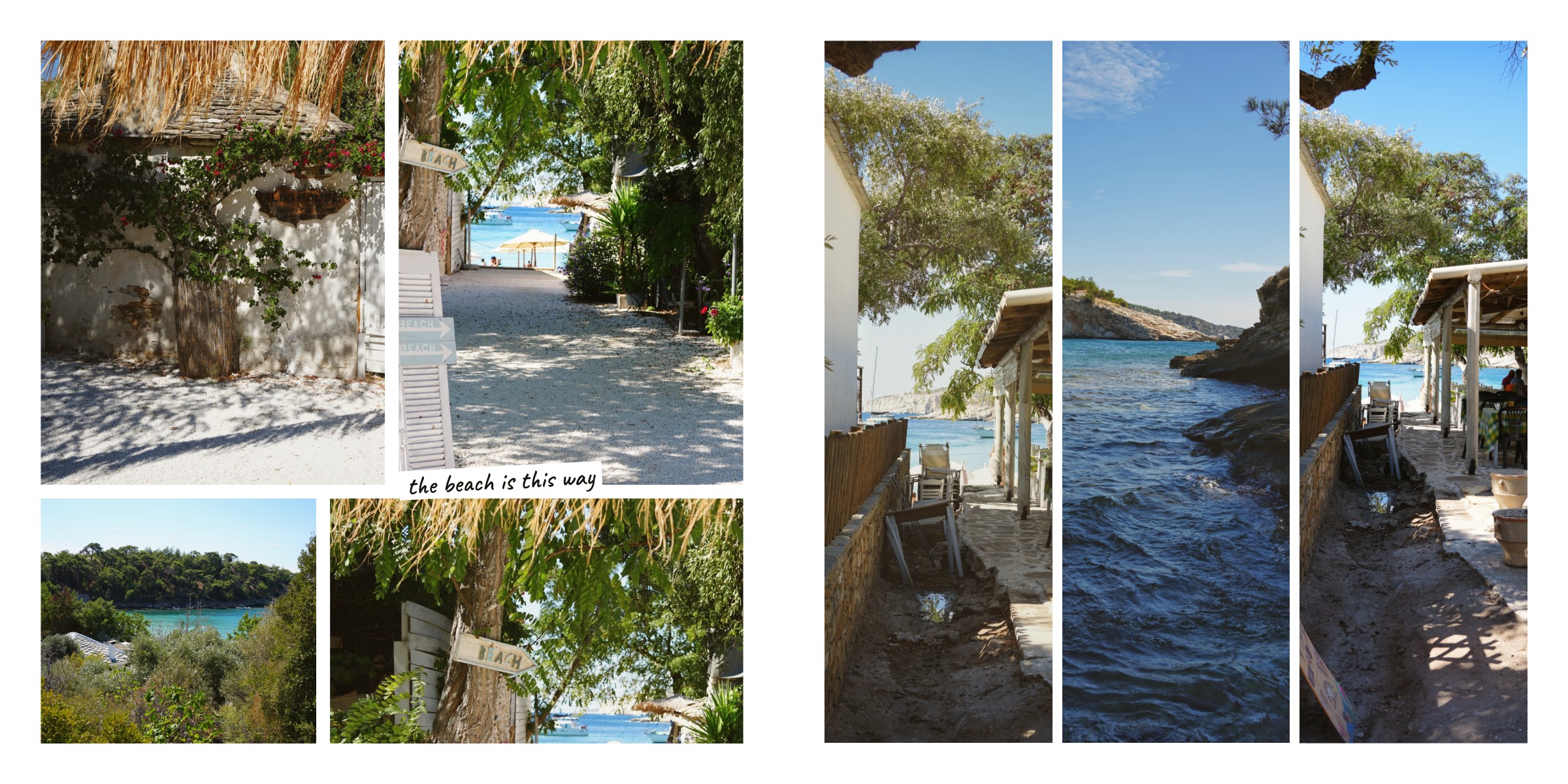
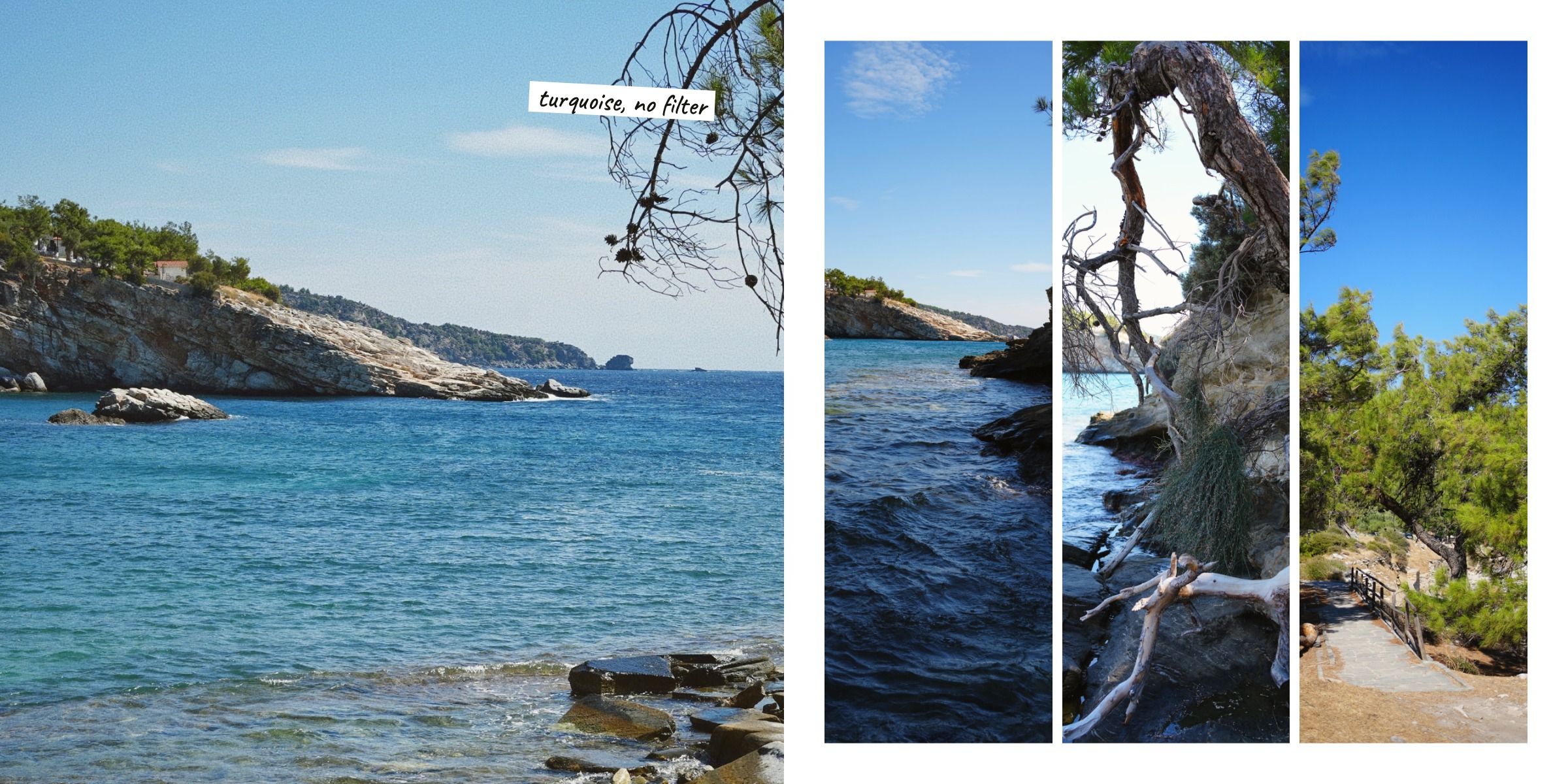
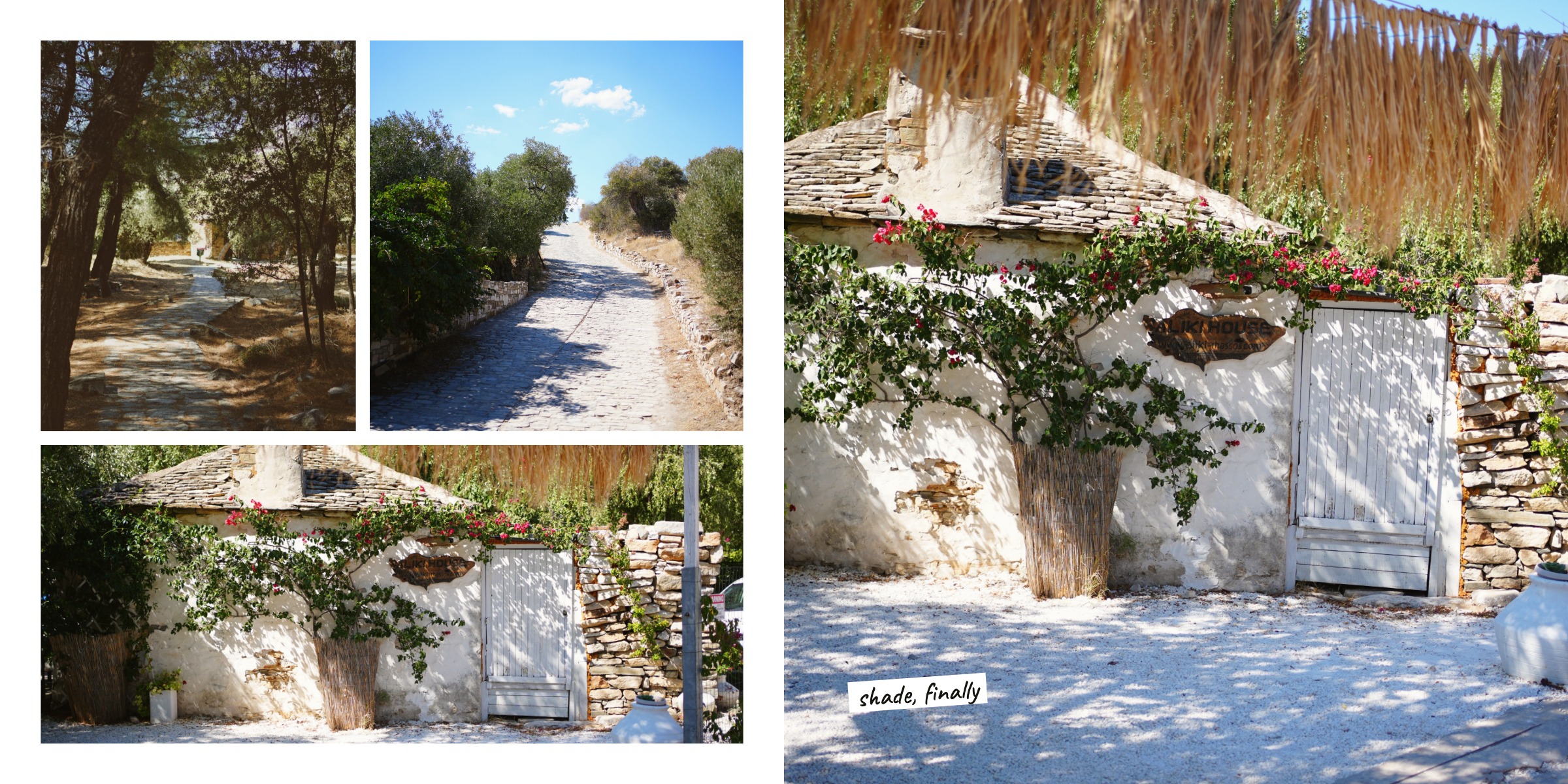
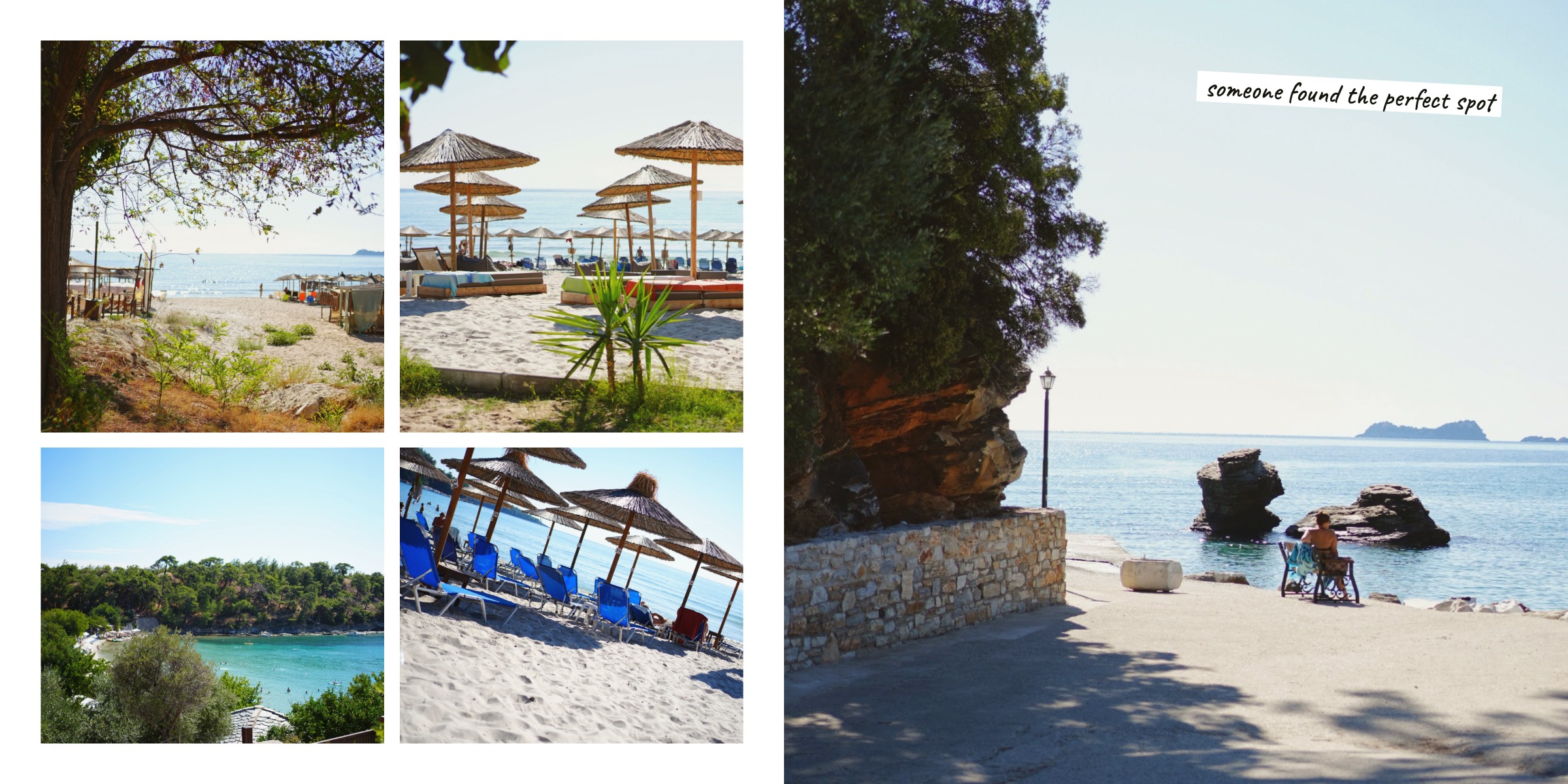
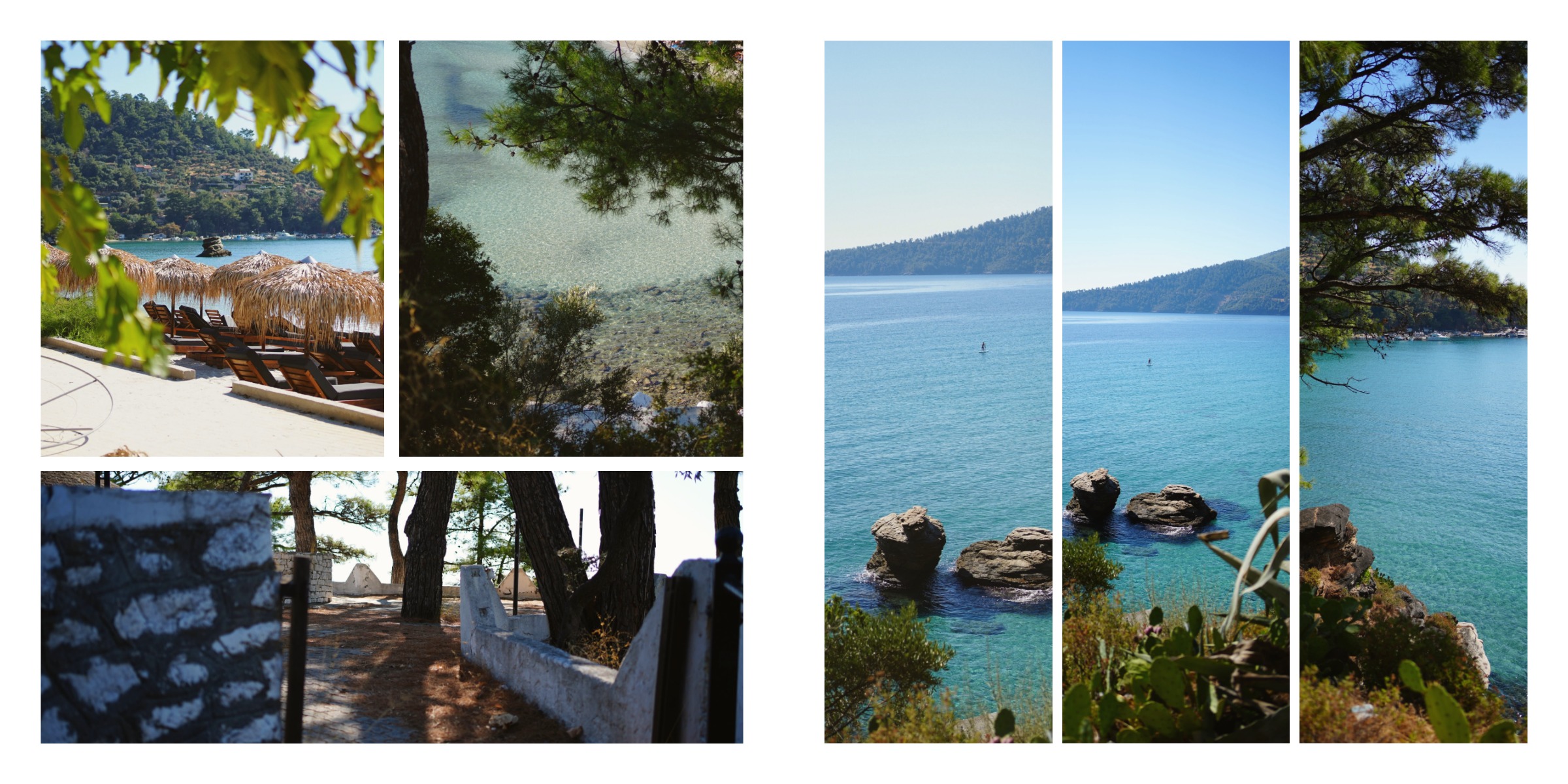
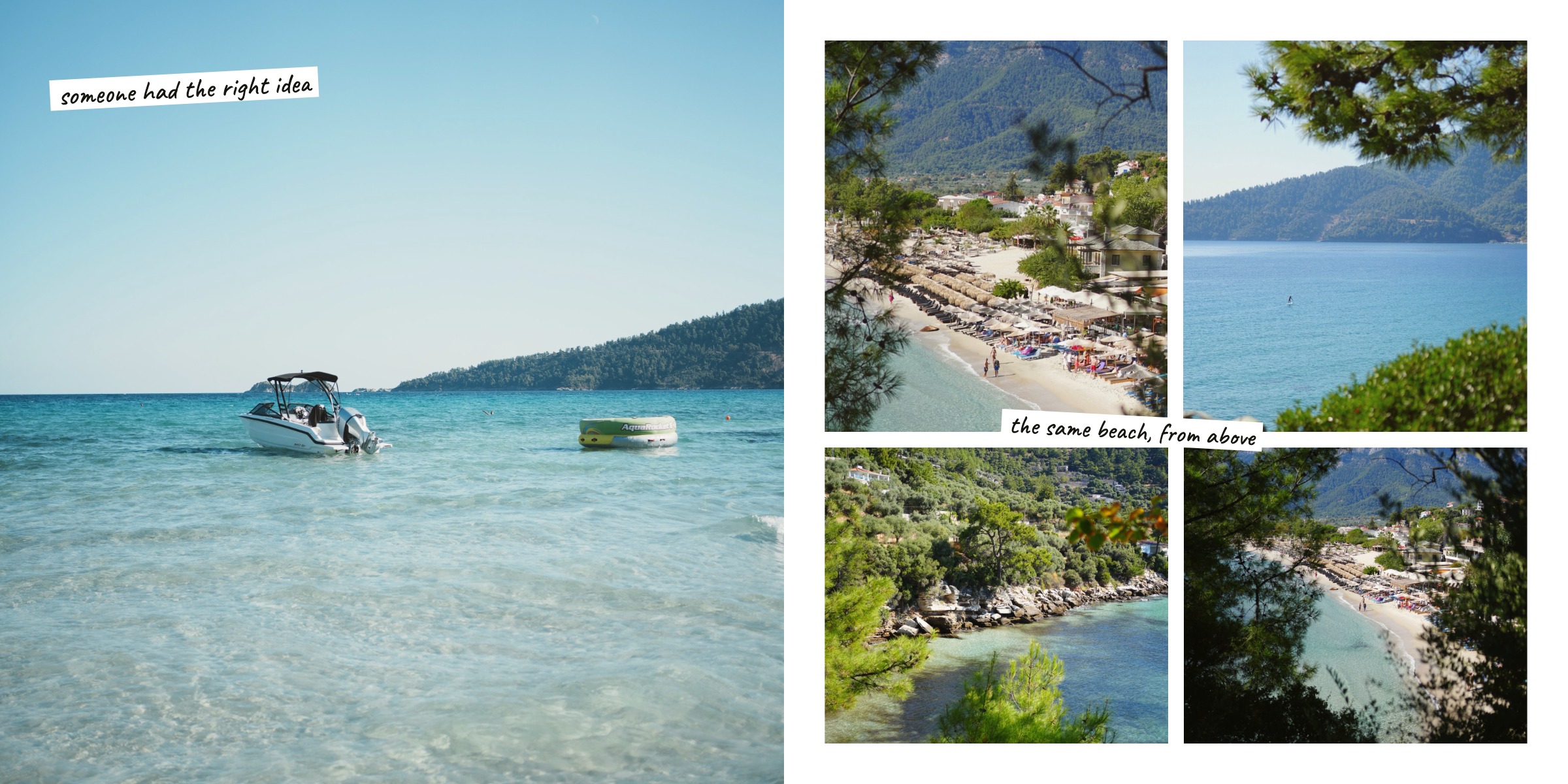
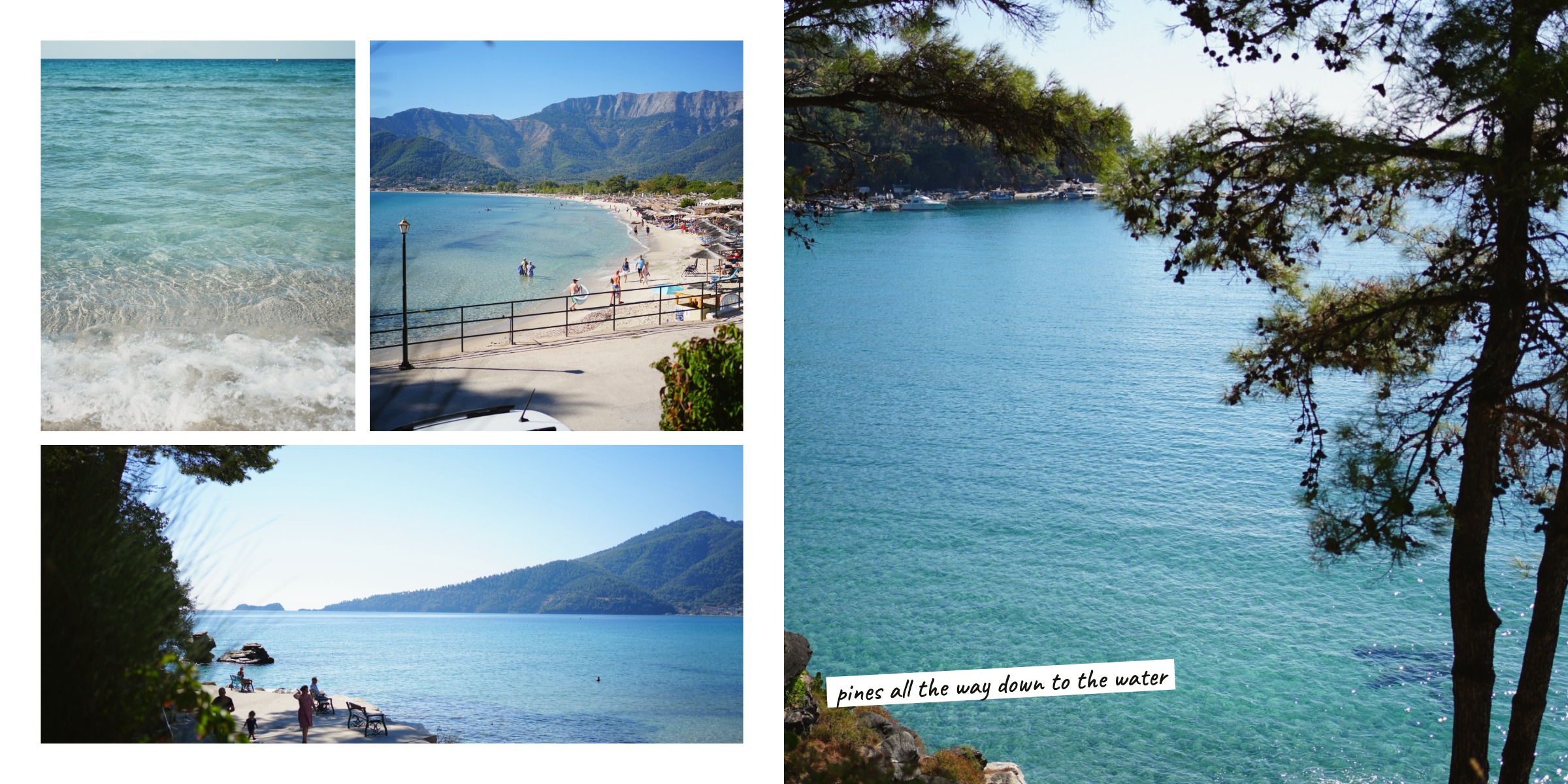
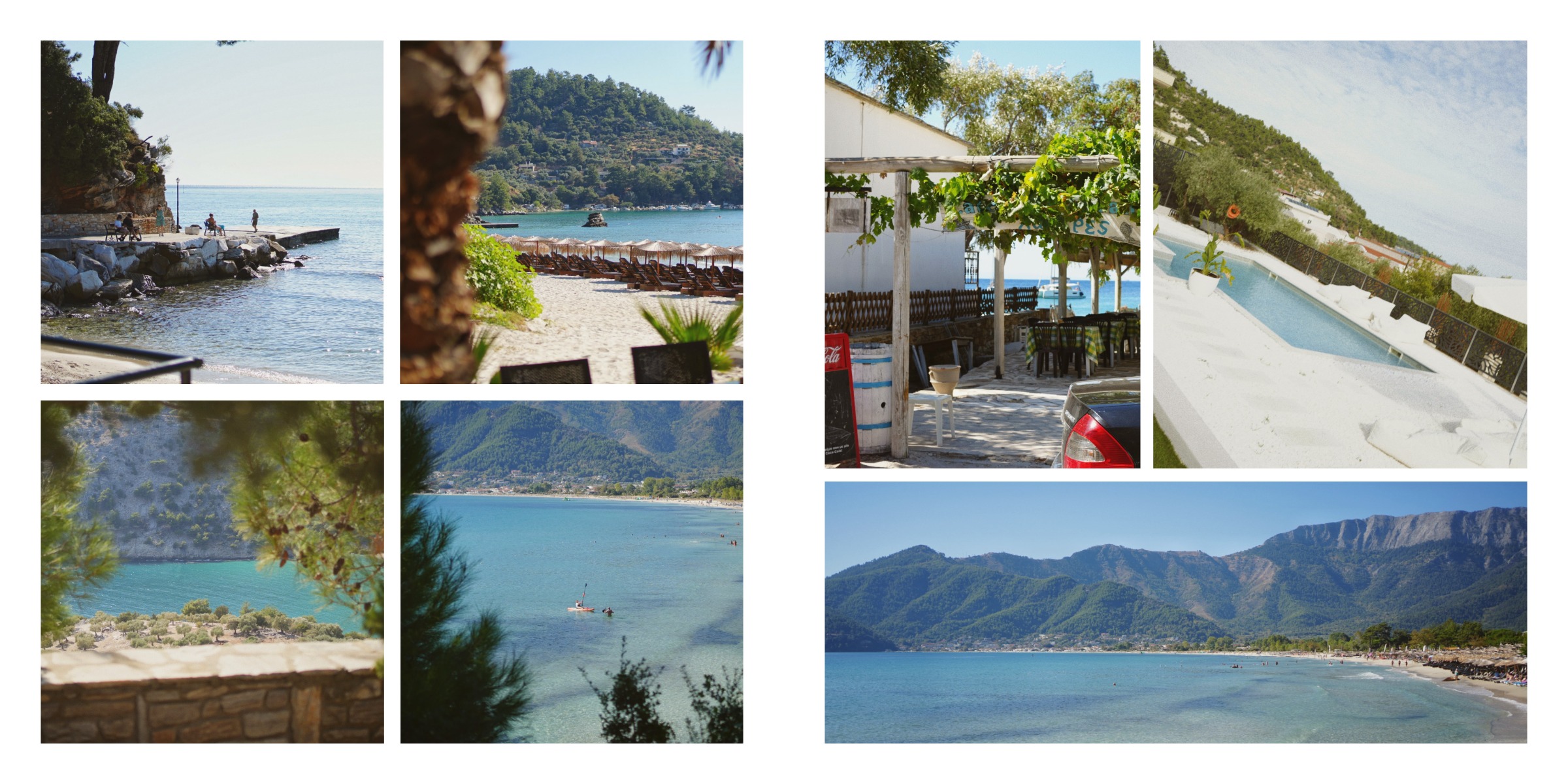
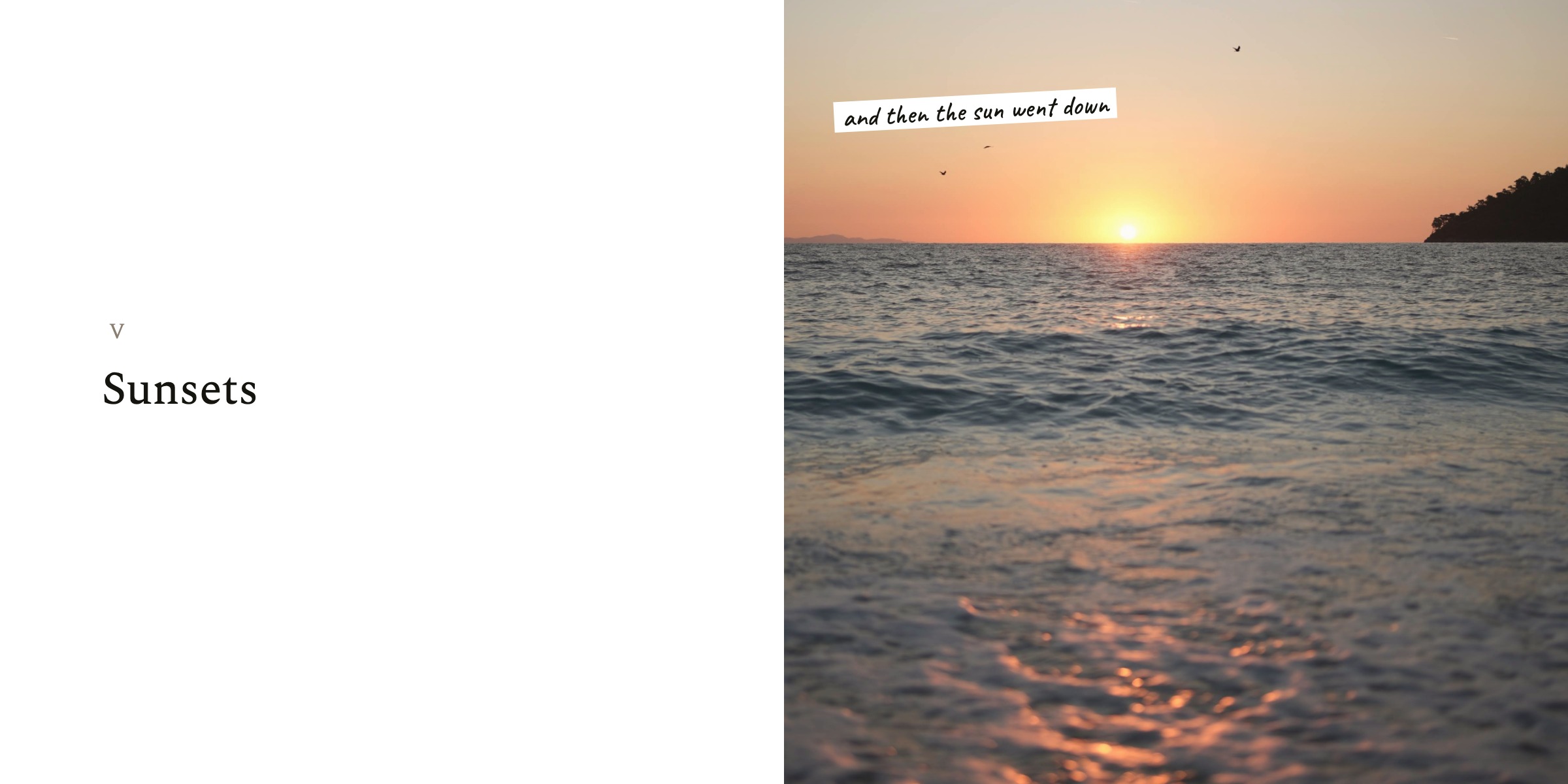
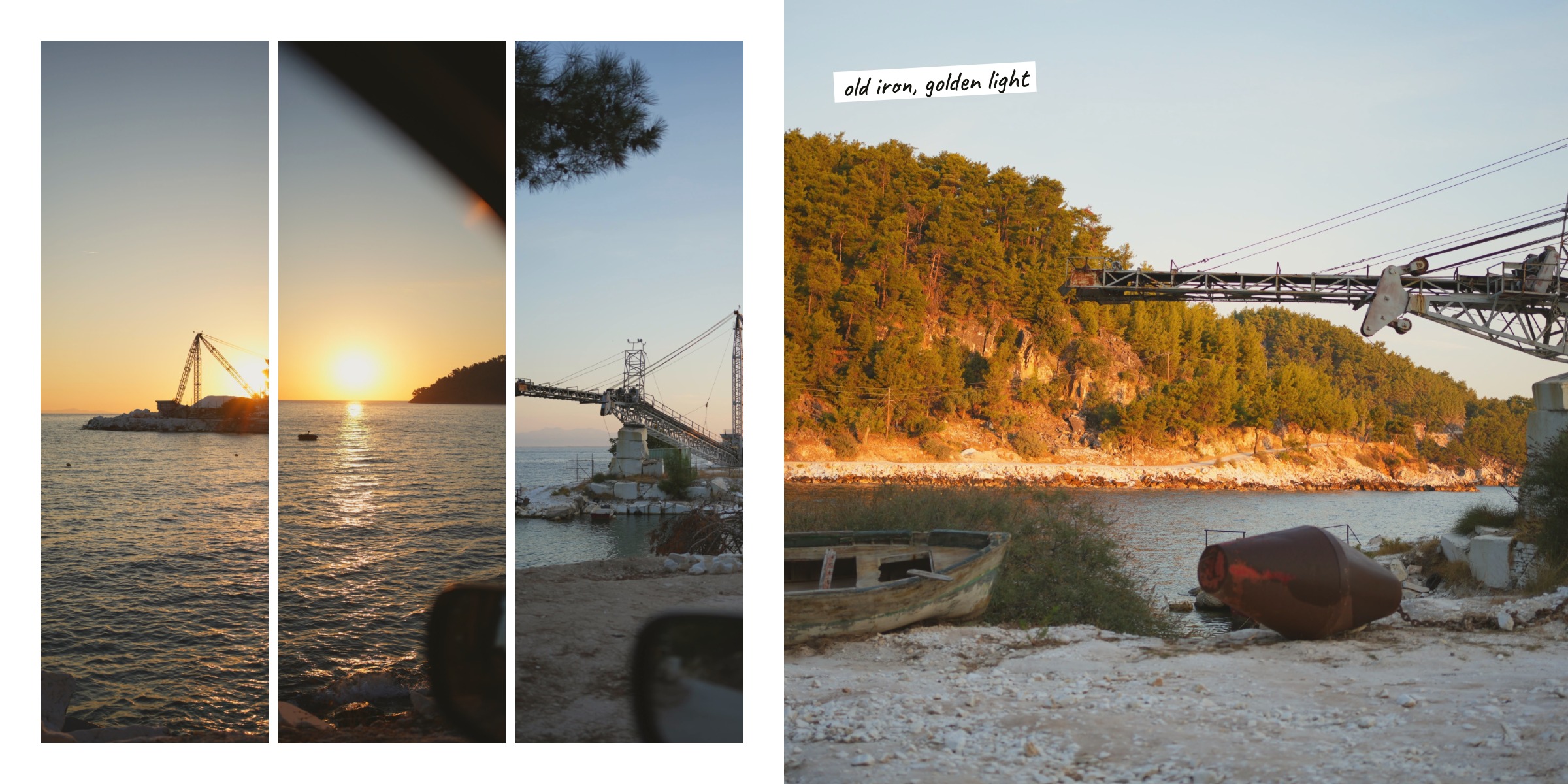
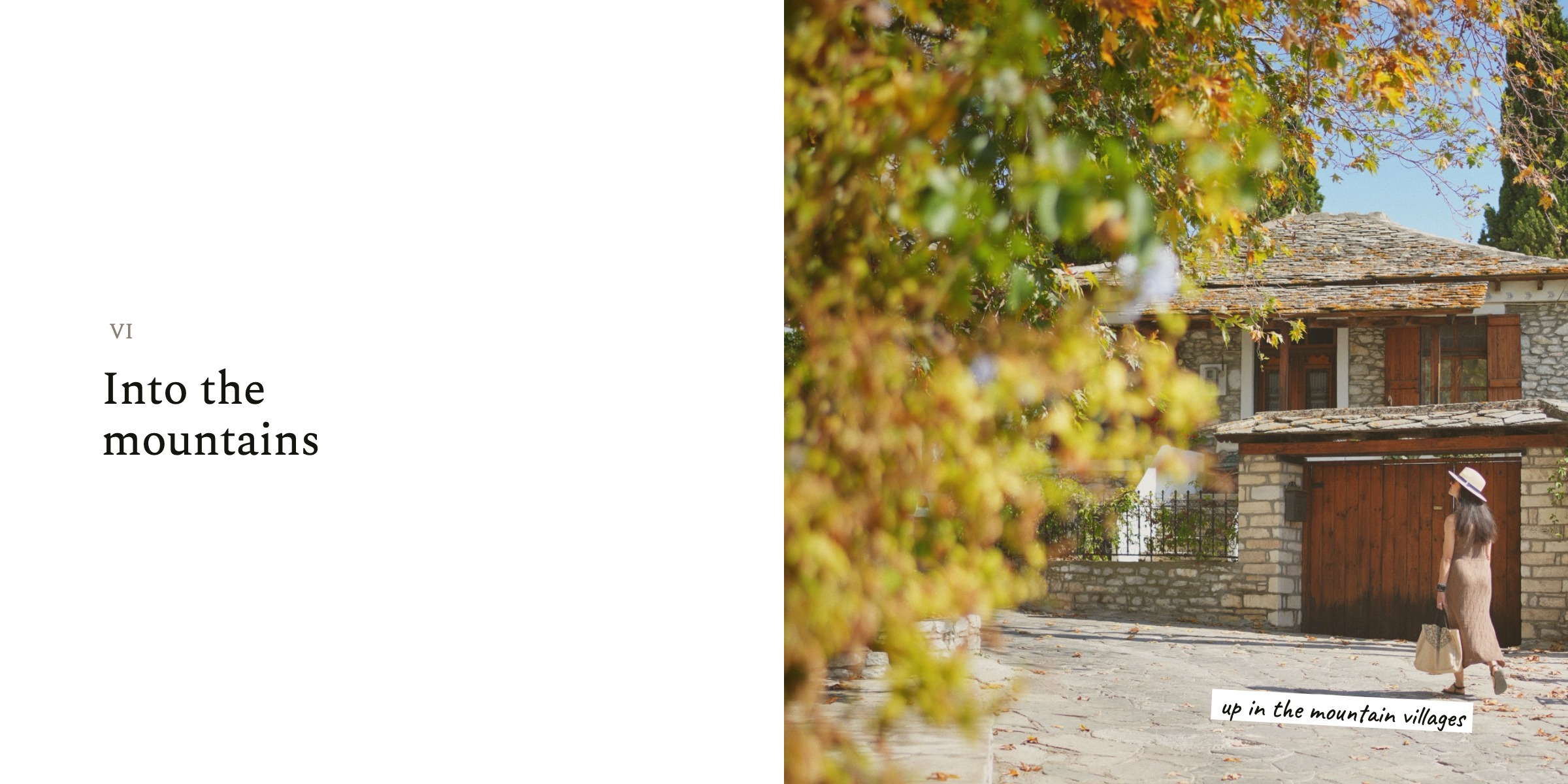
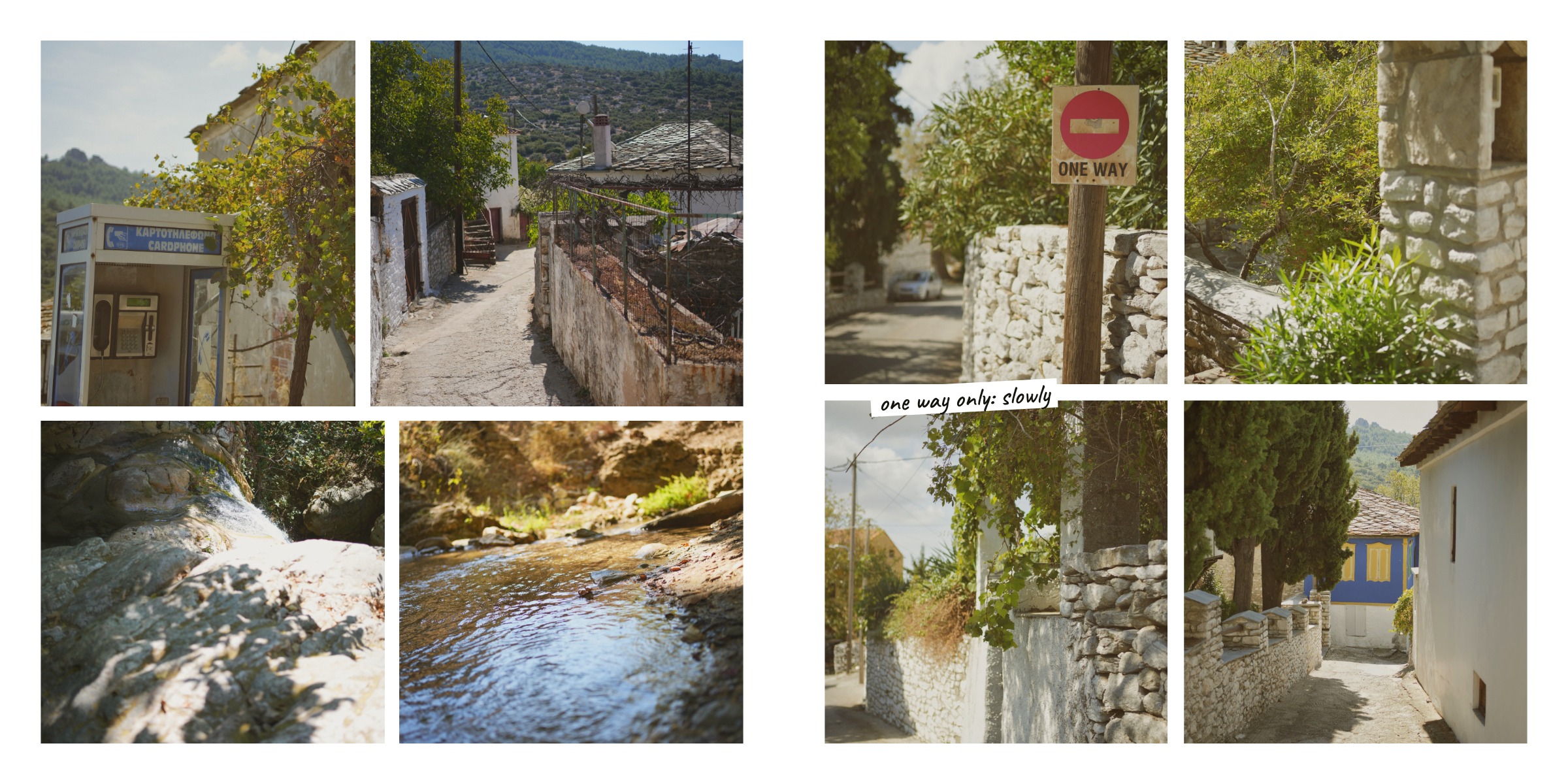
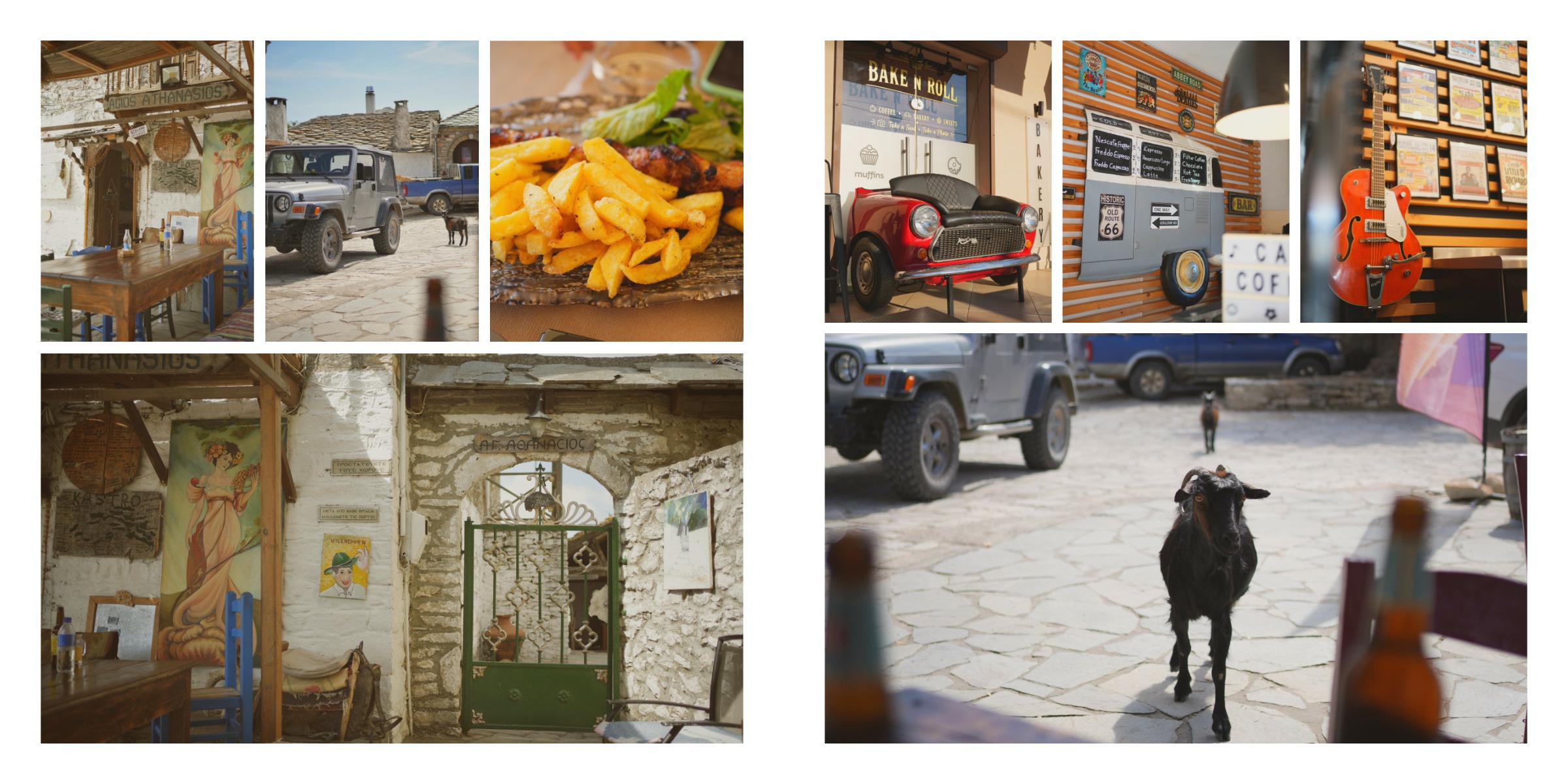
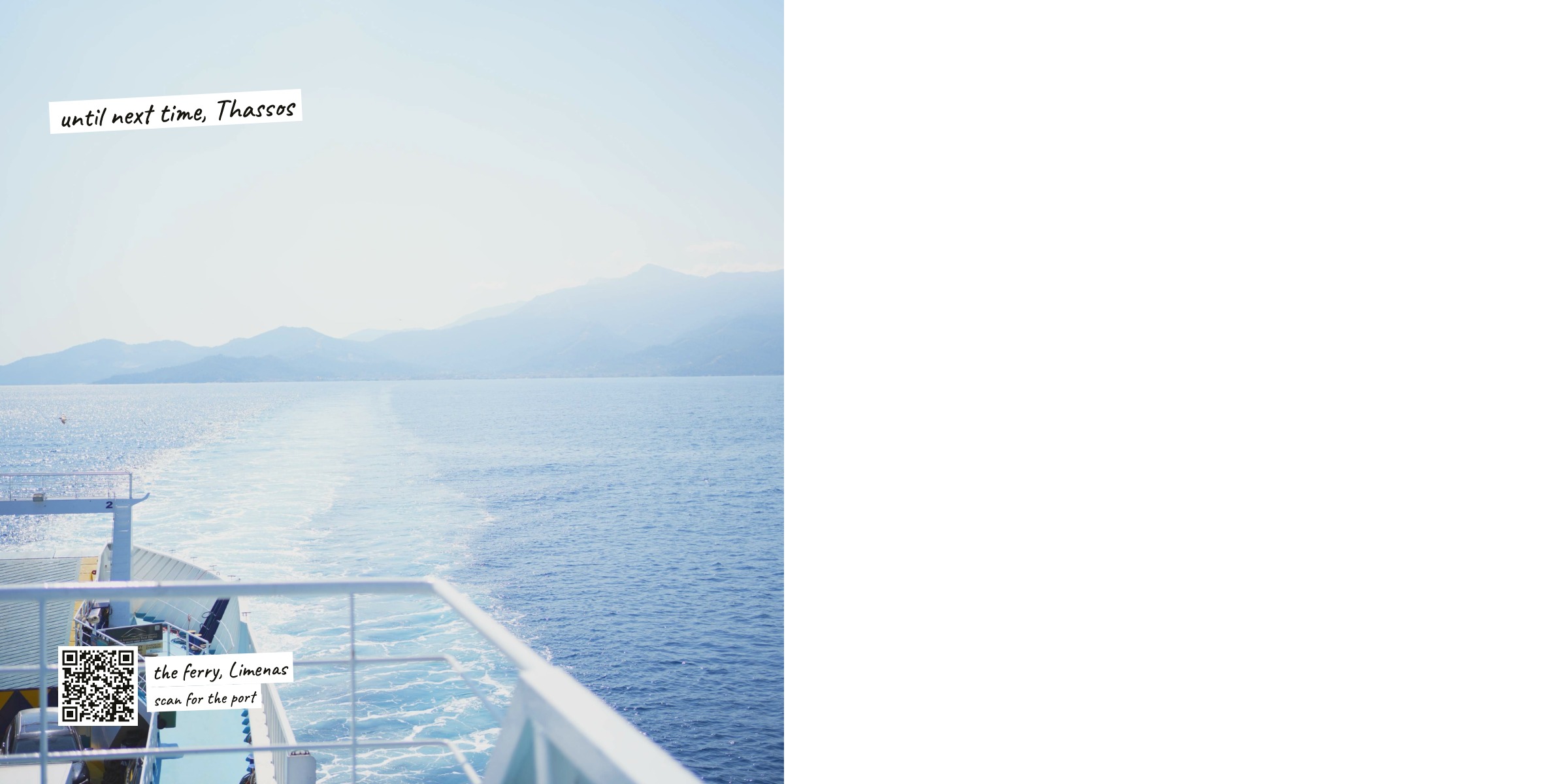
The Thassos 2026 album, for example, was made by the agent from a plain link to a Google Photos album. Then I asked for a few more things, in my own words:
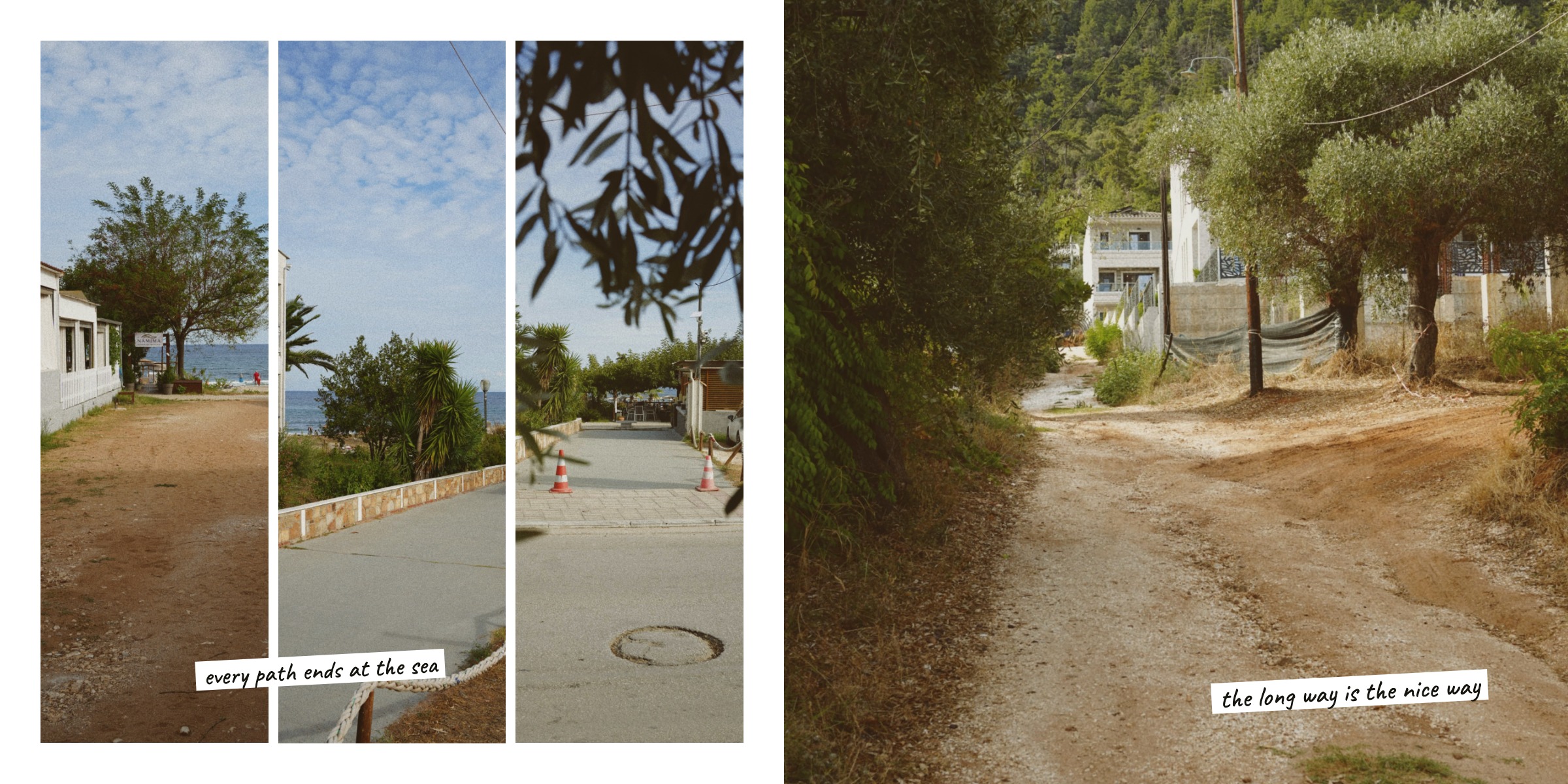 add QR codes to Google Maps for the places we know
 a drawn map of the island with pins, and a contents page
 a postcard at the end
One engine
Once I saw what was possible, I brought the new editor to the zine. Then - and this was the hard part - to the photo album: covers, a spine, pages at 300 DPI, and a PDF where the text stays as vectors, the way printers want it.
What we're not
What I find amazing today
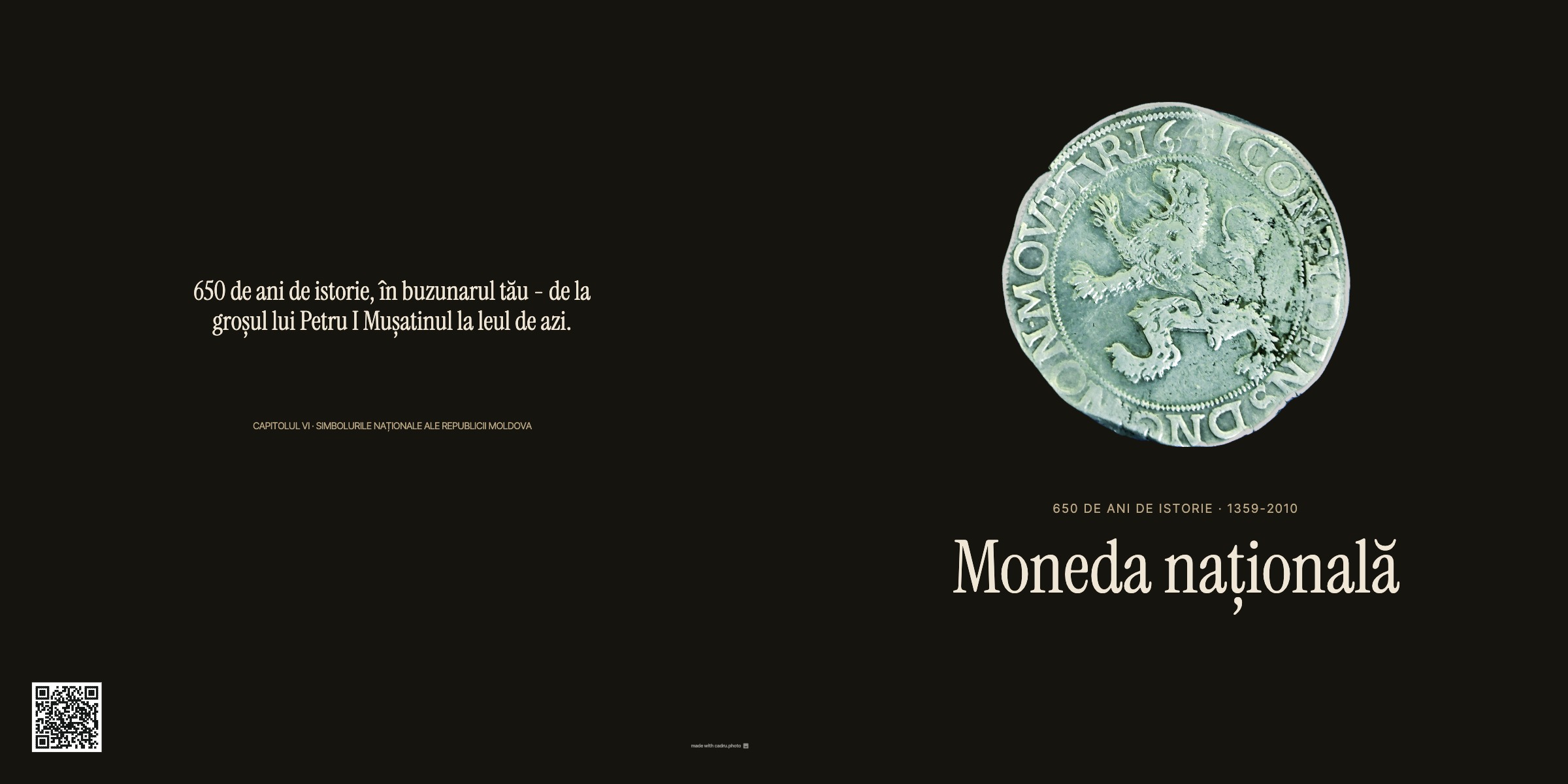
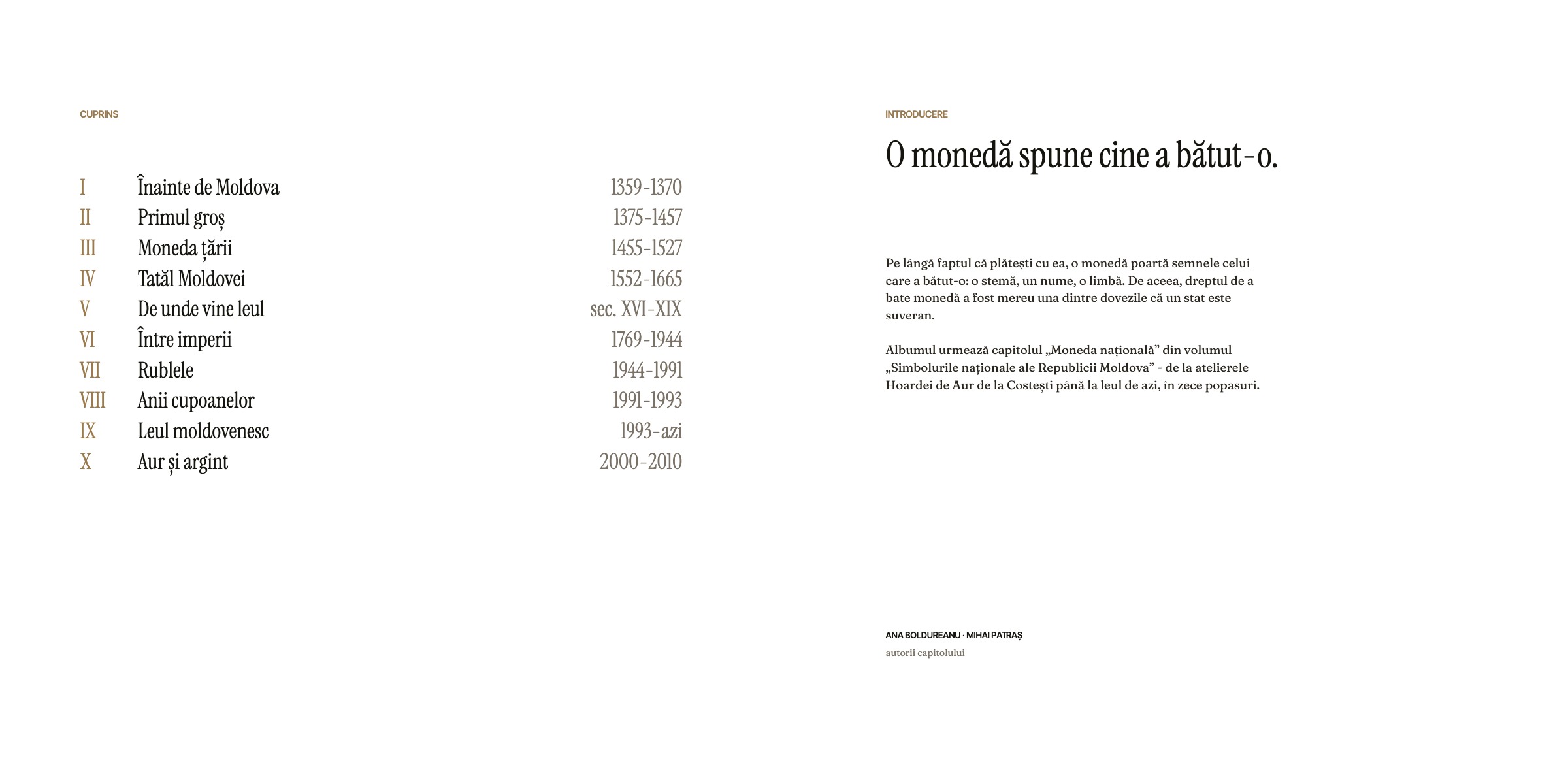
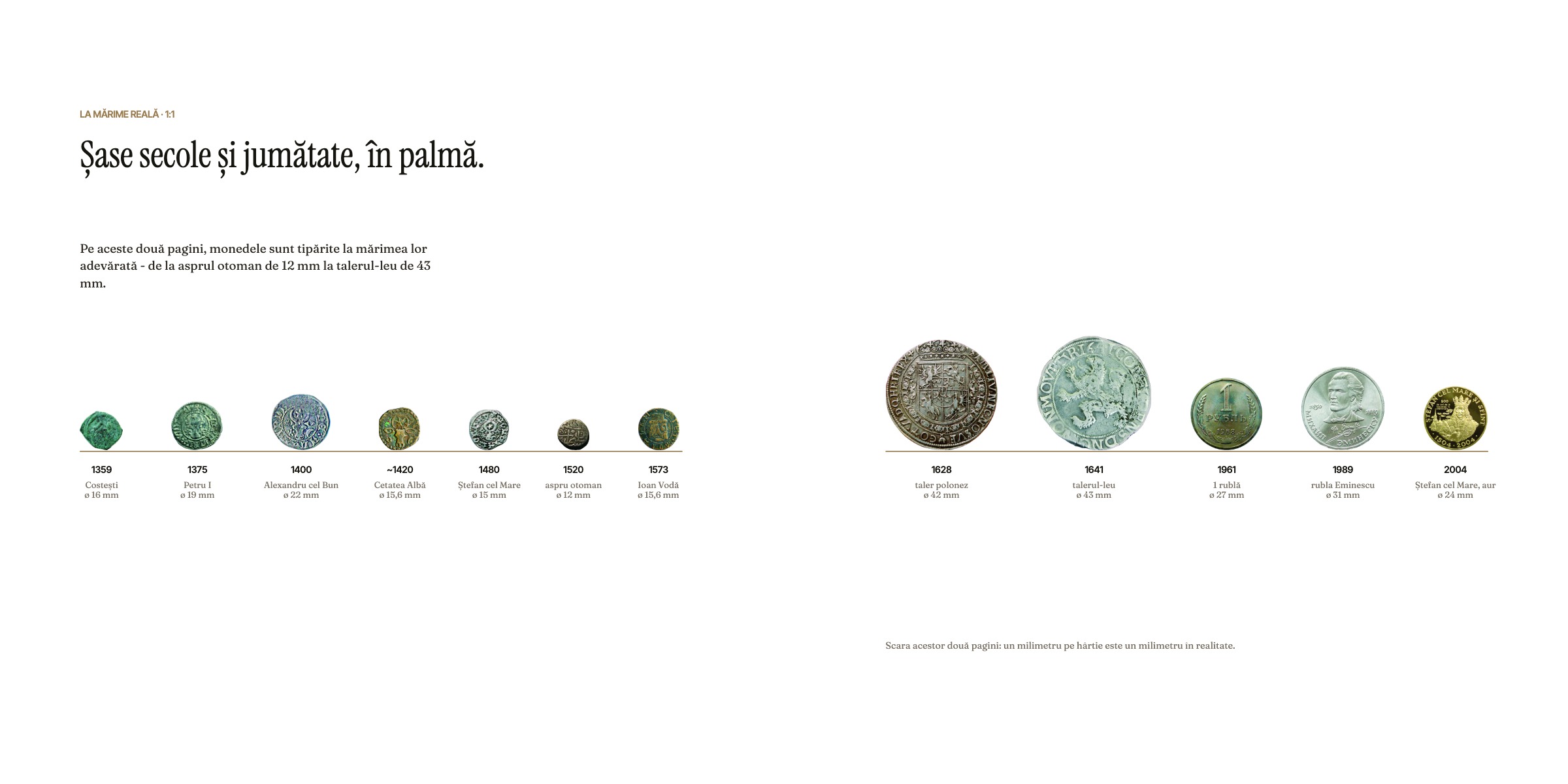
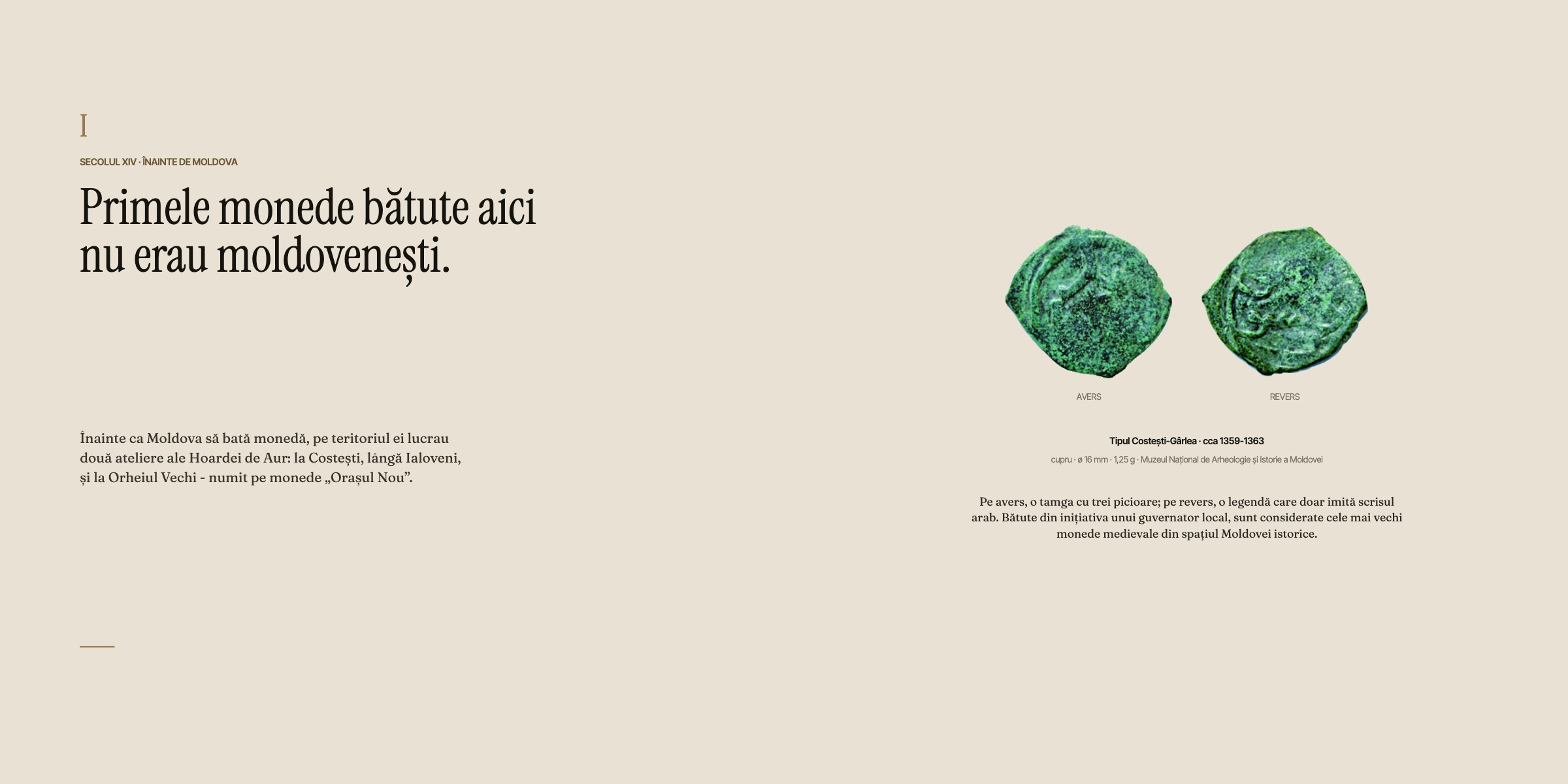
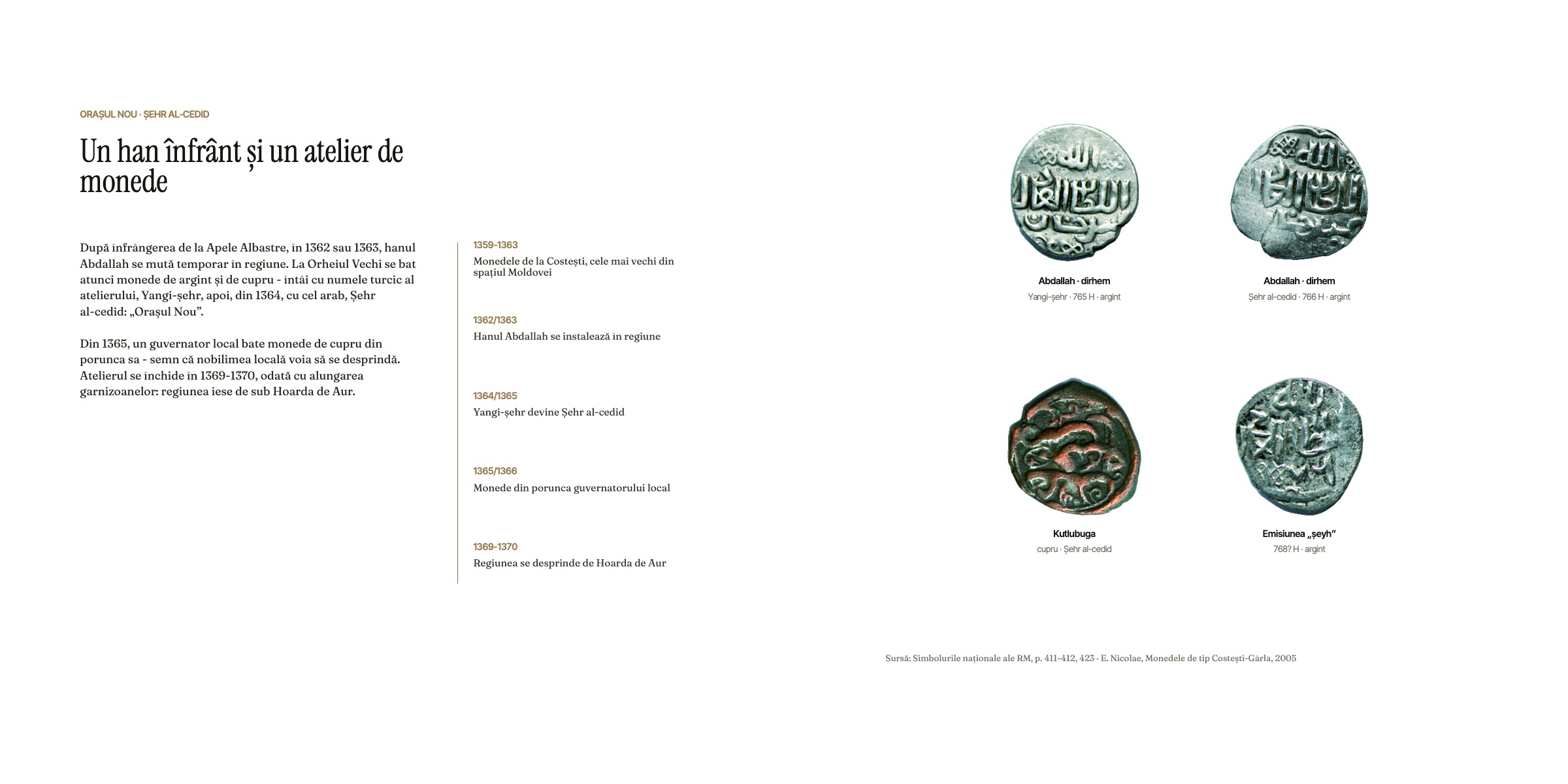
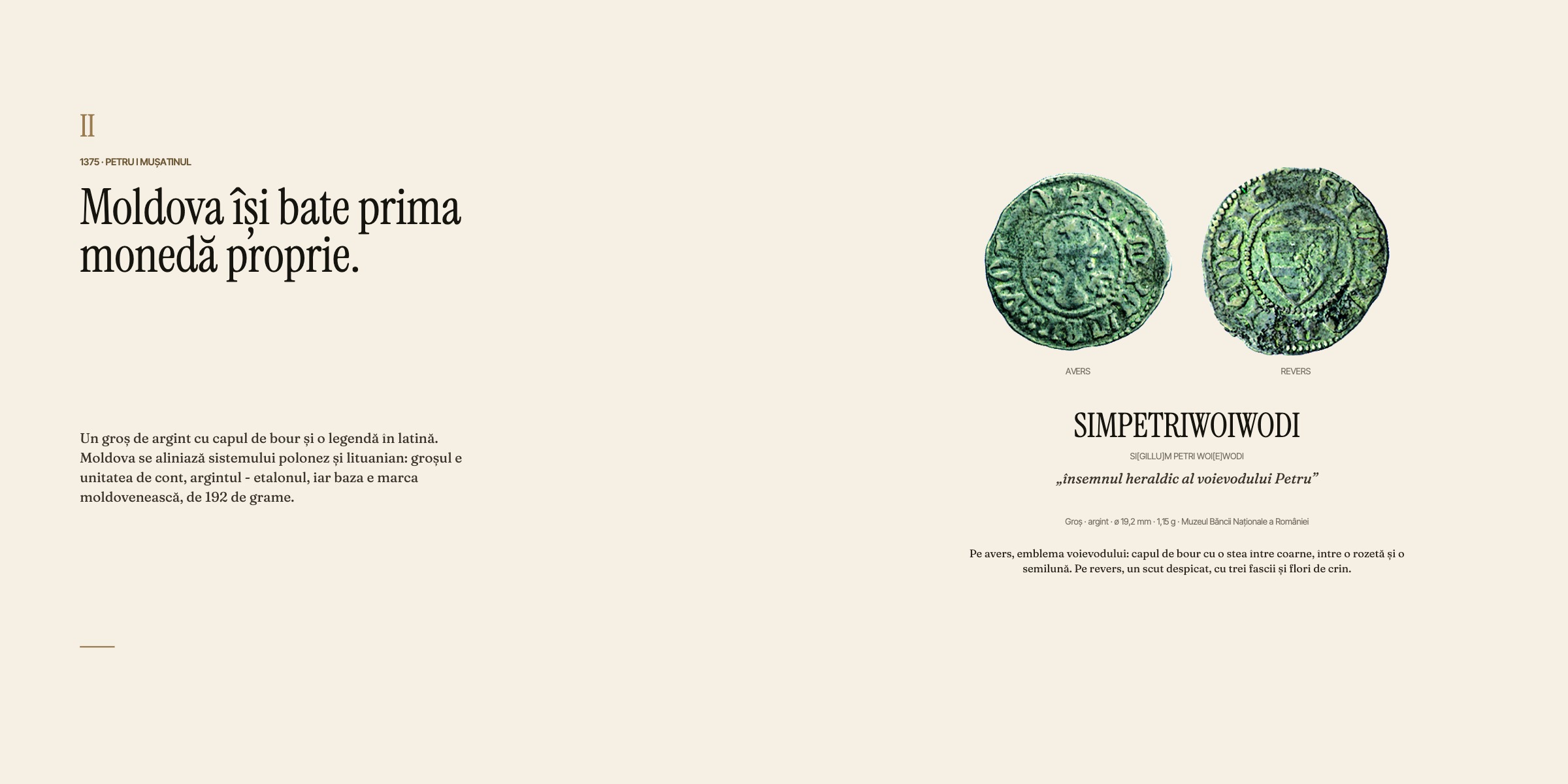
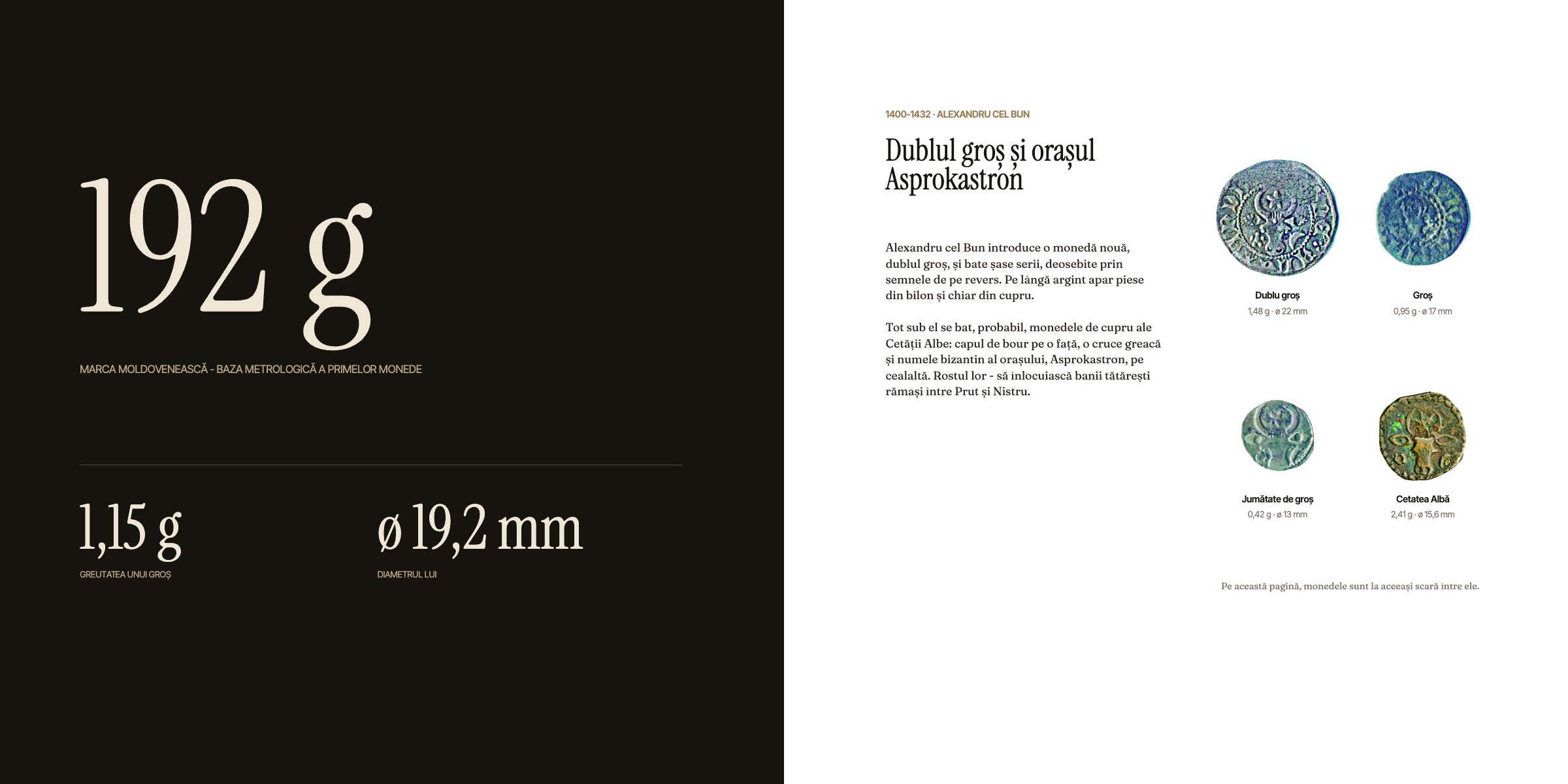
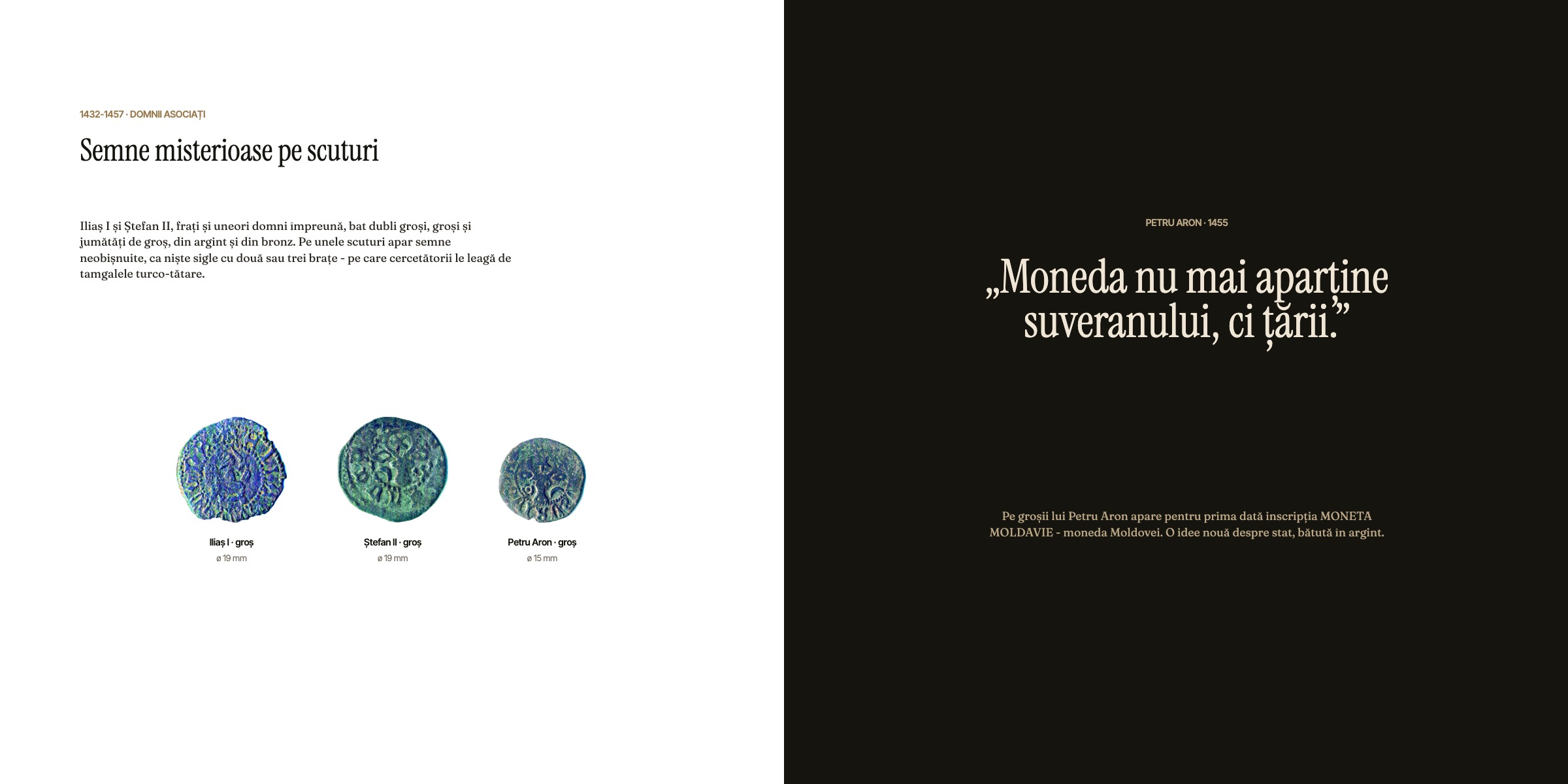
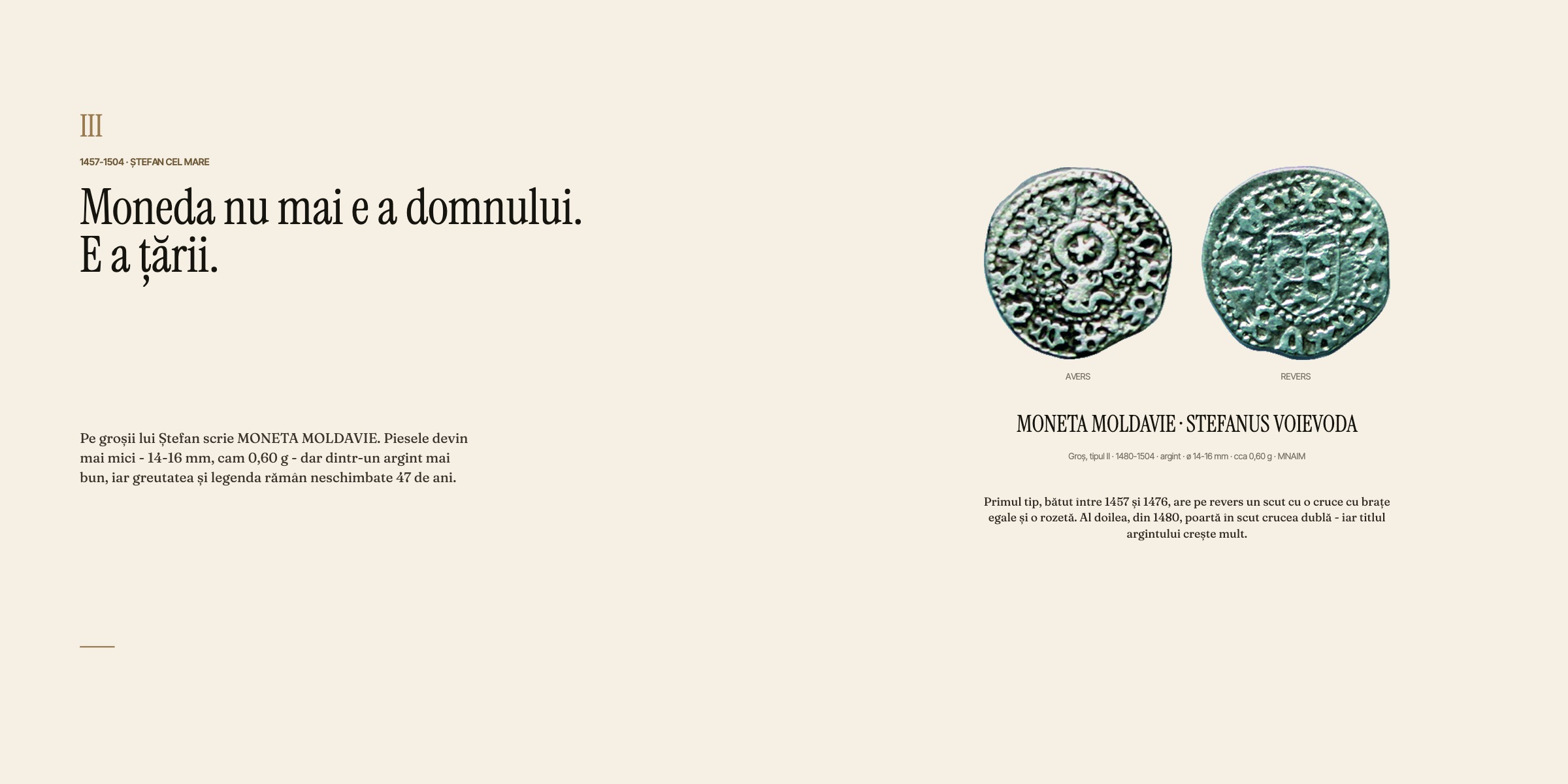
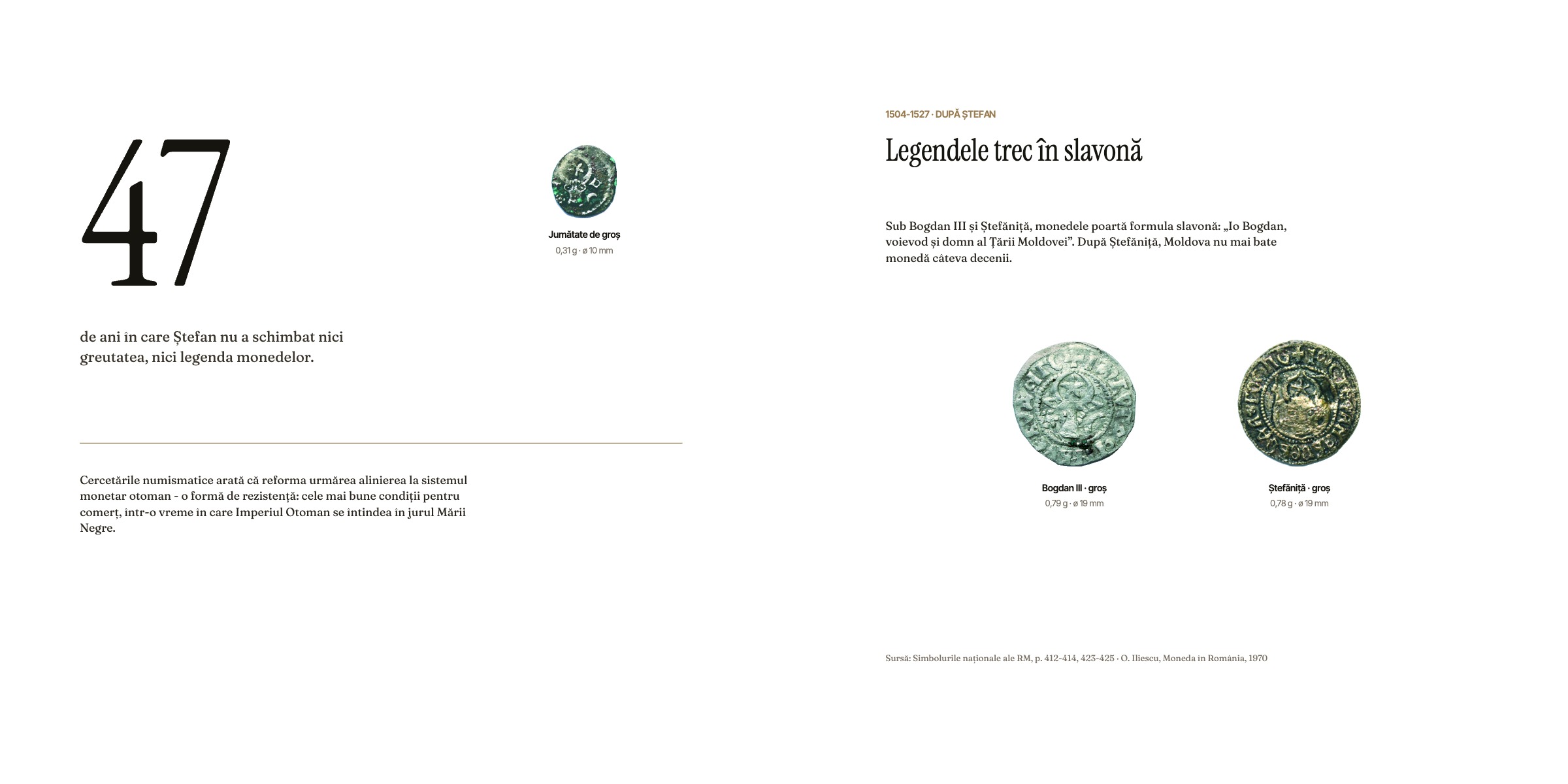
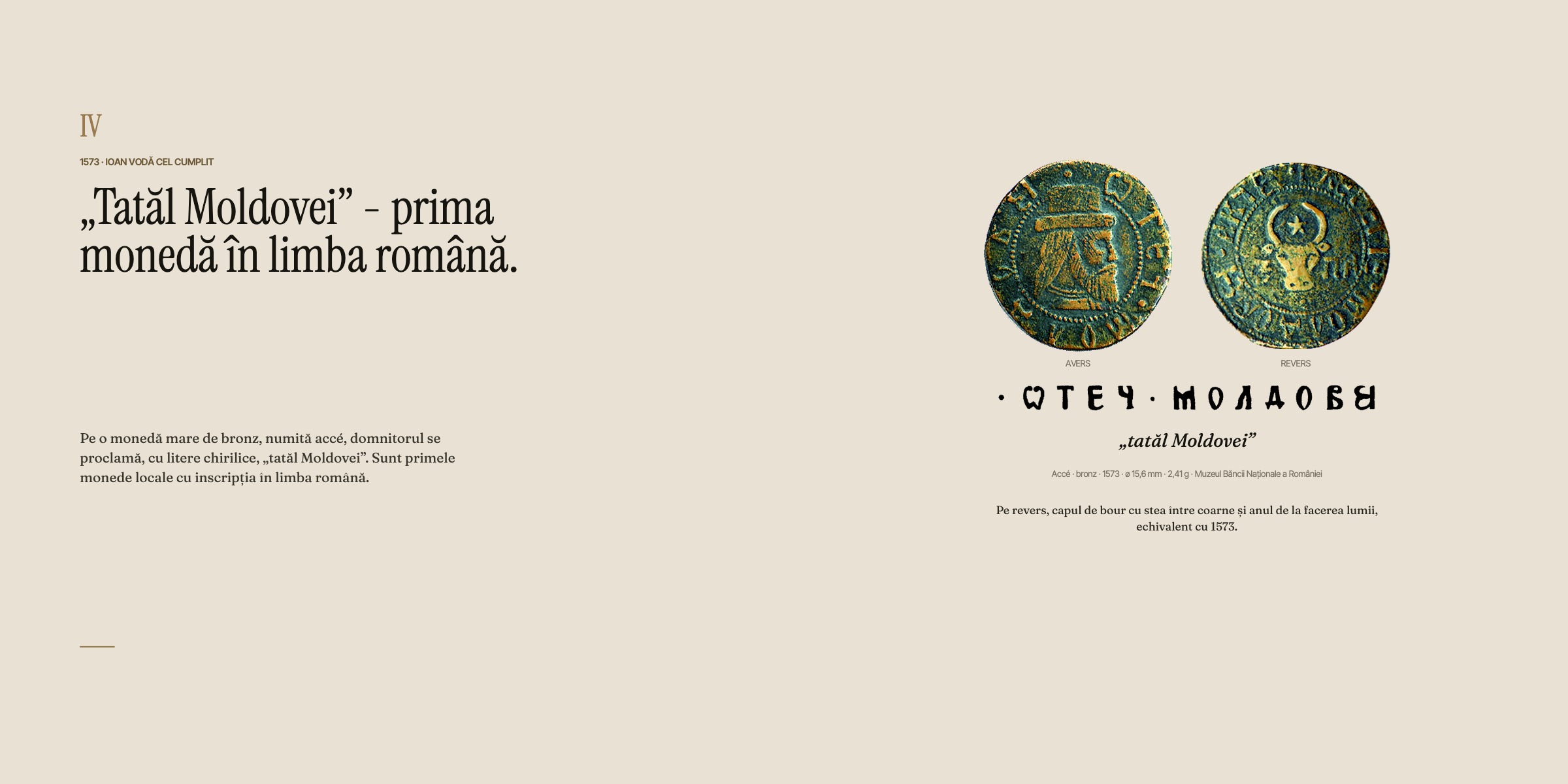
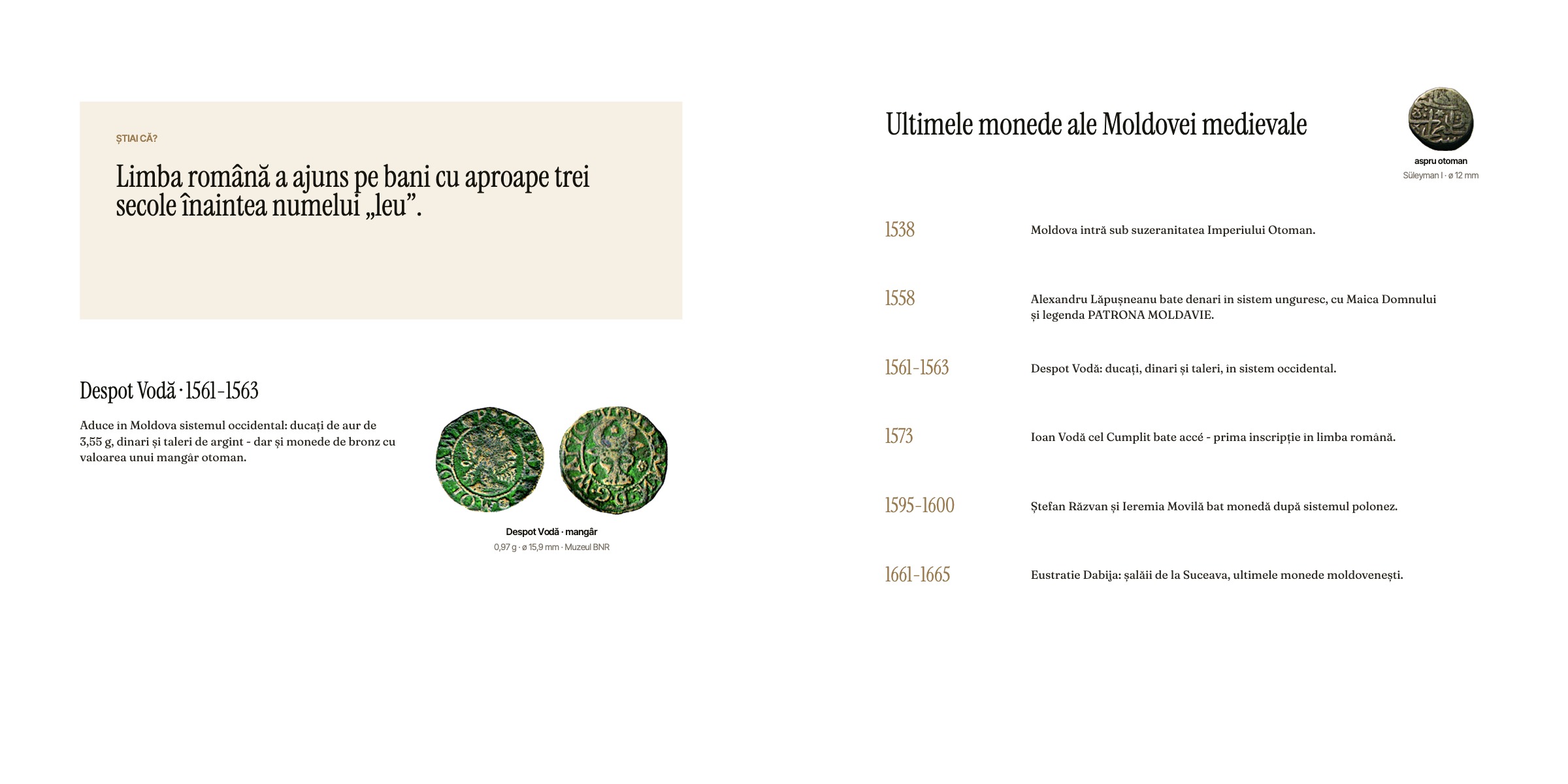
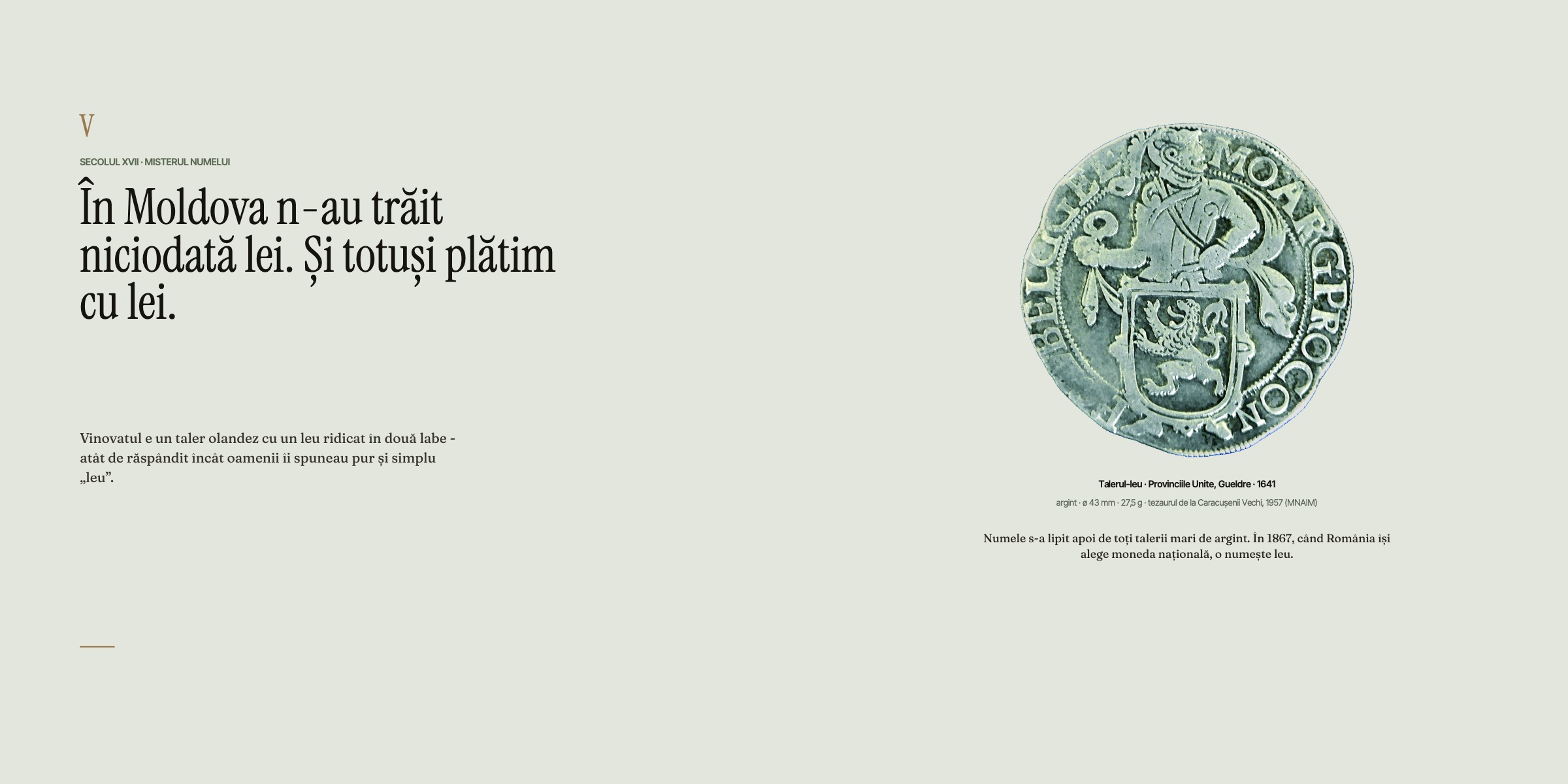
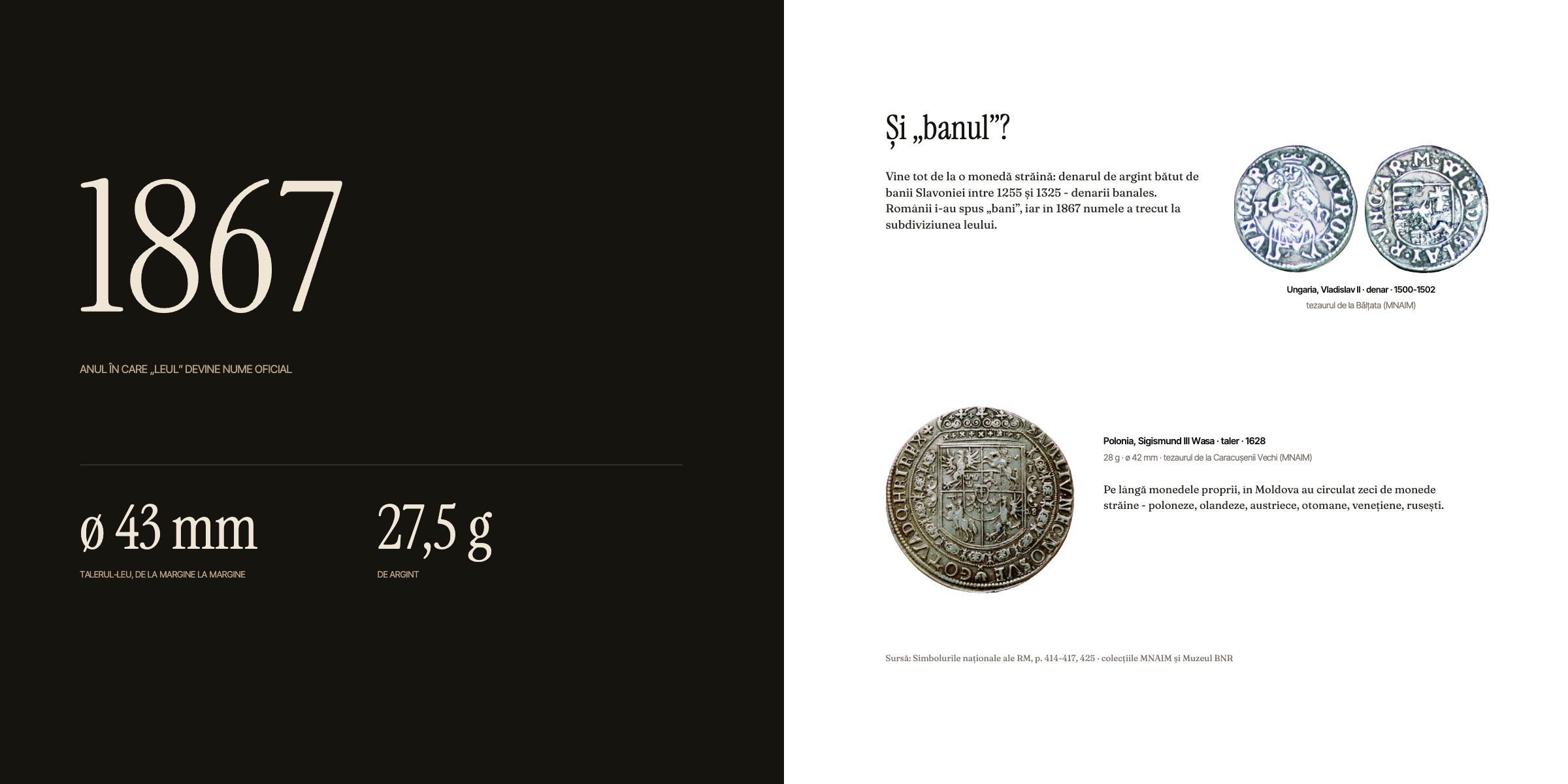
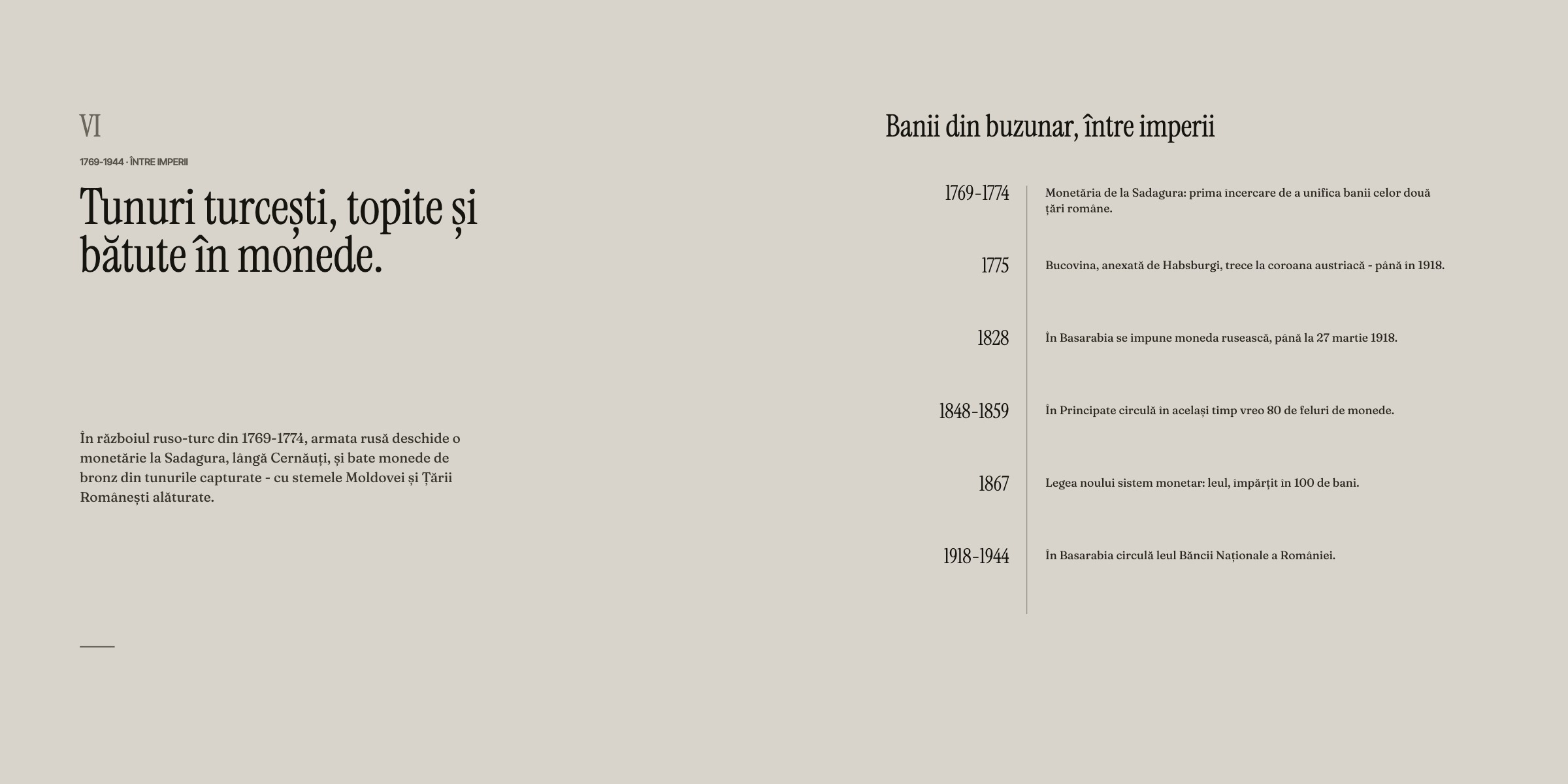
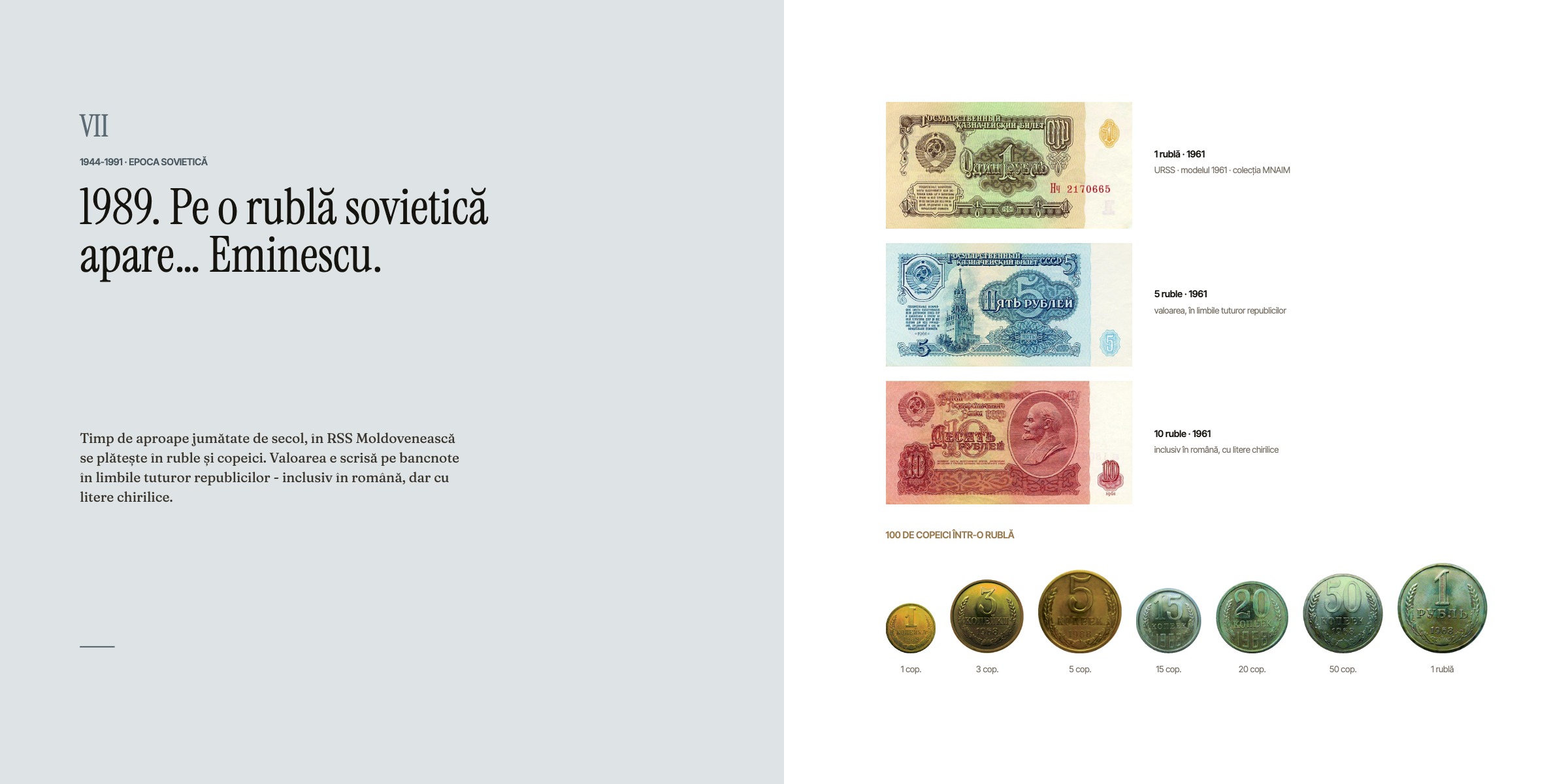
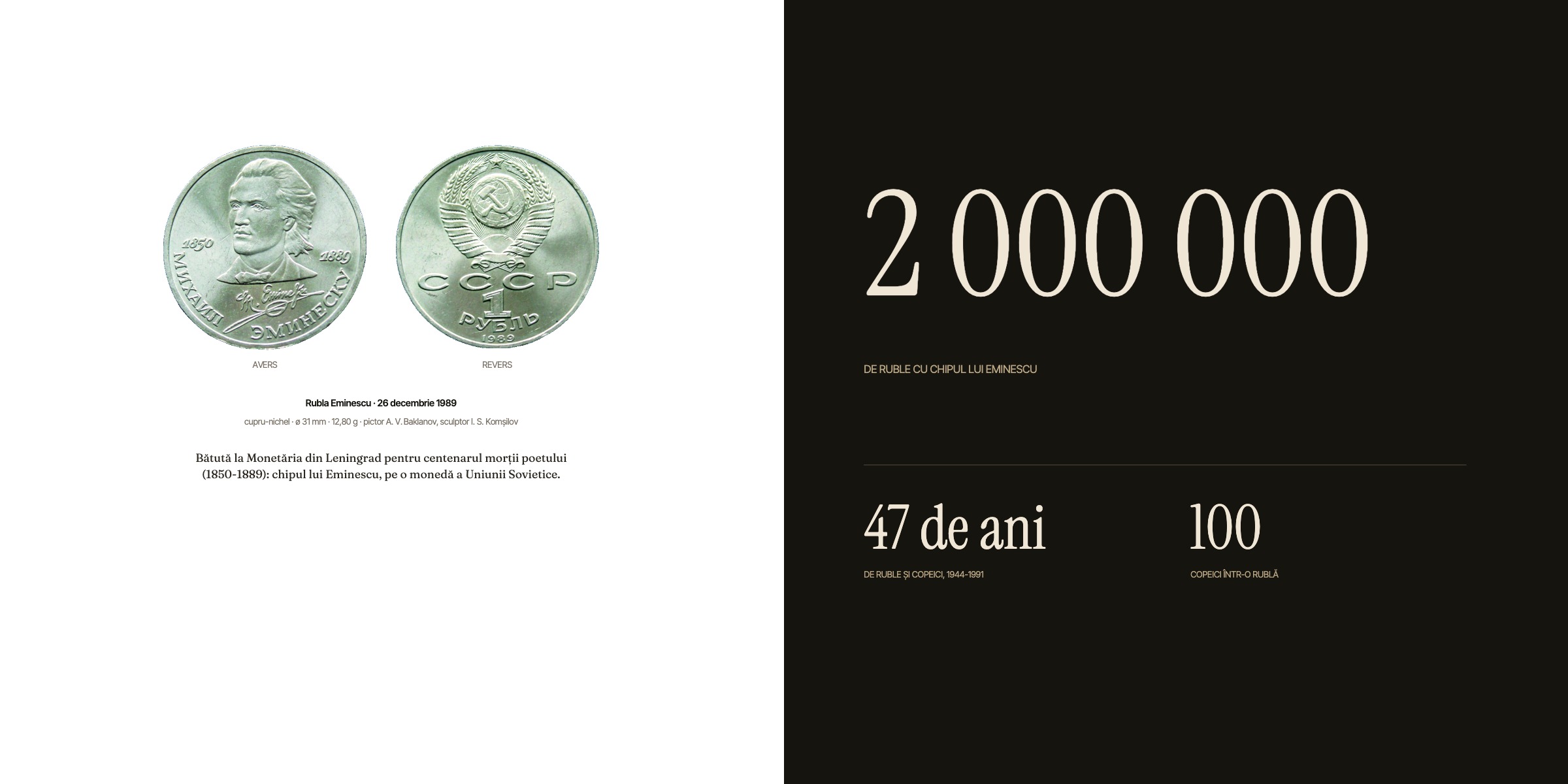
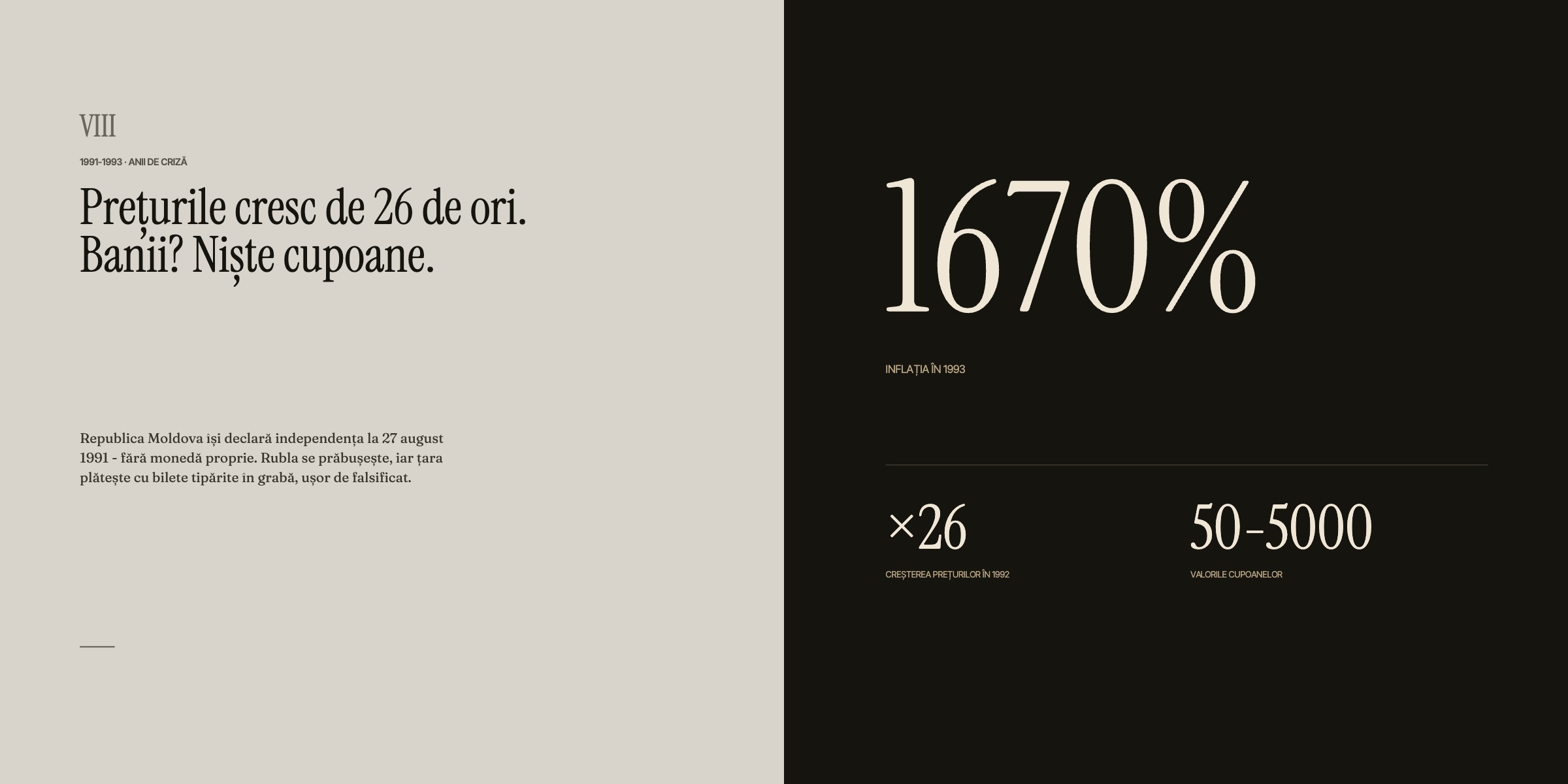
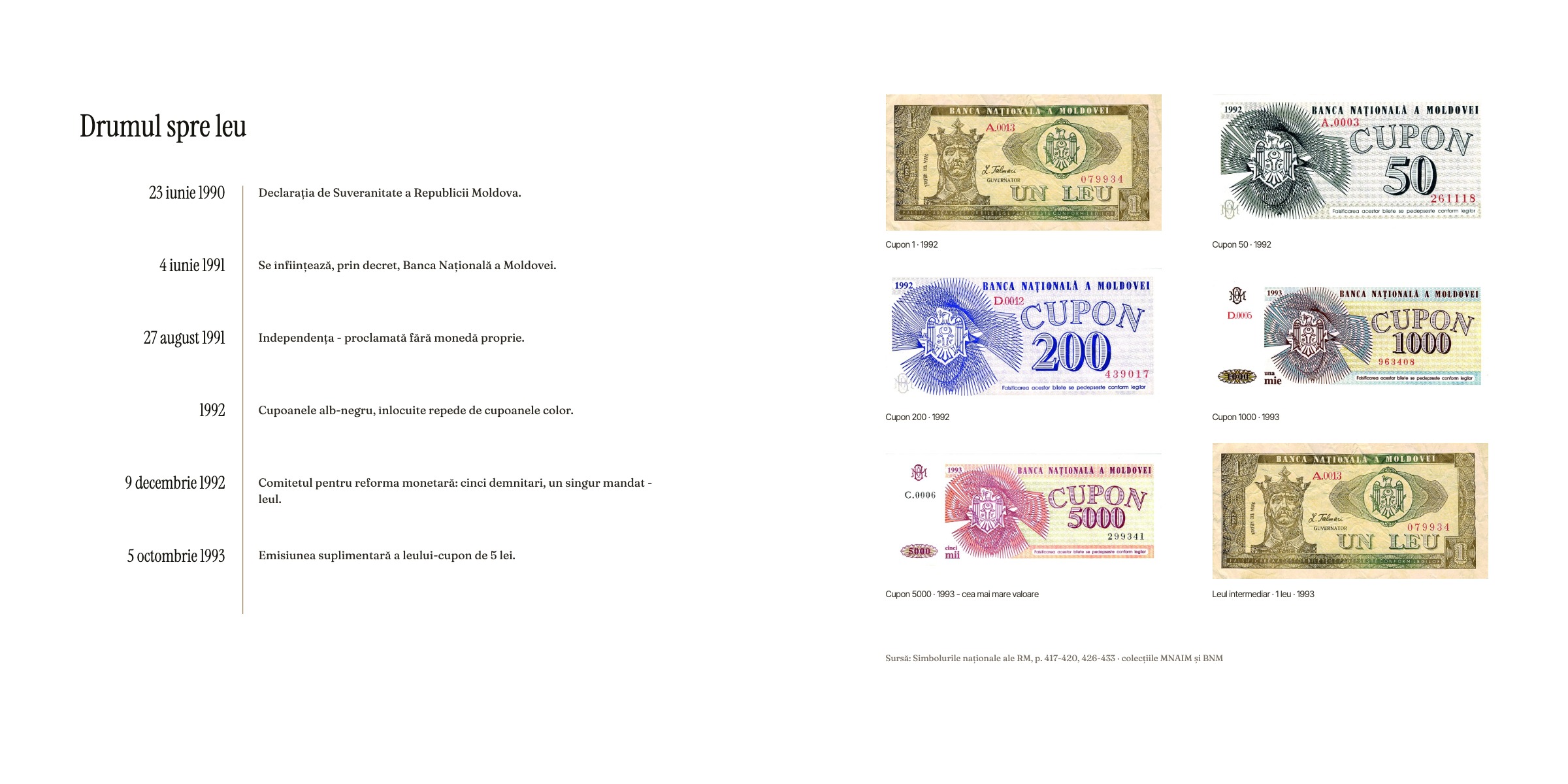
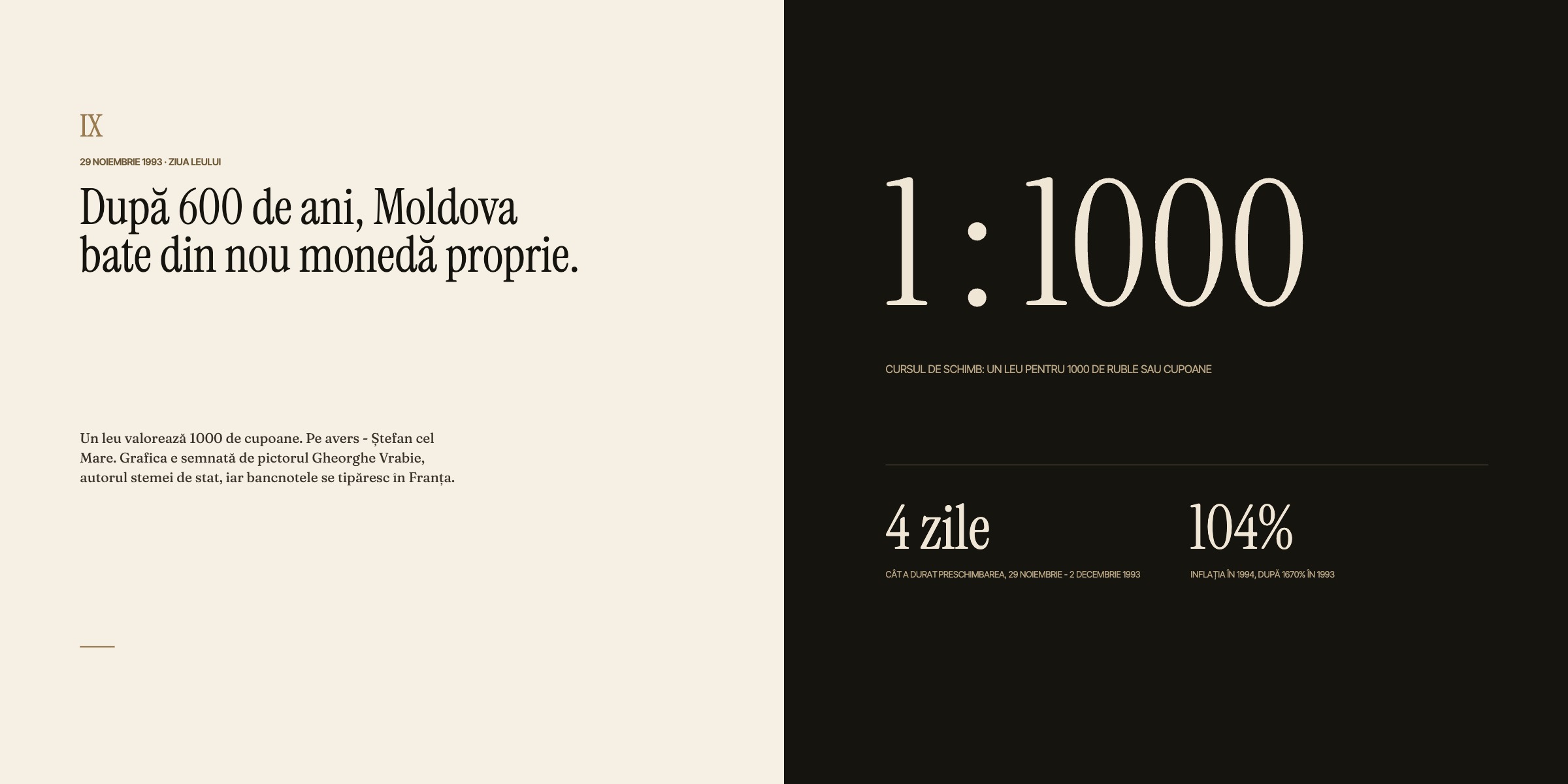
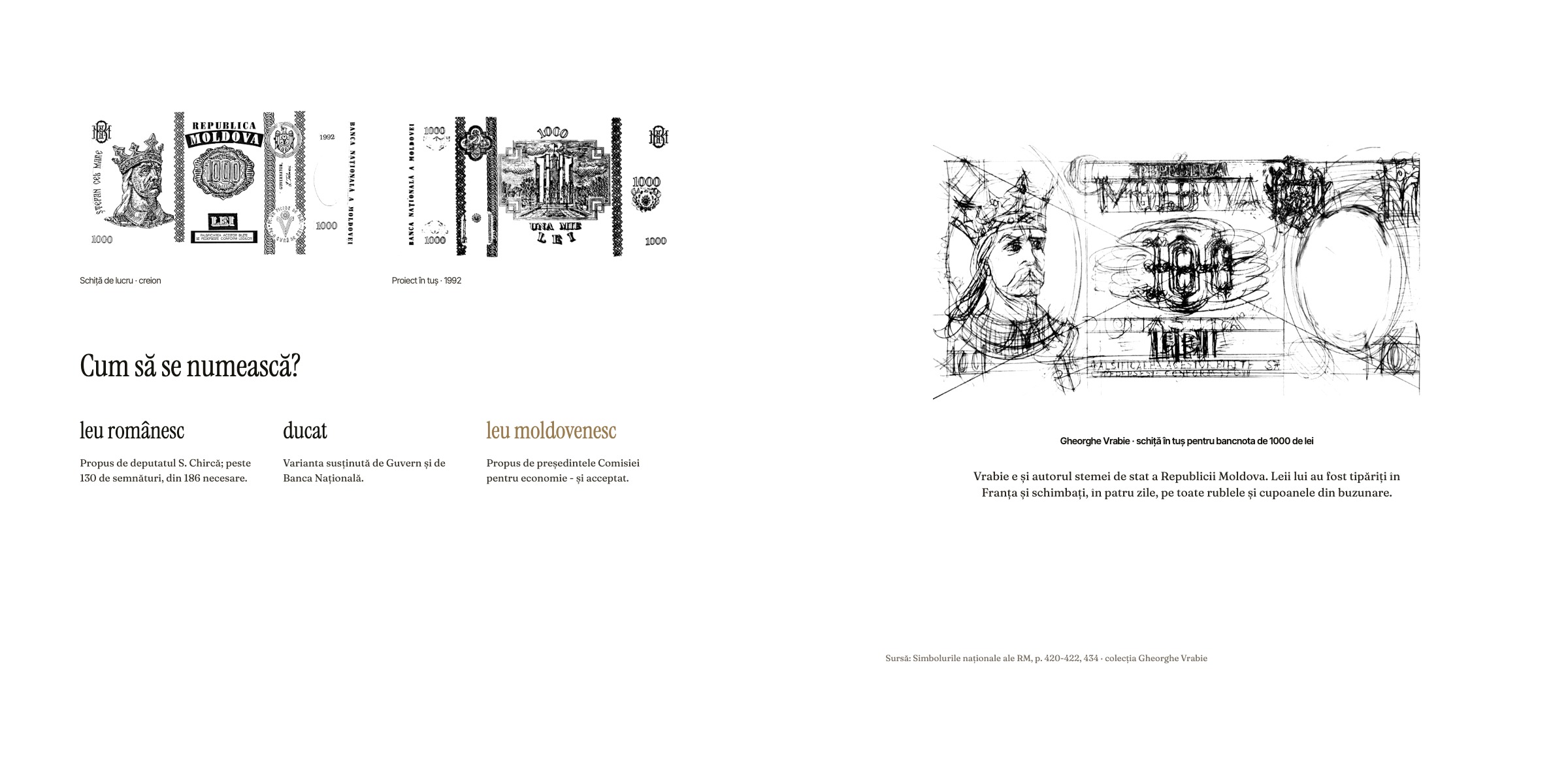
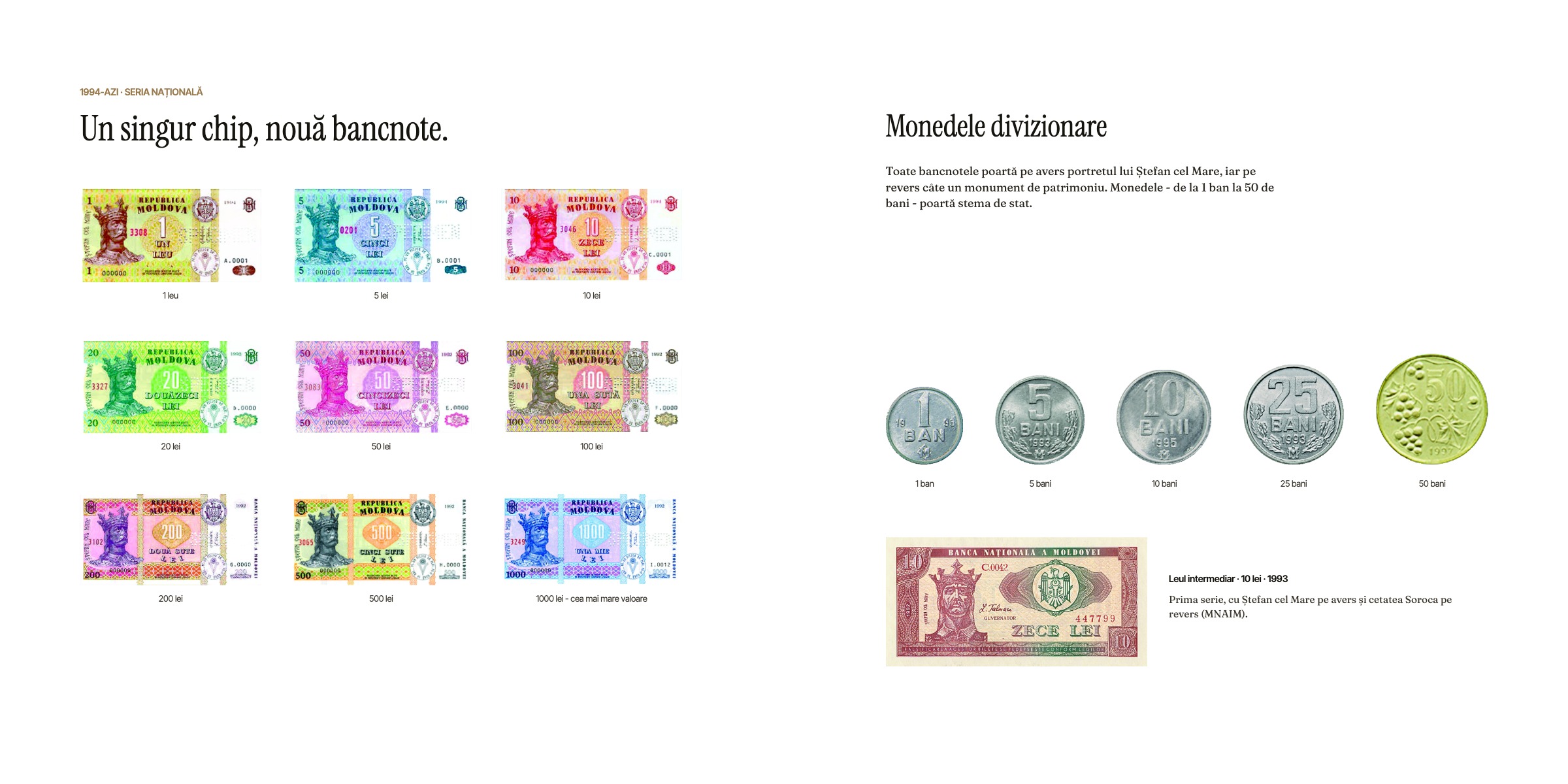
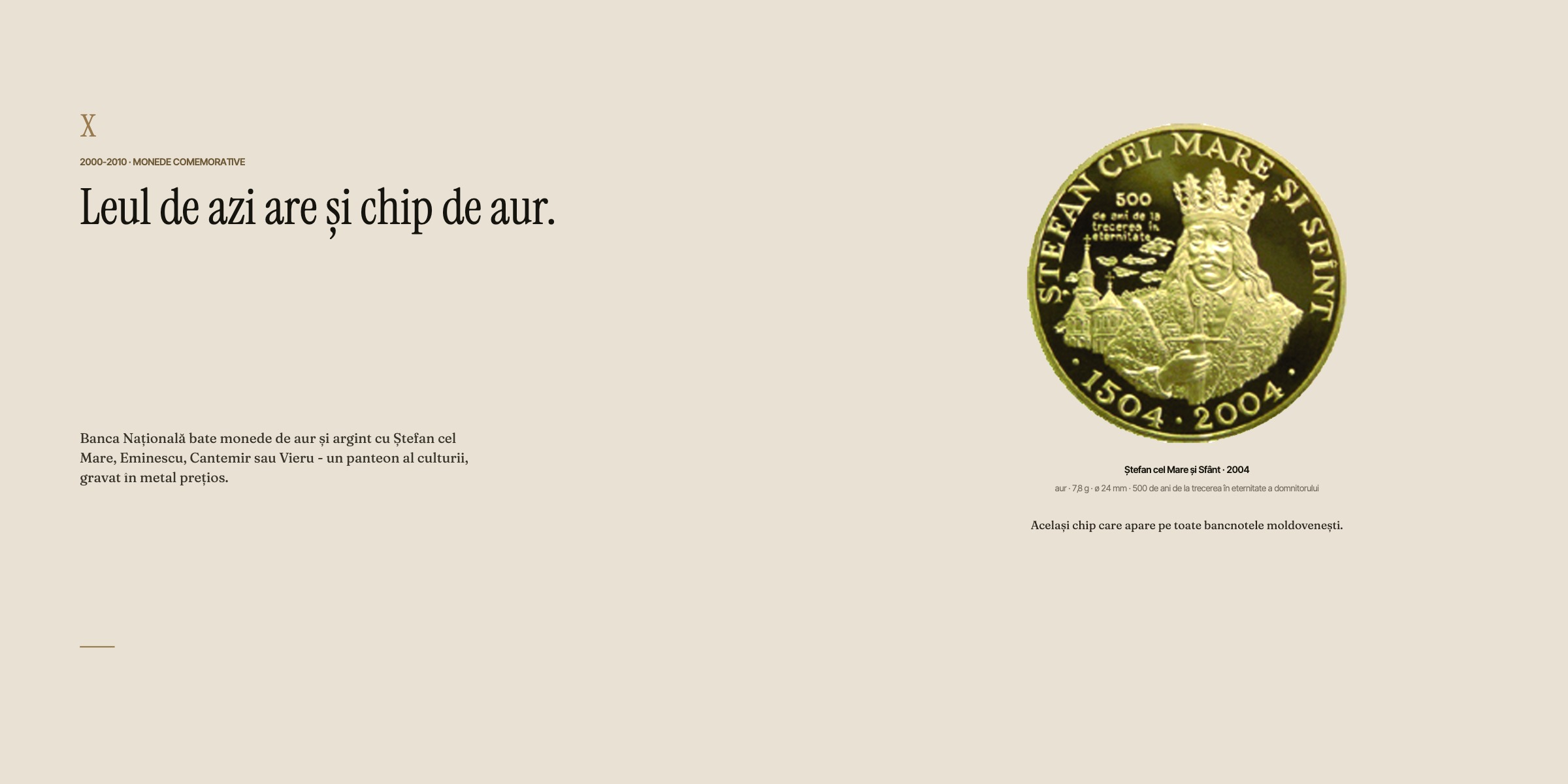
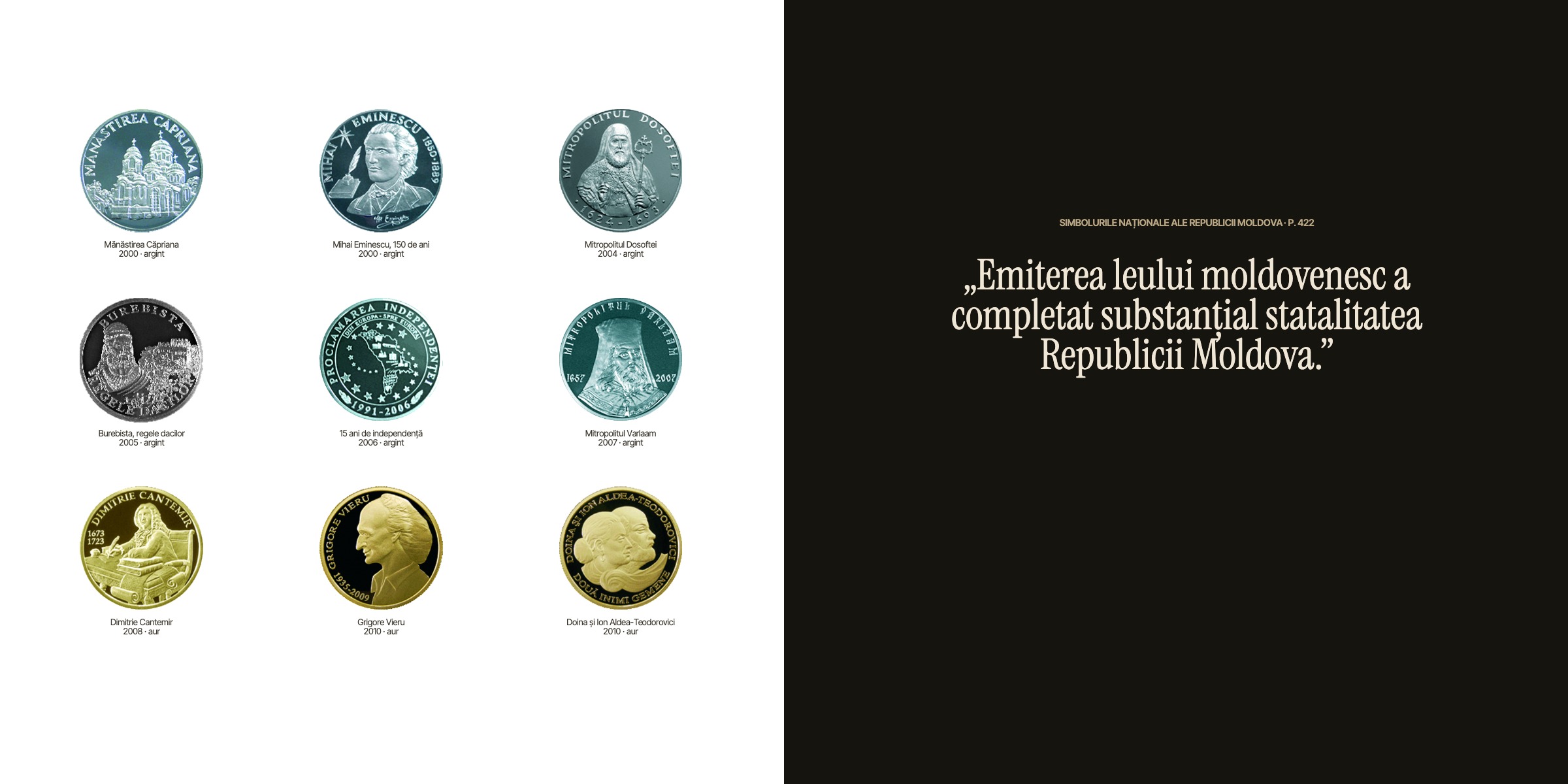
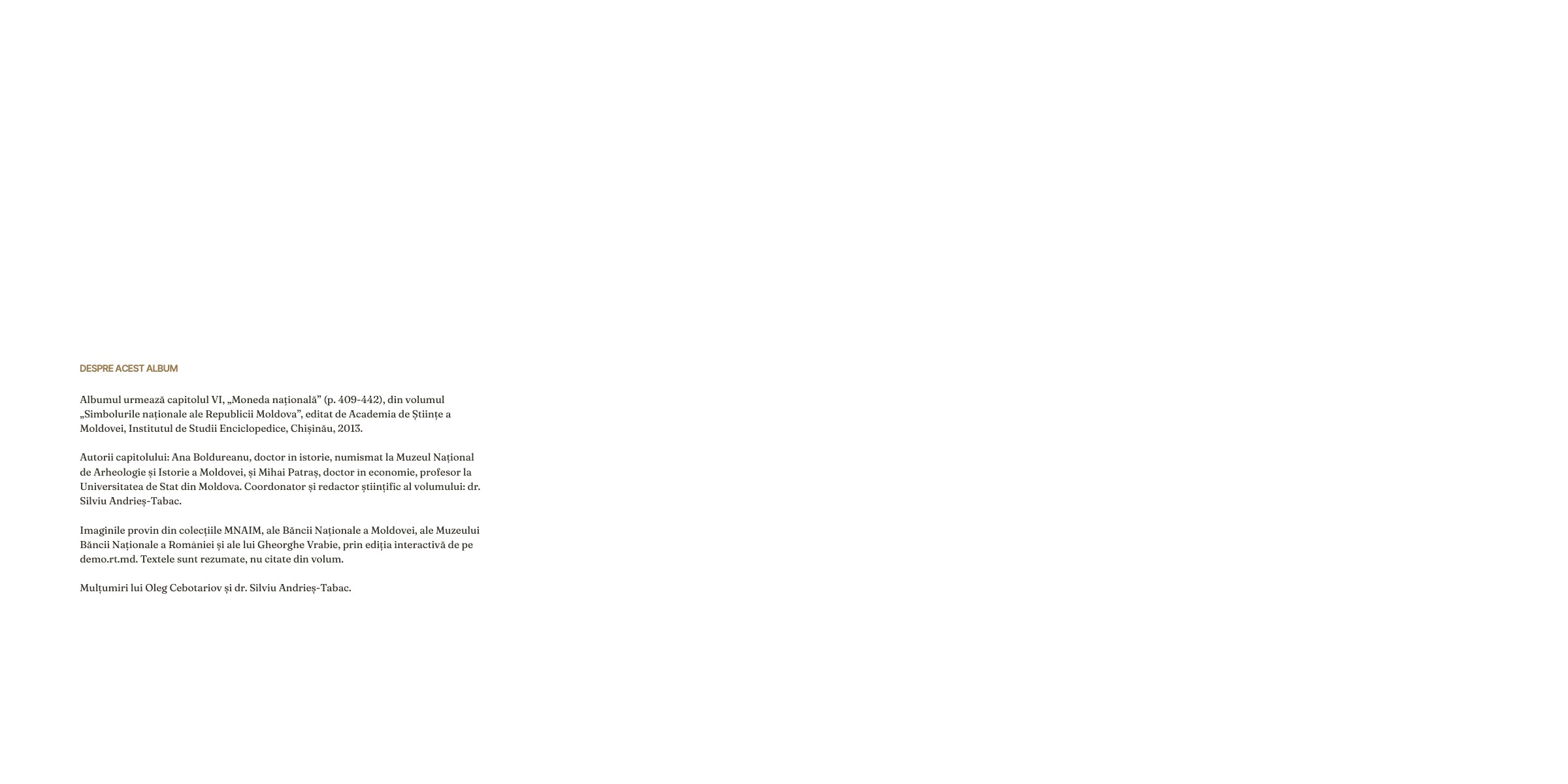
Recently I tried it with a long article on the history of the national currency. I gave the agent the text and the images and asked for a book. It came back with a cover, a title page, chapters, and full-page photos where they earned the space. I opened it in the editor, changed a few things, and it was ready to order as a printed album - or to download as a PDF.
A few minutes. From an article to a print-ready book file - one you can order as a hardcover, even as a single copy.
That still amazes me. And it's why Cadru keeps going.
Give it a try
So I'm inviting you to join the few dozen people who made an account on cadru.photo and created something - even if, most likely, many of them have forgotten by now that they ever used it.
If you have photos that deserve more than a scroll on your phone, connect your assistant to Cadru and tell it what you want to make. Or open the editor and start on your own. Either way, the file is yours.
RT